Release Notes - August 2026
This recap summarizes product changes released during August 2026, grouped by product theme.
Highlights by Theme
Modeling
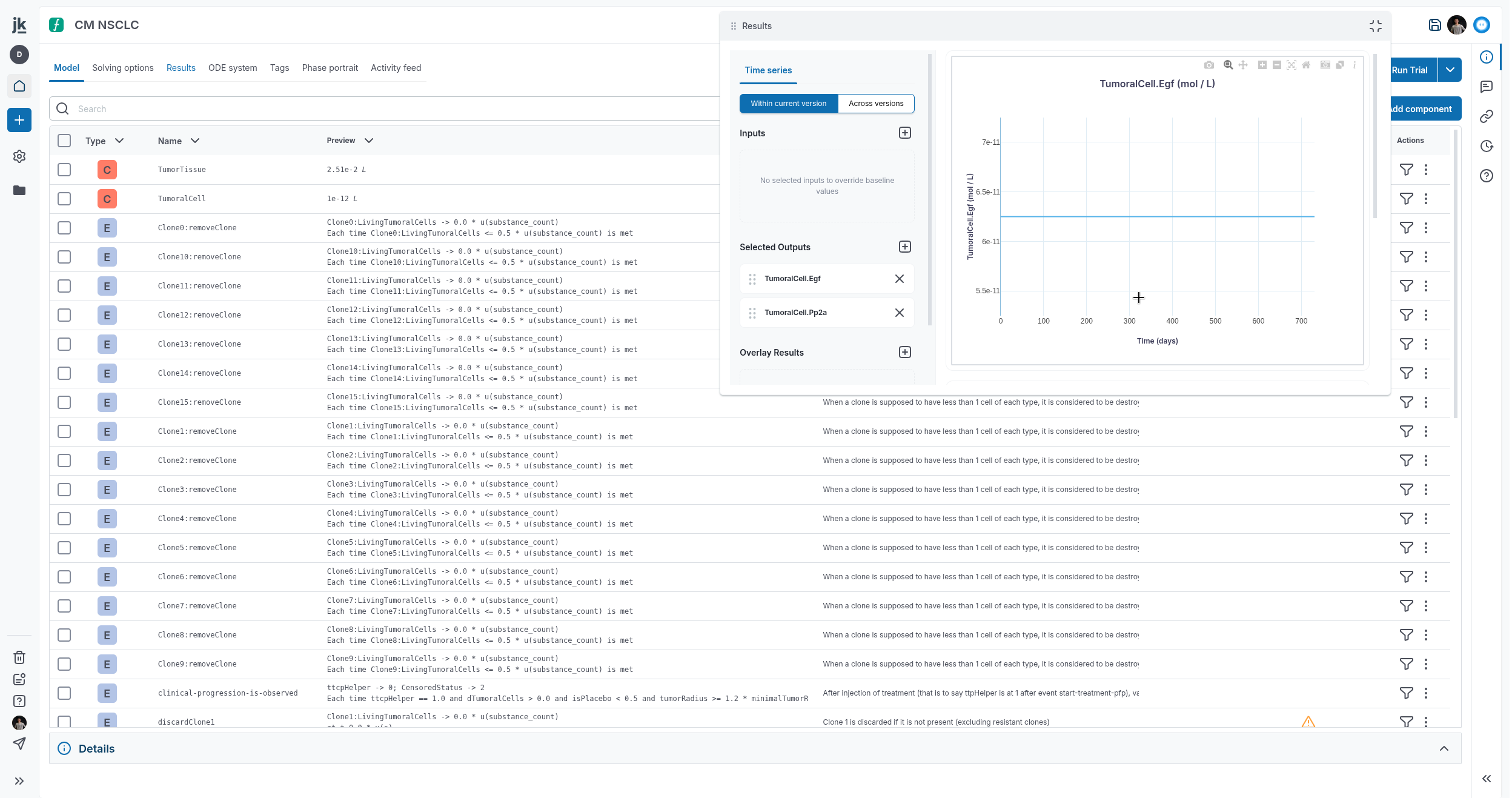
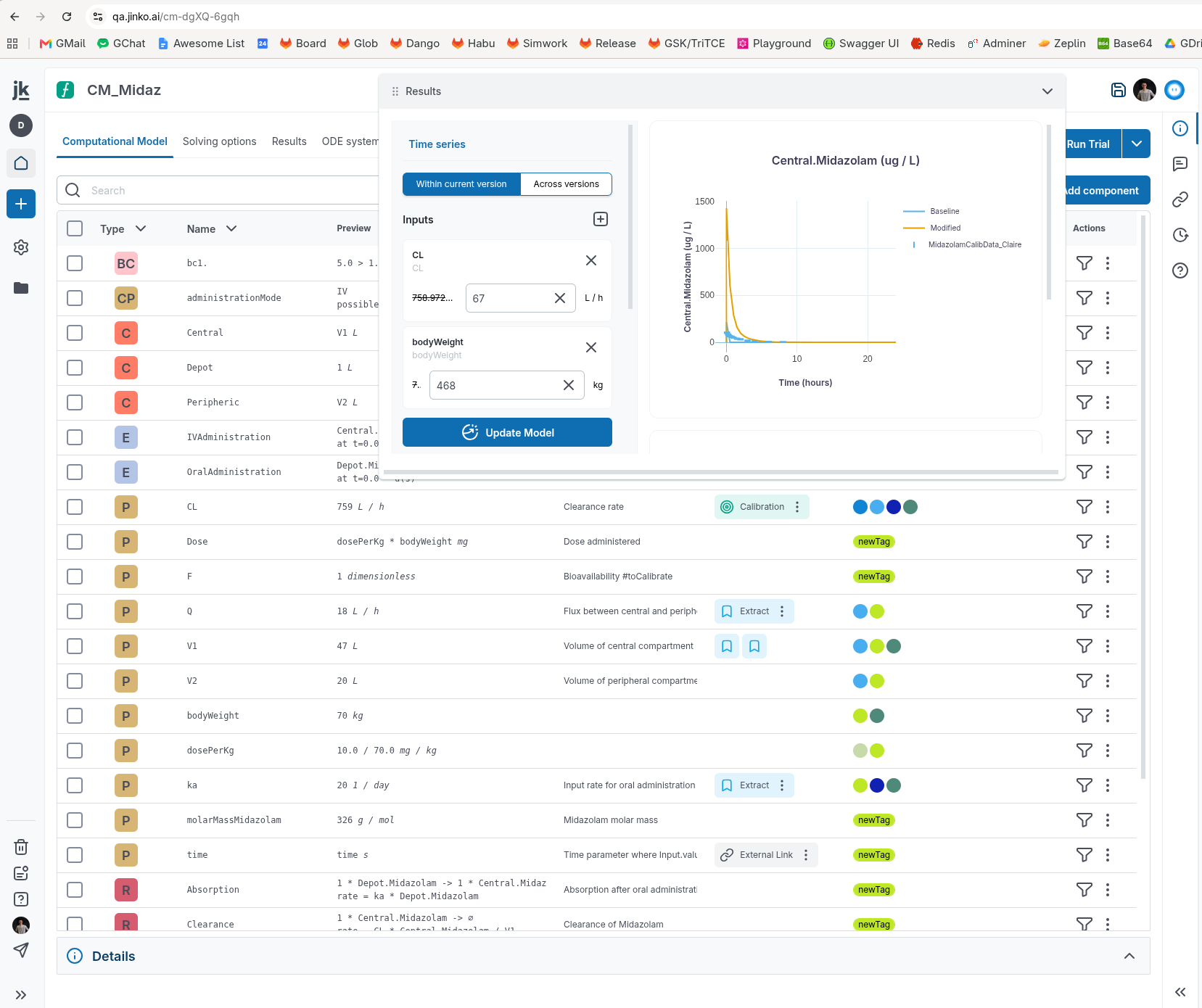
- The Computational Model Results widget is now available from any Computational Model tab. You can open it when needed and close it when you are finished.
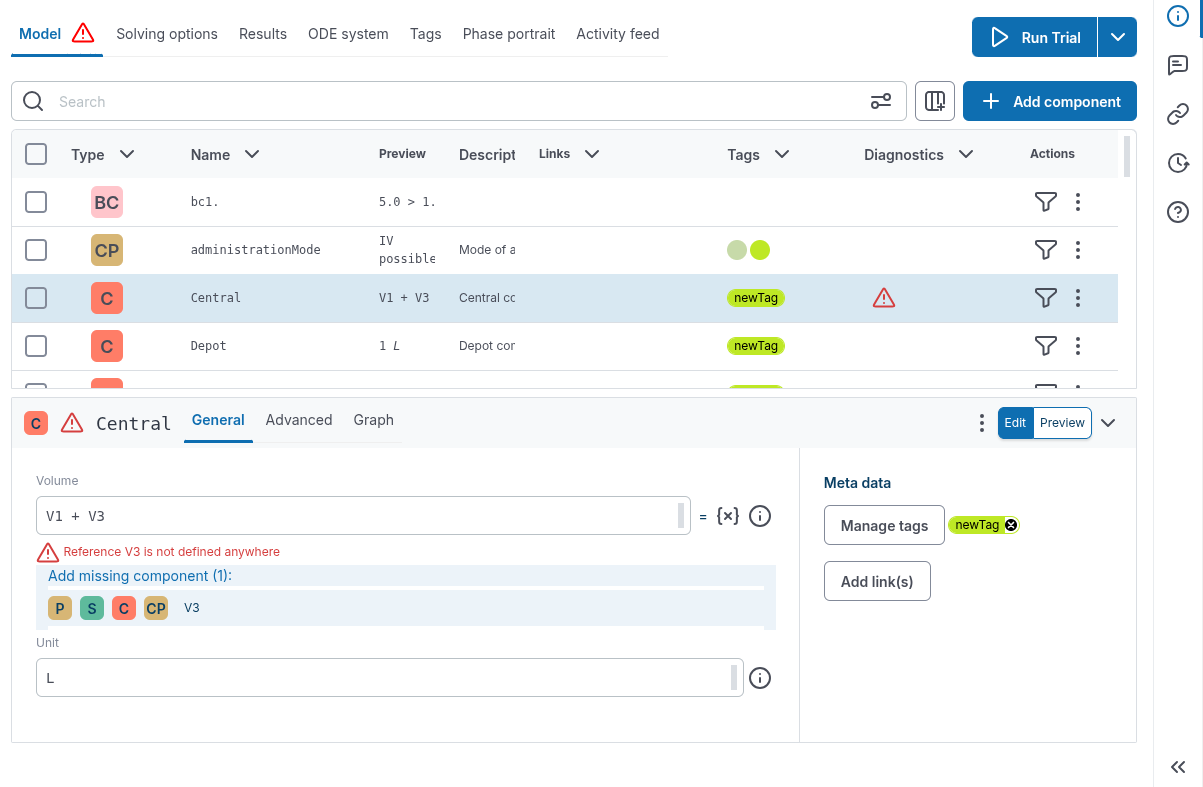
- Model-component error indicators now appear in the Model tab, and selecting a diagnostic in the Computational Model table filters the table to the related diagnostics.
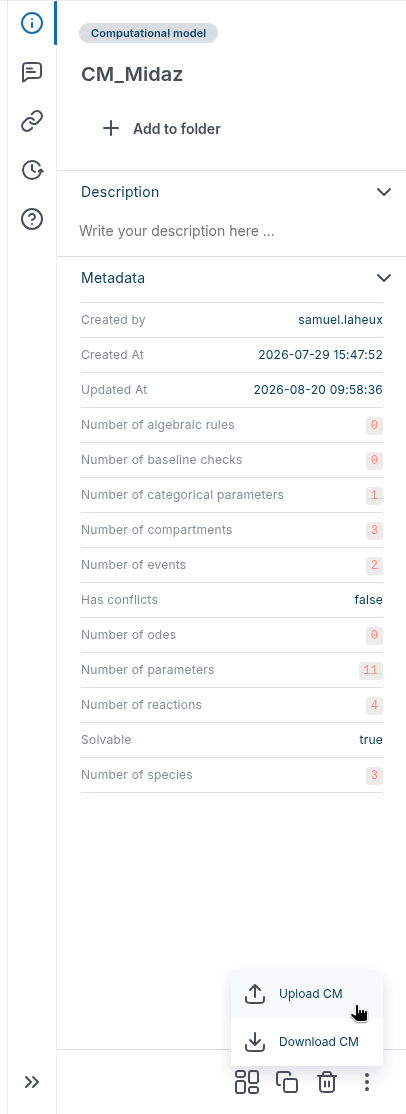
- Upload and download actions are easier to access in Computational Models and Raw Files.
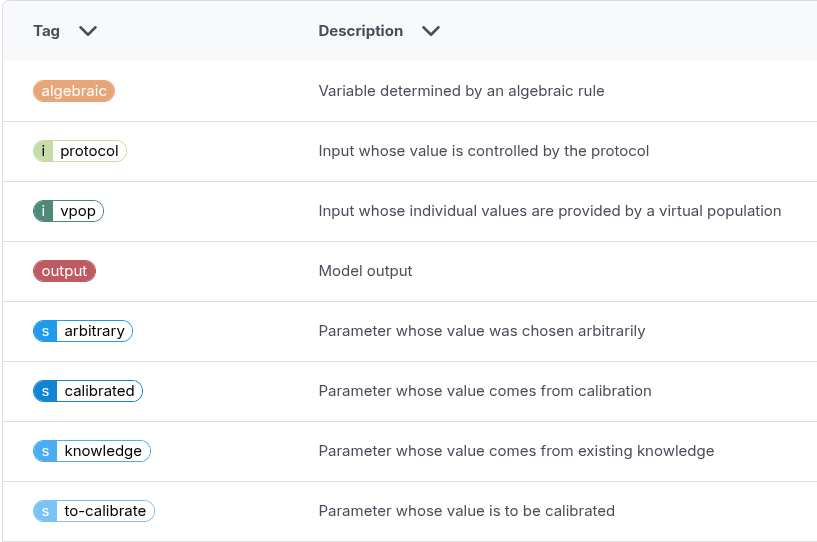
- Source tags (
s::*) and input tags (i::*) are now easier to distinguish visually.
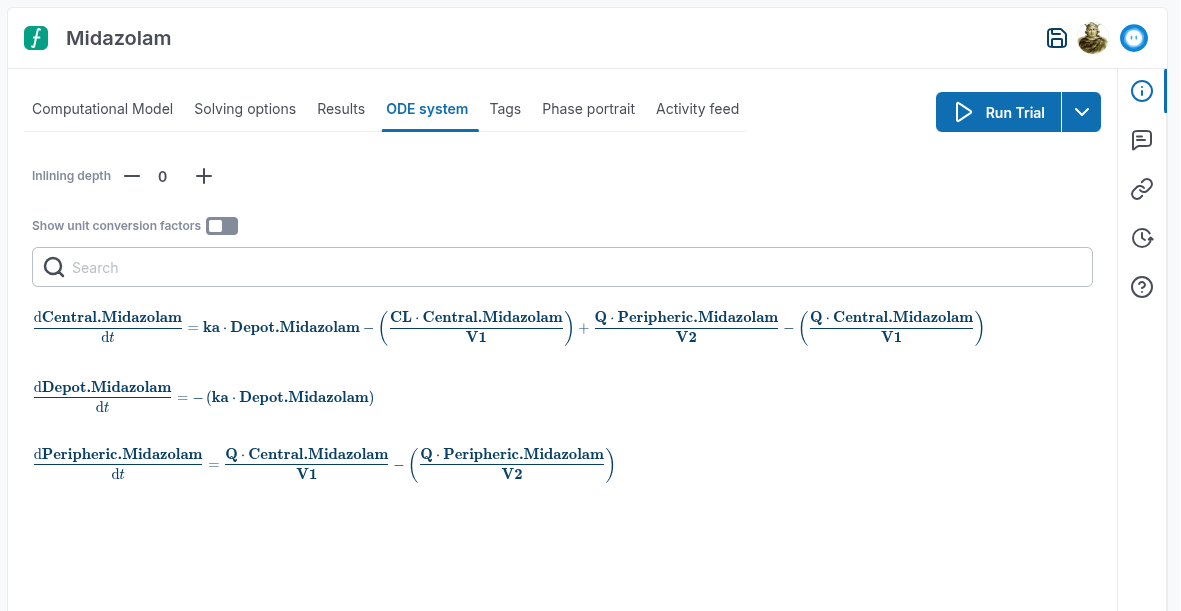
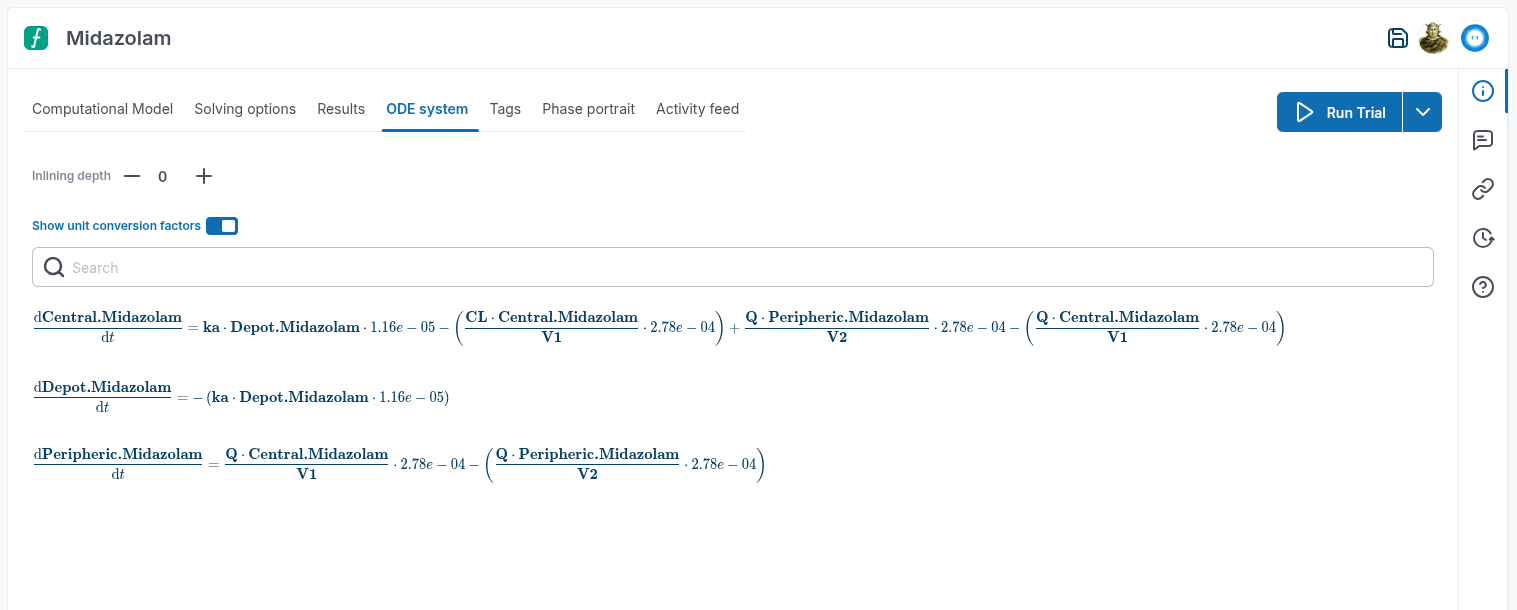
- The ODE system now includes a
Show unit conversion factorsoption so you can view the equations with their unit conversion factors. The option is off by default.
Trial, Simulation & Viz
- In a Trial, selecting a model component marked as an error in the global Computational Model sanity view now takes you directly to that component in the Computational Model table.
- When combining protocol designs, you can now select which protocol arms to include.
-
Numerical evaluations displayed next to formulas now remain correct when the formula has more than two levels of dependencies.
-
Time-series aggregation no longer fails for unitless model constituents when unit checking is disabled.
Data & Calibration
-
Calibration prior fields now initialize correctly when you select a constituent in the parameters-to-calibrate view.
-
In data tables, pressing Arrow Up or Arrow Down now changes the duration component containing the caret in ISO 8601 duration cells.
-
In numeric data tables, pressing Arrow Up or Arrow Down now changes the digit immediately to the left of the caret.
-
Calibration now uses model tags to streamline input selection and mark calibrated components:
- Components tagged
s::to-calibrateare selected by default inCalibration options > Inputs to calibrate. - The descriptor selector filters for
s::to-calibratecomponents by default. - Components updated with the best patient results are tagged
s::calibrated.
- Components tagged
Virtual Population
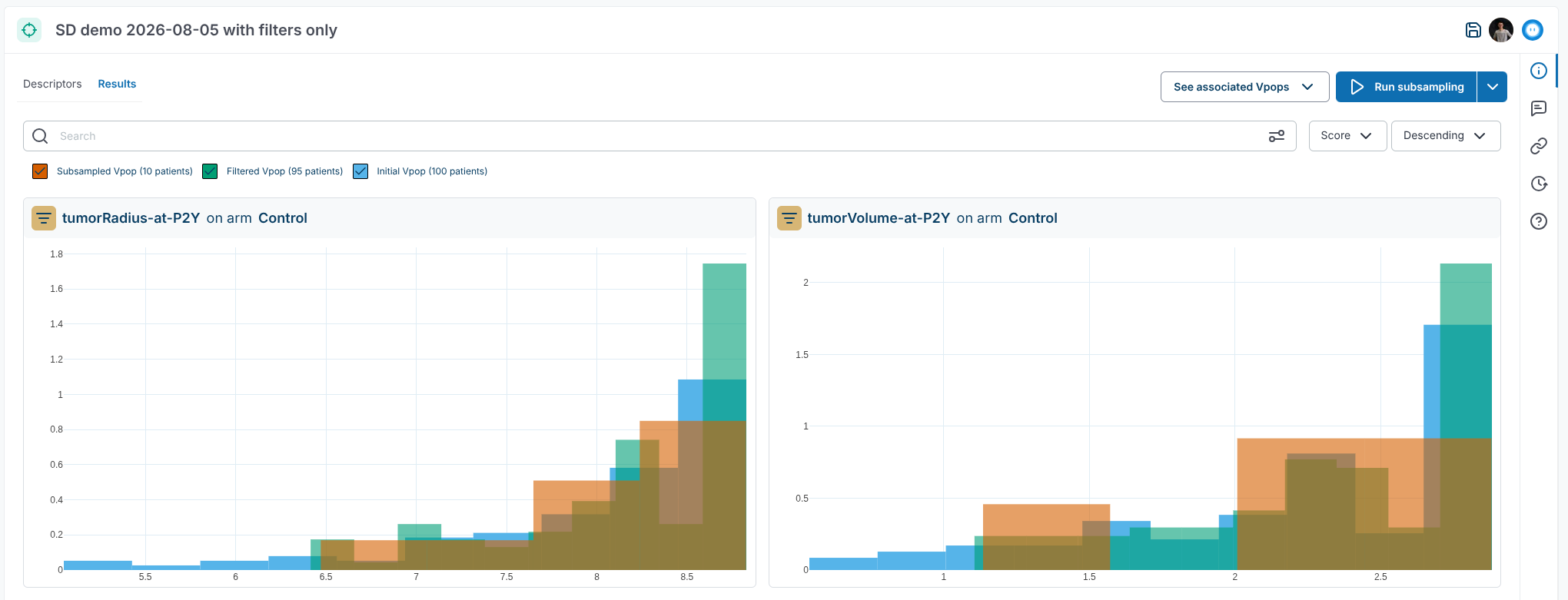
- Subsampling results are now displayed when you use only numerical filters.
- Subsampling searches no longer return duplicate results when the same scalar appears in multiple categories.
Documentation & Knowledge
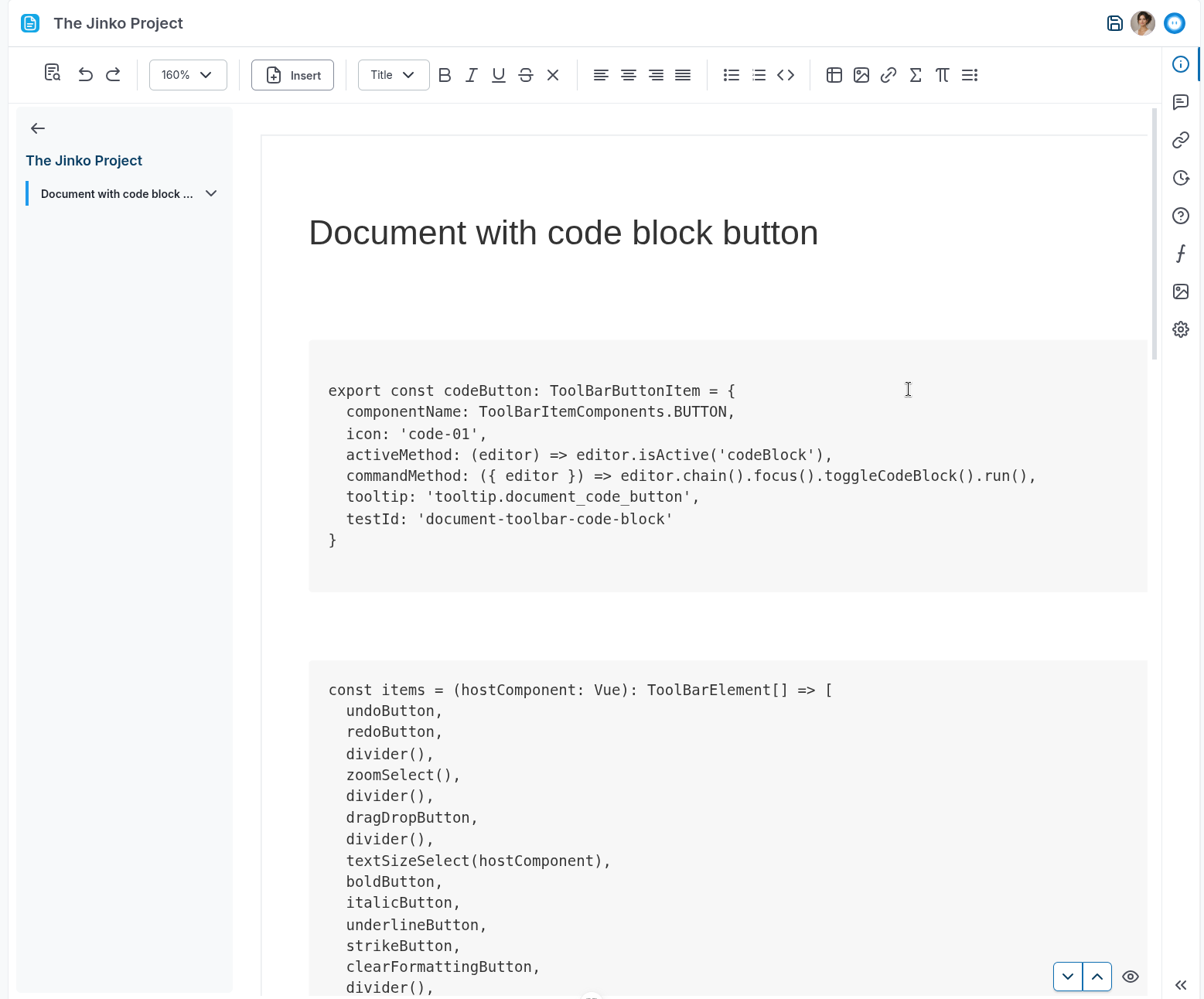
- Documents now use a single scrollbar when zoomed above 100%.
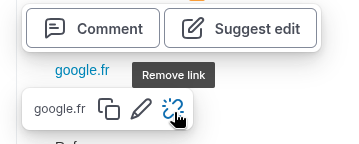
- You can now copy, edit, and remove links from the document bubble toolbar.
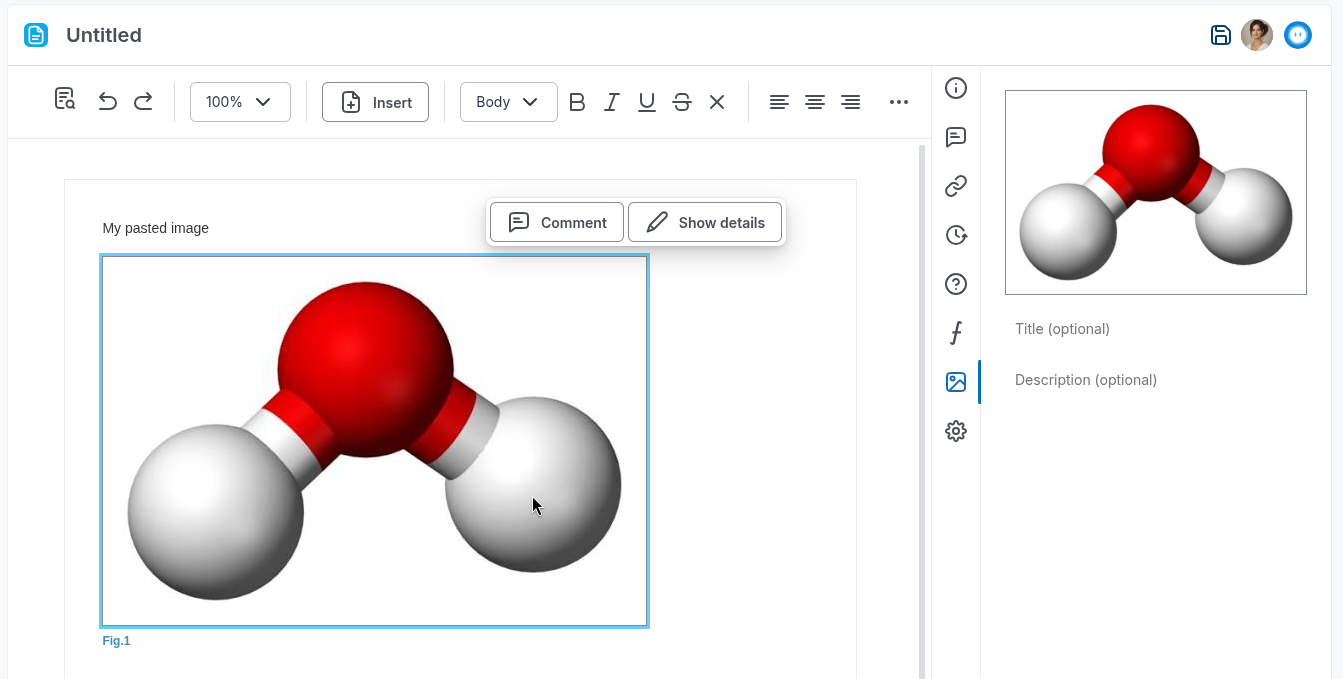
- Images pasted into documents now display correctly instead of appearing missing because of an incorrect URL.
- References now show the source PDF in a
Maintab and extracted content in anExtractionsgallery. Extracts can still be edited, extracted with AI, and viewed in the context of the source PDF.
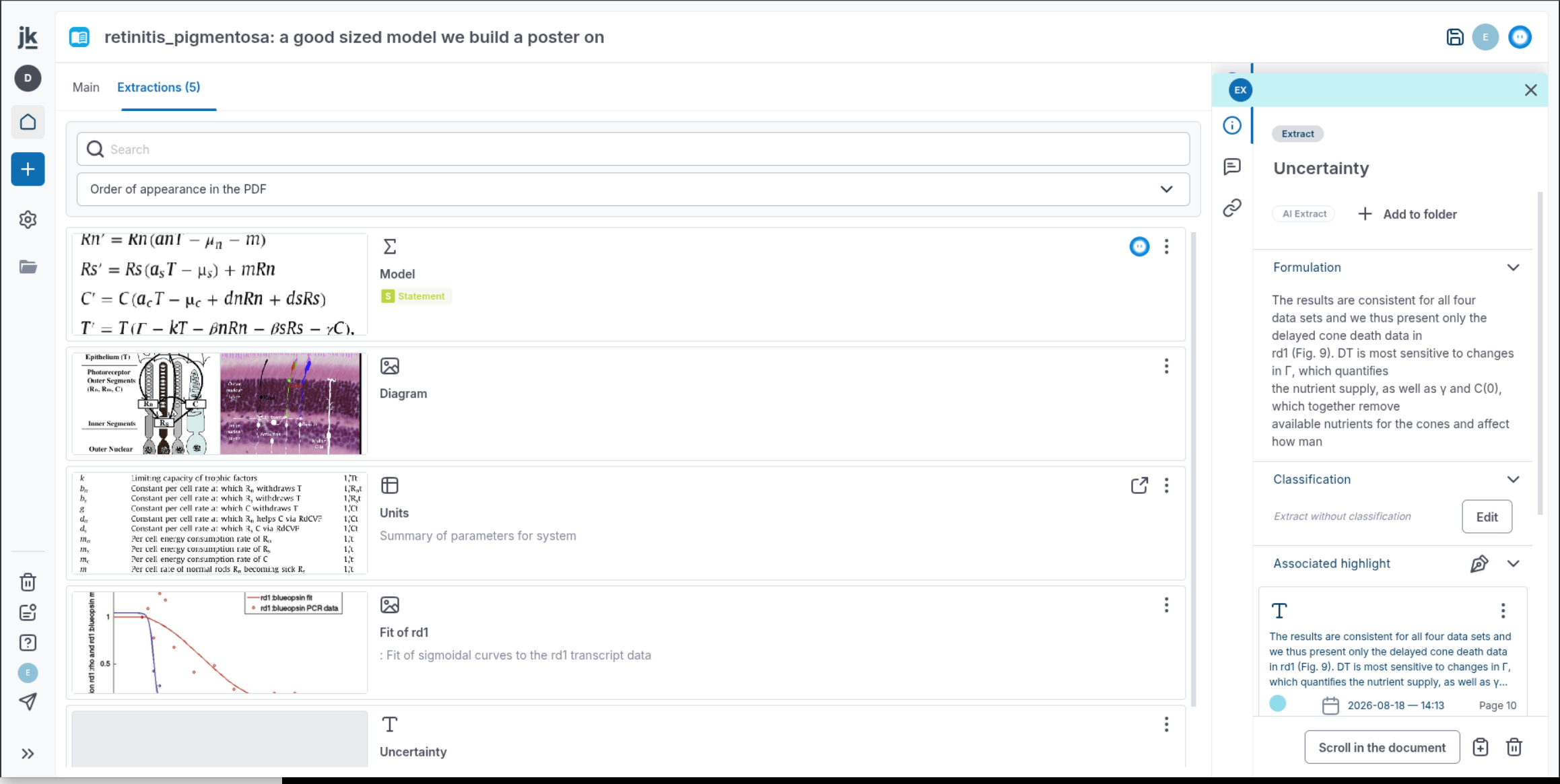
- Highlights associated with an extract now appear correctly on the source PDF.
- Deleting an extract from the contextual panel now also removes it from the source panel and removes its associated highlights from the PDF.
Other
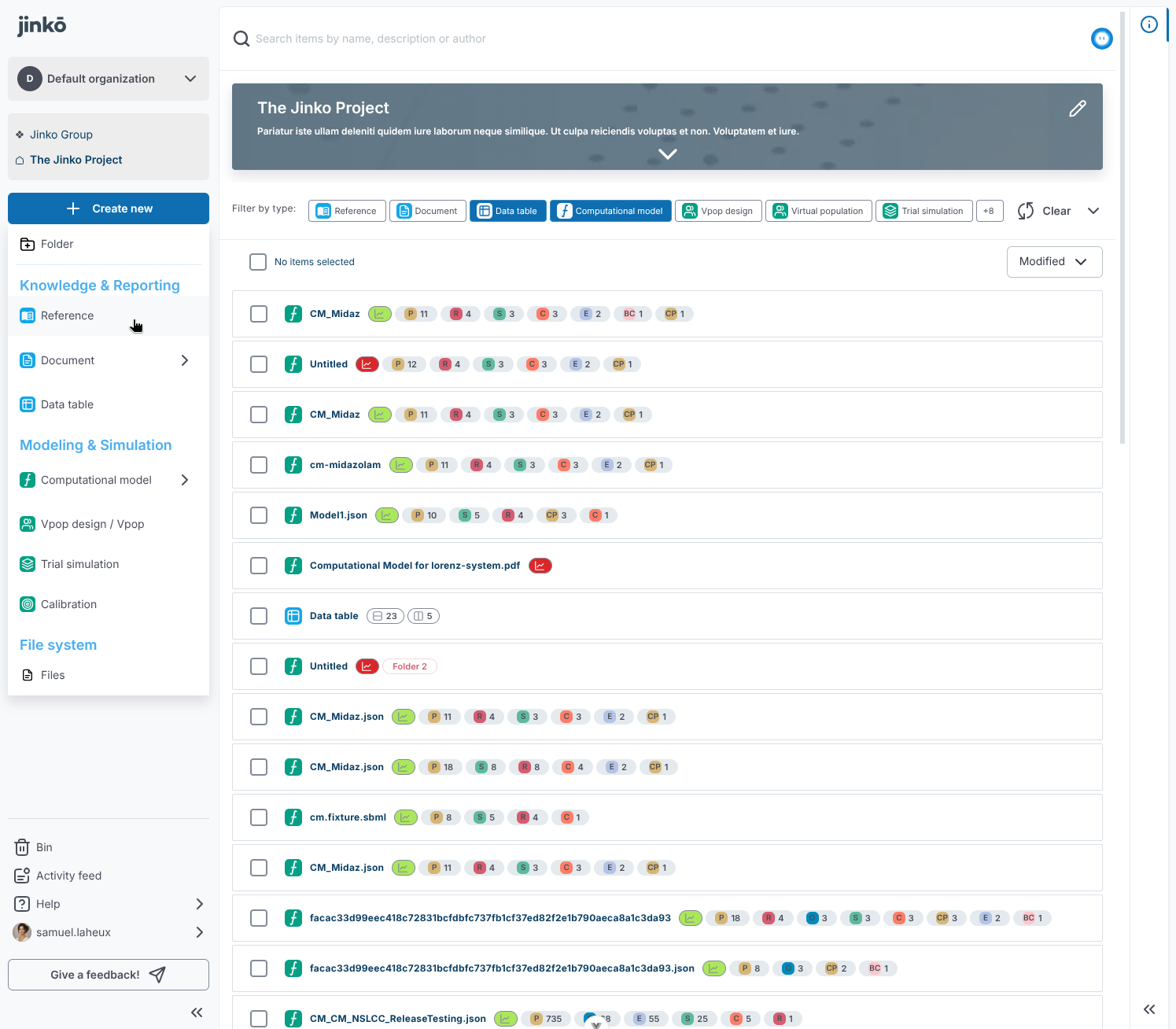
- Project-item selection now uses a full-size overlay.
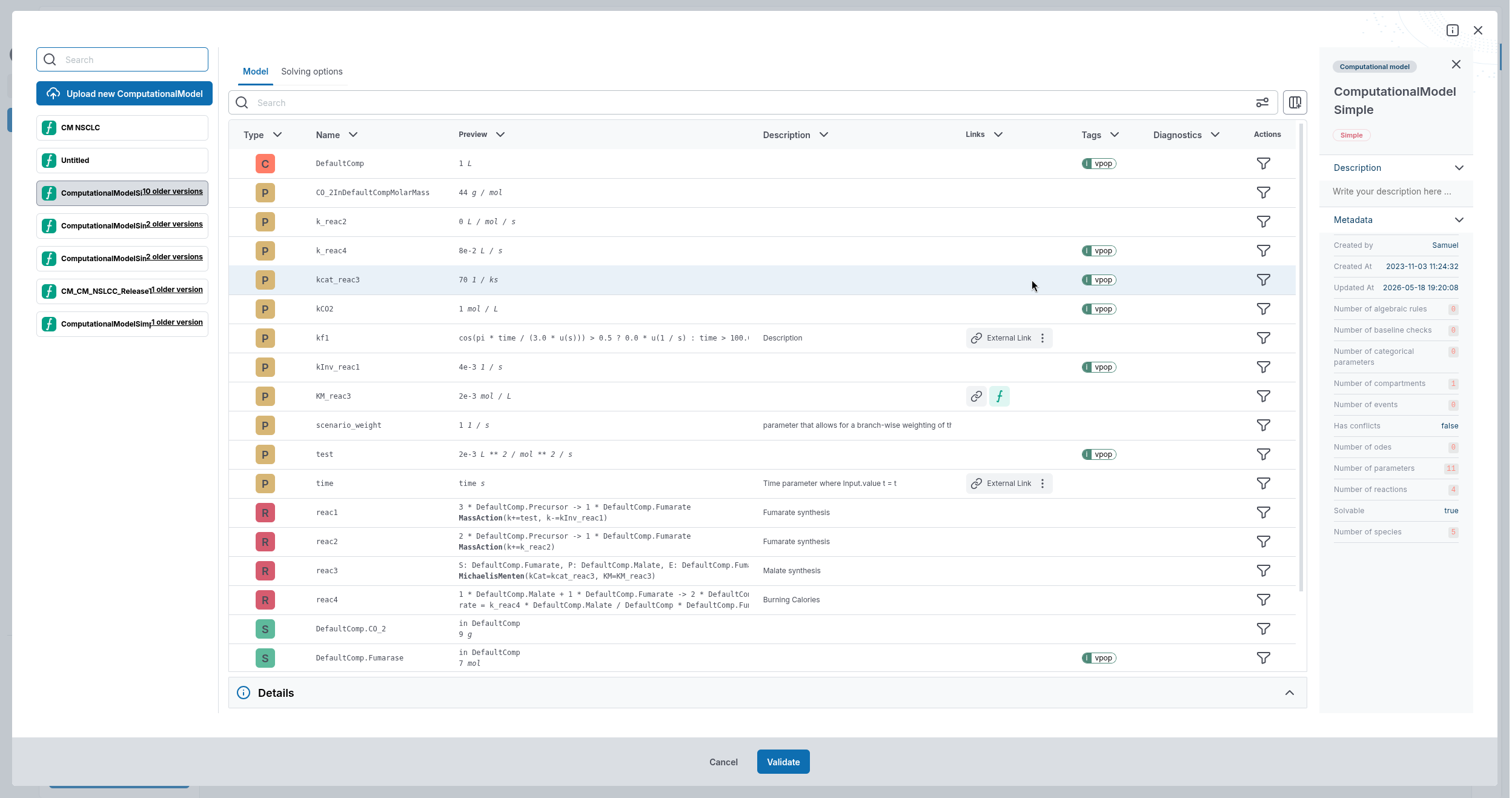
- Powers of 10 in unit conversion values are now displayed correctly in most formulas.


- Project-item cards now use the updated design throughout the platform.
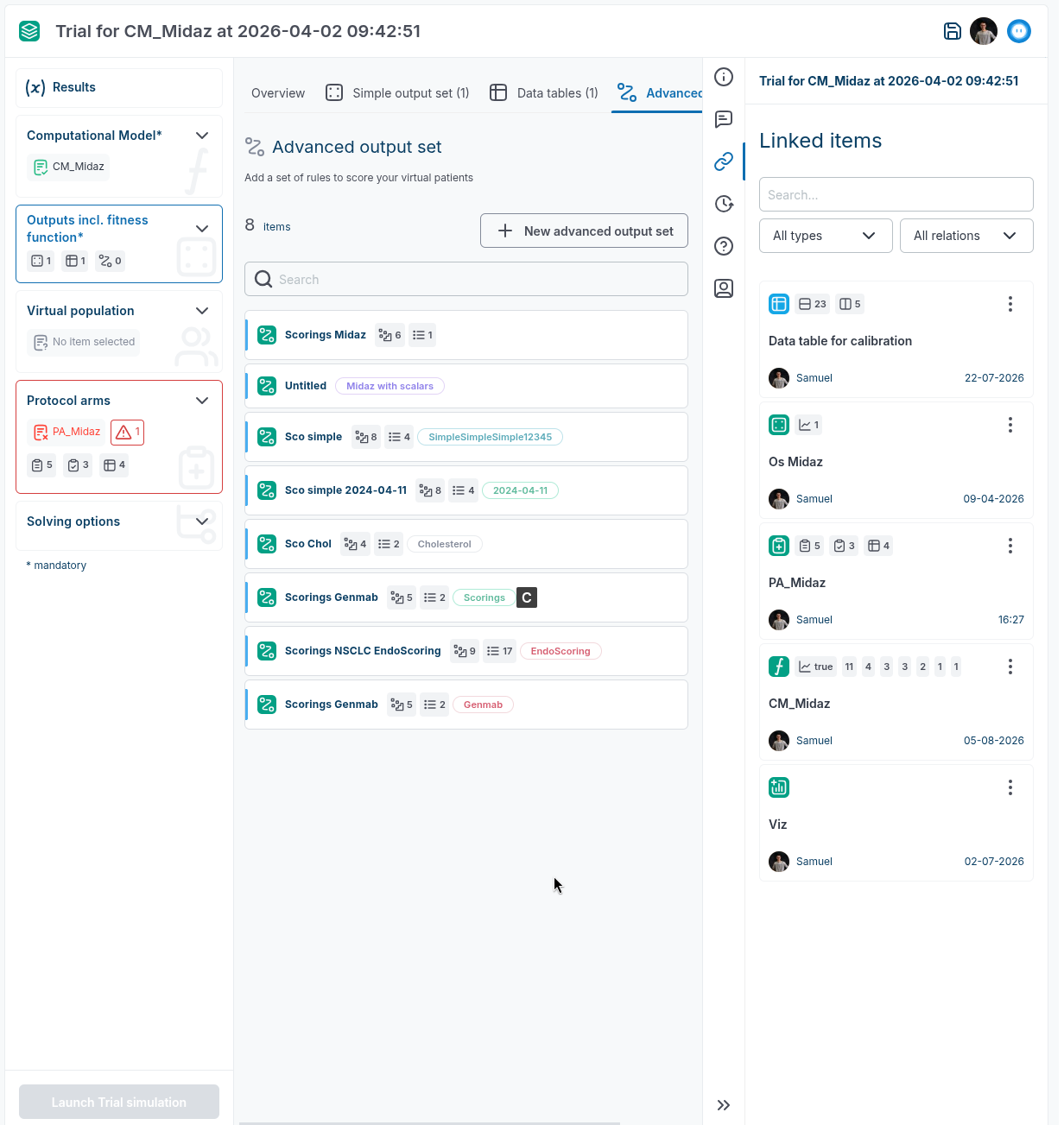
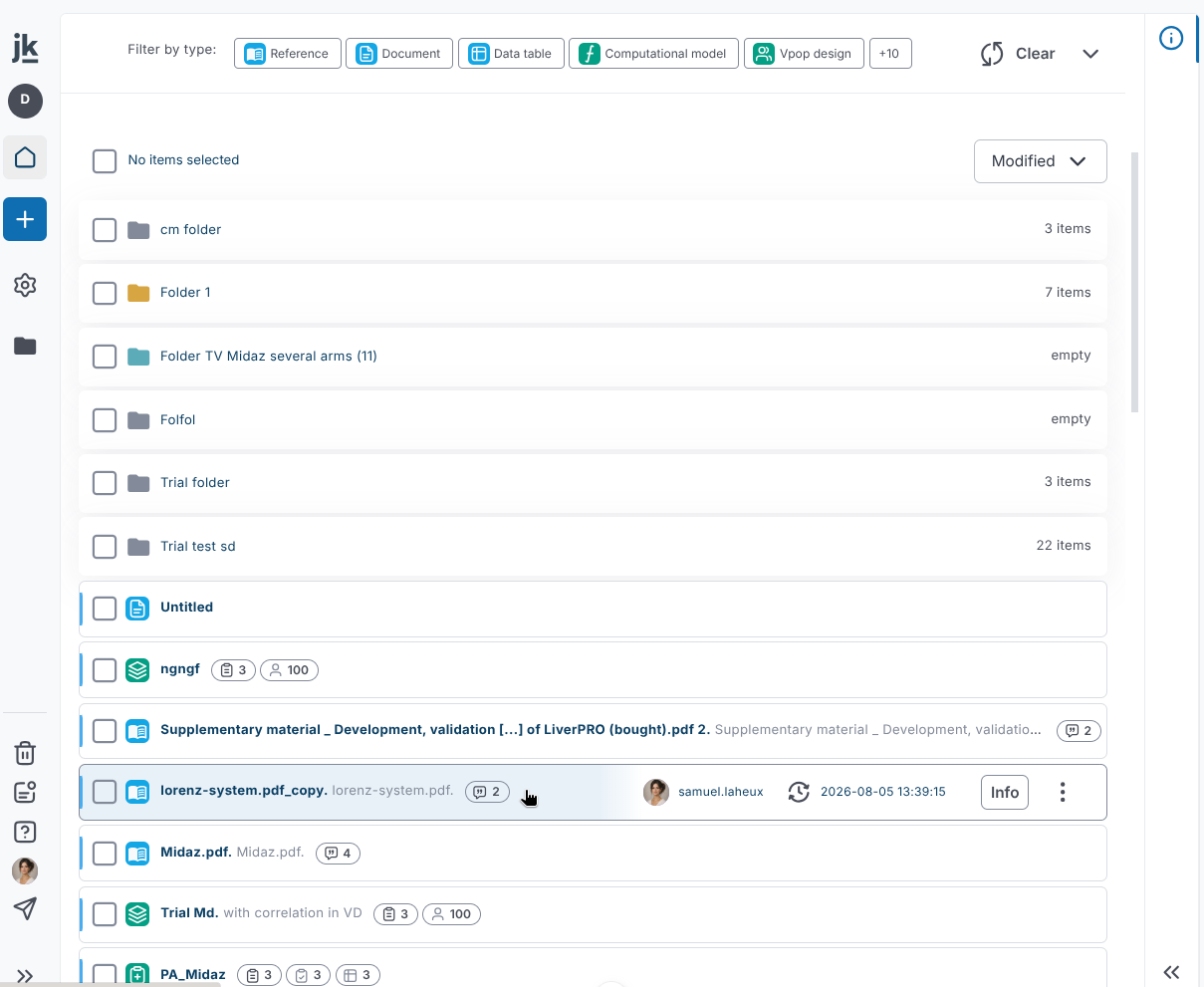
- Project-item icons now use updated colors.
- You can press Ctrl+Enter to send discussion messages without leaving the keyboard. On macOS, use Cmd+Enter.