Release Notes - September 2026
This recap summarizes product changes released during September 2026, grouped by product theme.
Highlights by Theme
Modeling
- Simple Solve configuration now keeps override inputs accessible and displays long descriptor units more clearly.
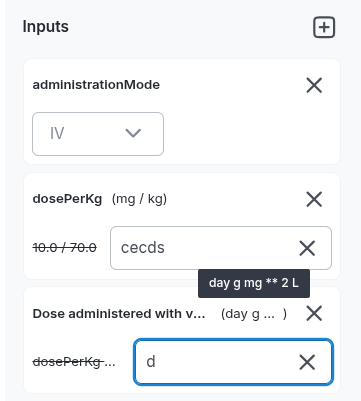
- Simple Solve automatically selects protocol inputs when you open the Simple Solve tab.
-
Solver robustness has been improved for safety conditions in division expressions, including expressions such as
if x == 0 then c else 1/x.- Avoid using
==and!=where possible; use categorical parameters when appropriate. - Avoid discontinuous functions where possible. For example, rewrite
v/sqrt(v)assqrt(v). - Use
==only when the function cannot be evaluated at a specific point but its limit is known, such asif x == 0 then c else y/x. - If an expression must both exclude an invalid point and change behavior elsewhere, split it into two conditional expressions to help the solver analyze it. You should avoid as much as possible test with
==and!=, except in rare case (numerical truncation toward 0), our solver never hit perfect values. Prefer categorical parameters.
- Avoid using
-
Model events now display the actual number of occurrences. Previously, the field displayed the number of additional recurrences; existing simulations are not affected.
-
Model parameters can use the
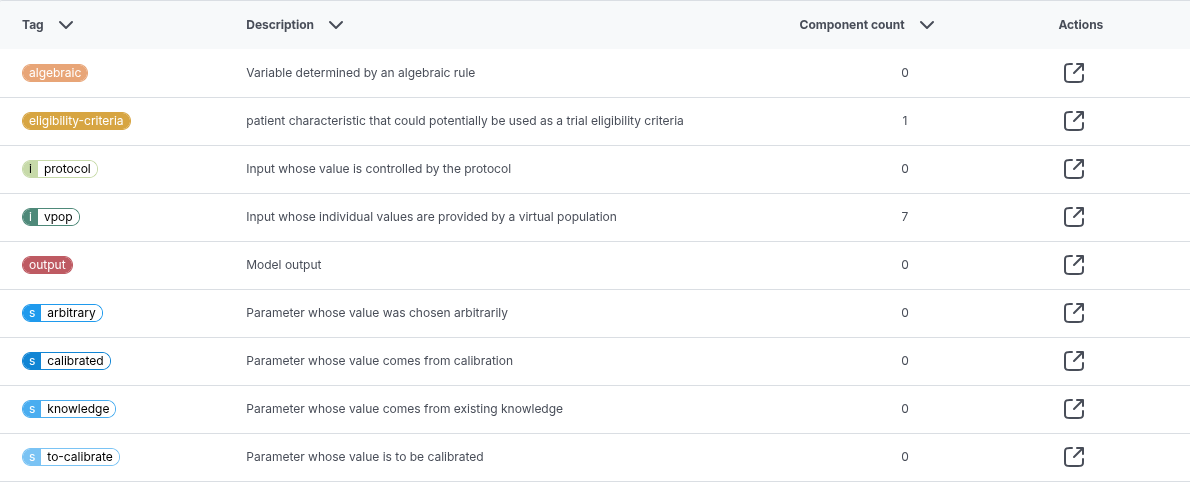
eligibility-criteriaplatform tag to identify parameters that may correspond to potential selective biomarkers during downstream trial-design optimization.
- The Simple Solve configuration panel can now be collapsed to provide more workspace.
Trial, Simulation & Viz
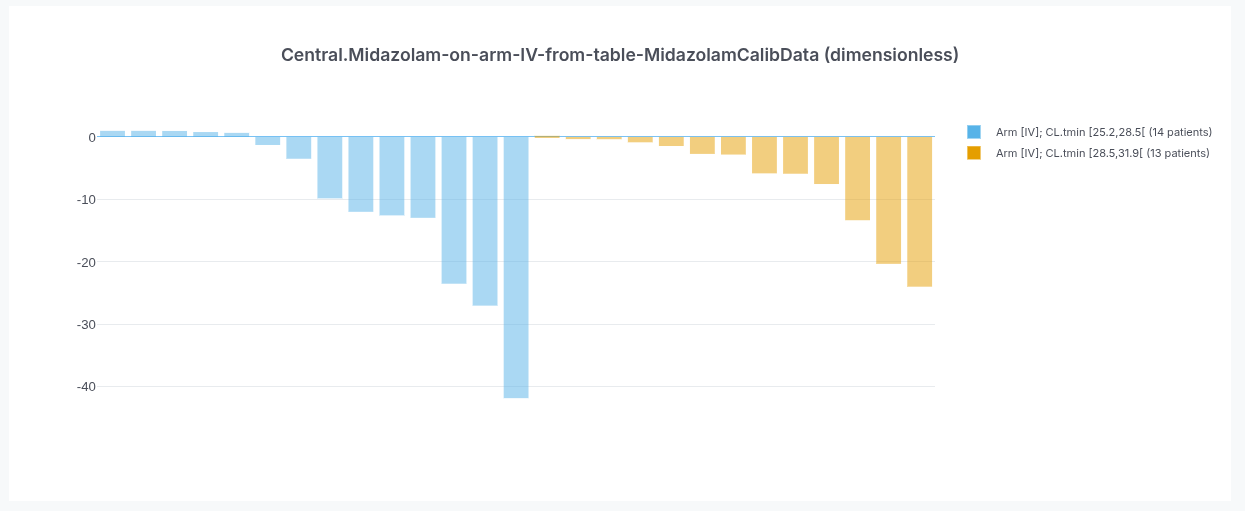
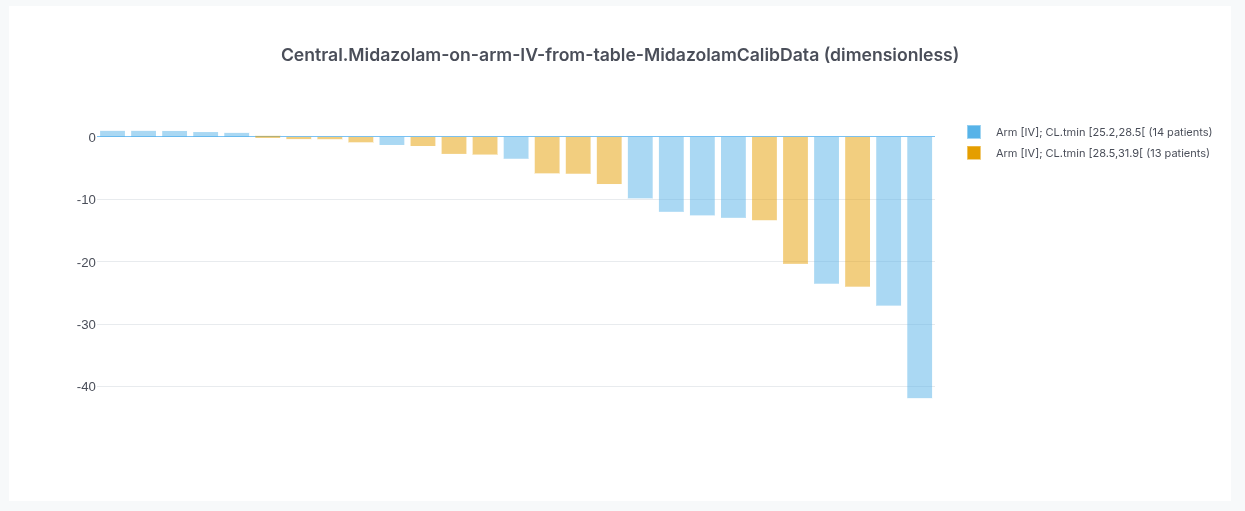
- Waterfall plots now sort all data points by value across buckets while preserving their distinct traces.
- In advanced outputs, the time series can be referenced as either
timeorTime.
Data & Calibration
- Plot extracts can be opened from their cards in the source extract gallery and viewed next to an editable data table.
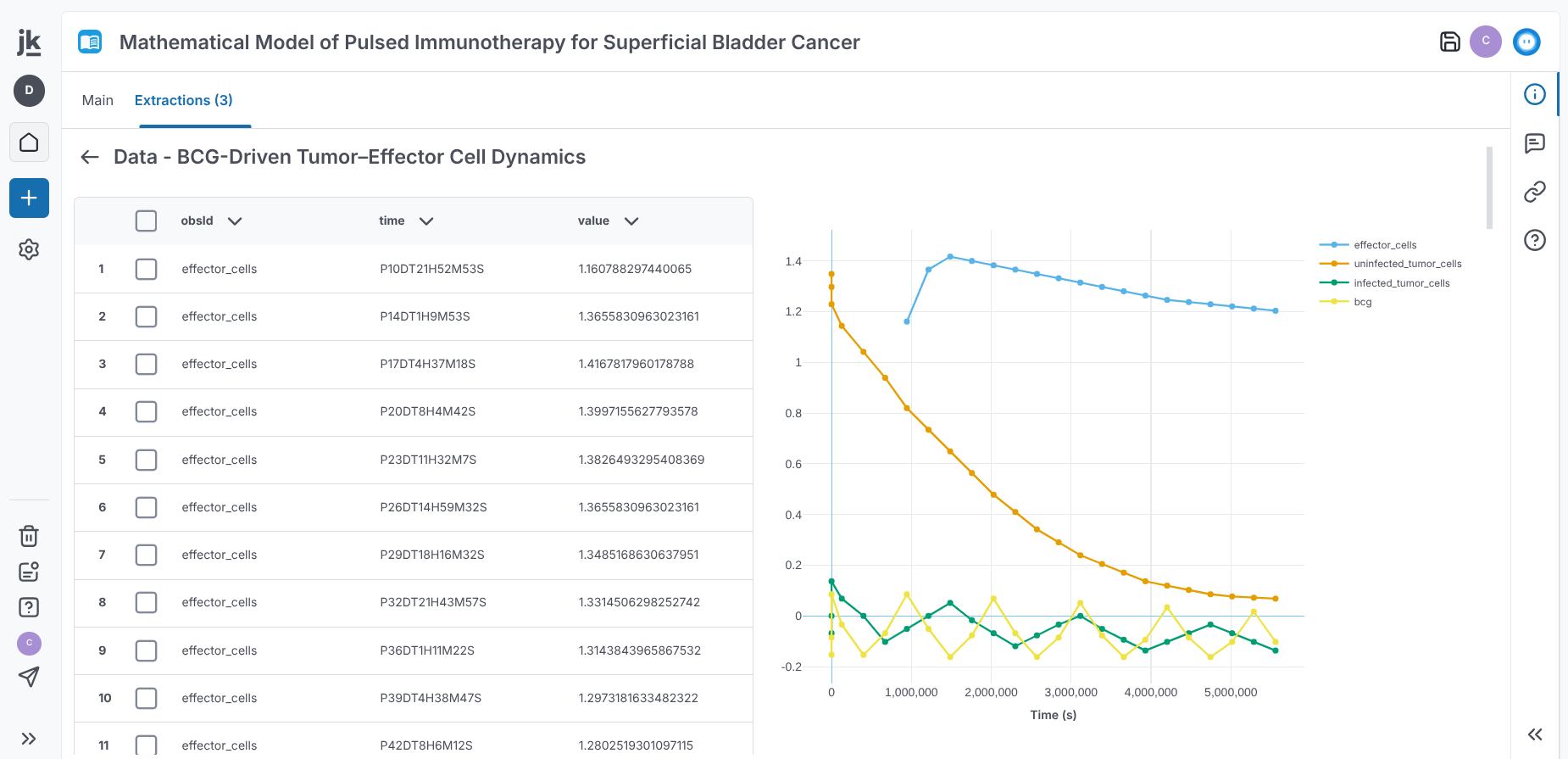
- A loader now indicates when a background extraction process is running on a Reference, including automatic extract creation and data-table extraction from plots.
Virtual Population
- In VPop descriptor selection, the “Selected” view is no longer affected by hidden filters. Text search remains available for selected items.
Documentation & Knowledge
-
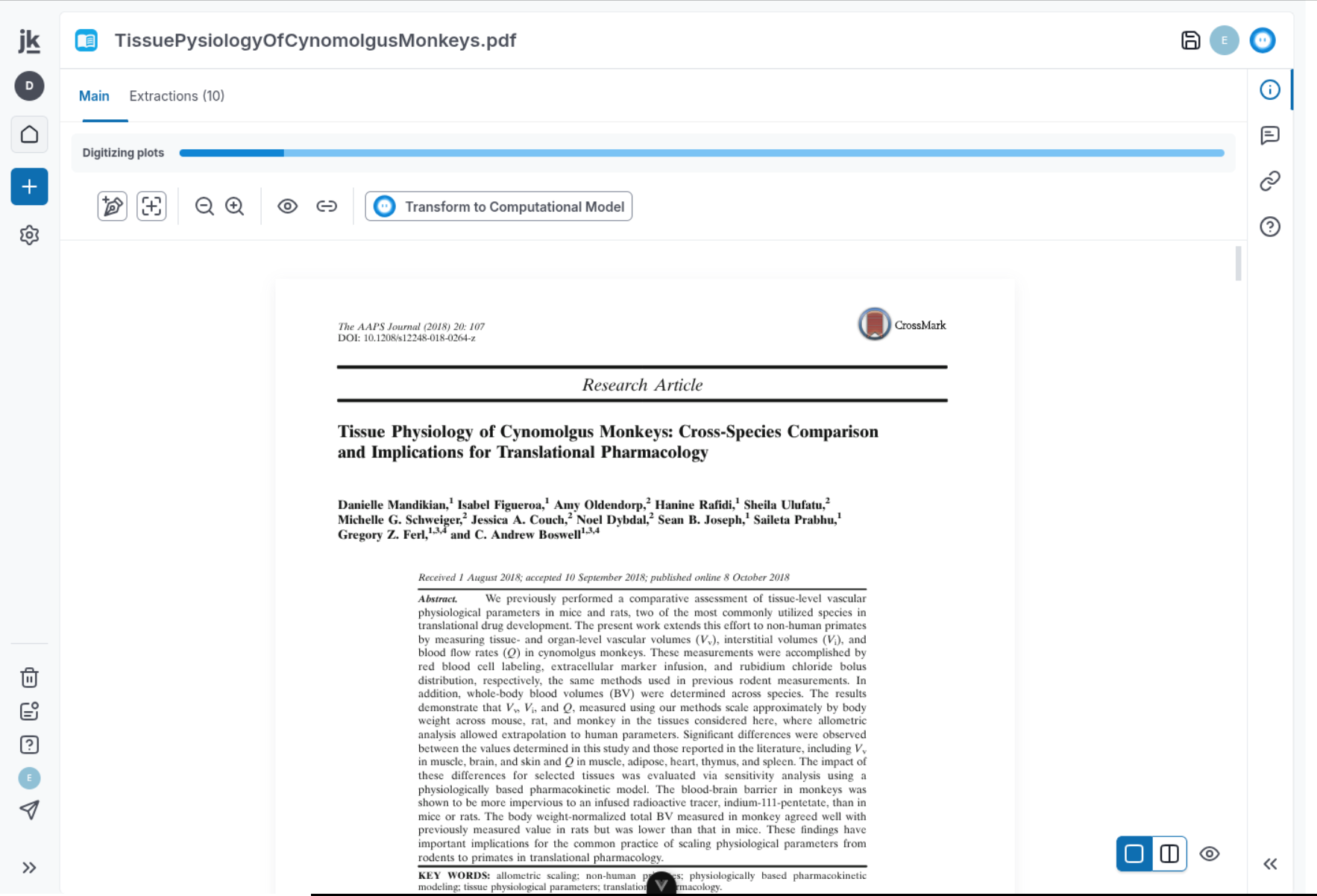
Reference extracts now update dynamically when users or Kōhai add or remove extracts, digitize rectangular extracts as equations, plots, or tables, or generate names and descriptions with AI.
-
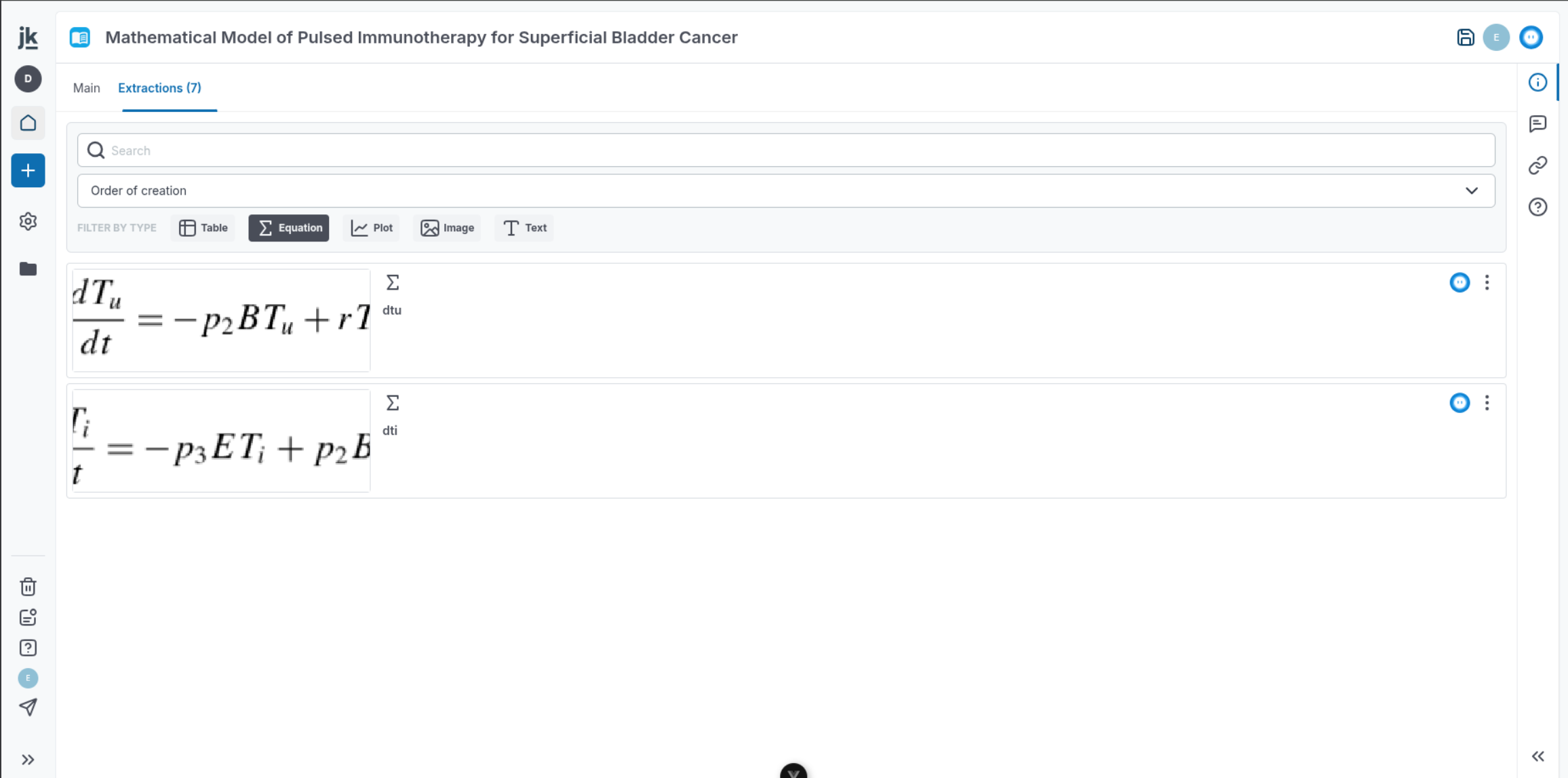
Extracts in a Reference can now be filtered by extract type from the “Extractions” tab.
Connectivity & Interoperability
-
Computational models can now be exported as executable MATLAB scripts, providing an alternative to the XLSX SimBiology export that can run in MATLAB without manual spreadsheet setup.
-
API routes are available for population calibration with the SAEM algorithm:
POST/v2/saem_manager/saemPUT/v2/saem_manager/saem/:uuidPOST/v2/saem_manager/saem/:uuid/snapshots/:uuid/runPOST/v2/saem_manager/saem/:uuid/snapshots/:uuid/results
Organization & Project Management
- Tabs that do not fit on small screens are now available from a “More” dropdown.

- Folders and project items can now be marked as favorites for faster access. Favorites appear in a collapsible AppMenu section and remain available from the minimized menu; add or remove them using card stars or contextual menus.
- Items in a project list can now be selected in a range with the SHIFT key.
Other
-
Nova now publishes a vulnerability disclosure policy at novainsilico.ai/security, with an RFC 9116
security.txtfile available on both novainsilico.ai and jinko.ai. Security reports are acknowledged within five business days and triaged within ten. -
The Favorites section can now be resized.
- Tables now support selecting multiple rows for deletion.
- Jk Tables now support selecting multiple rows with the SHIFT key.