Release Notes - October 2026
This recap summarizes product changes released during October 2026, grouped by product theme.
Highlights by Theme
Kōhai
- Kōhai now uses GPT-6.1 Sol as its default OpenAI model.
Modeling
- Model version names can now contain up to 500 characters, increased from the previous 32-character limit.
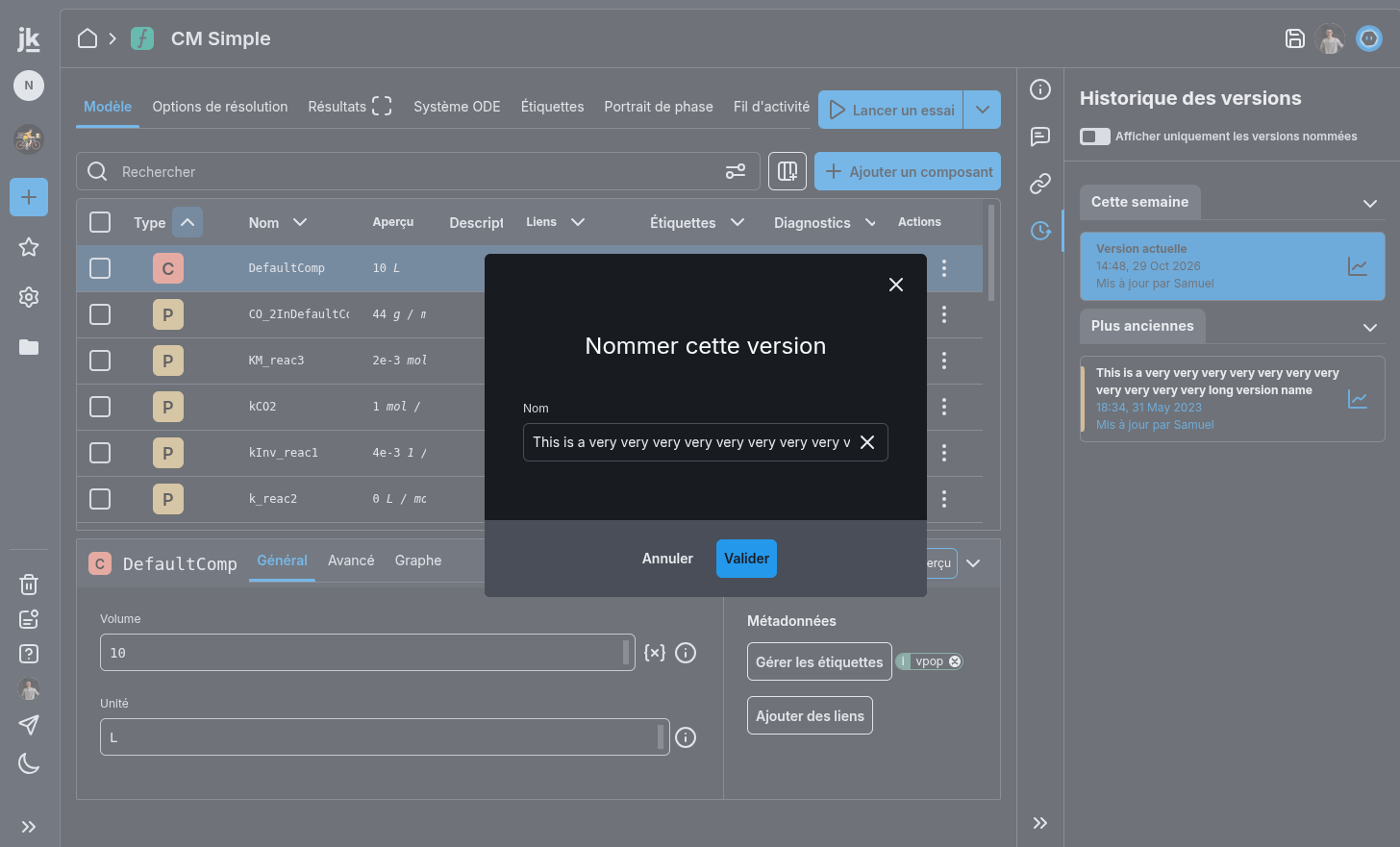
Trial, Simulation & Viz
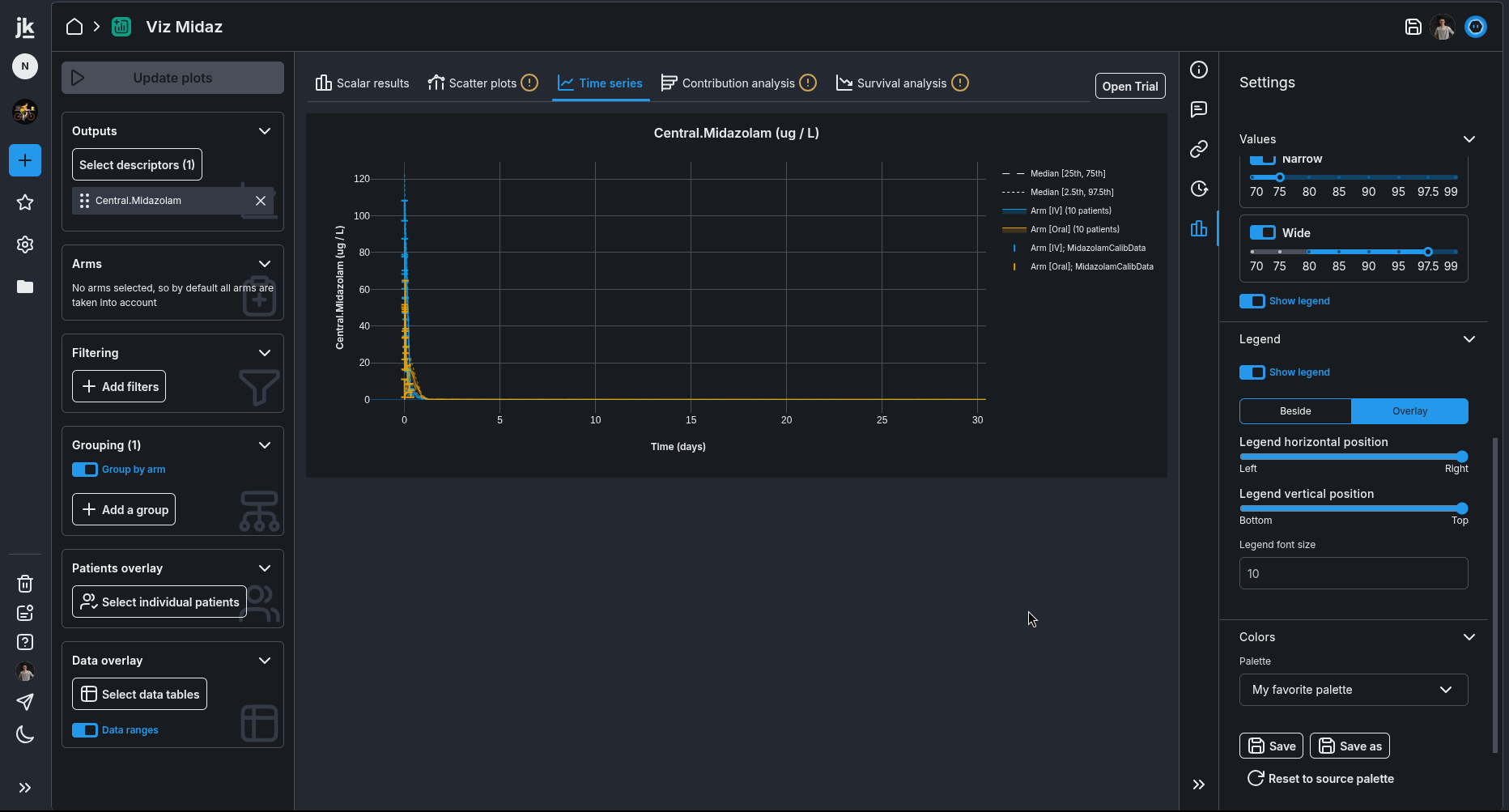
- From Trial Visualization, you can now navigate directly to the correct Trial.
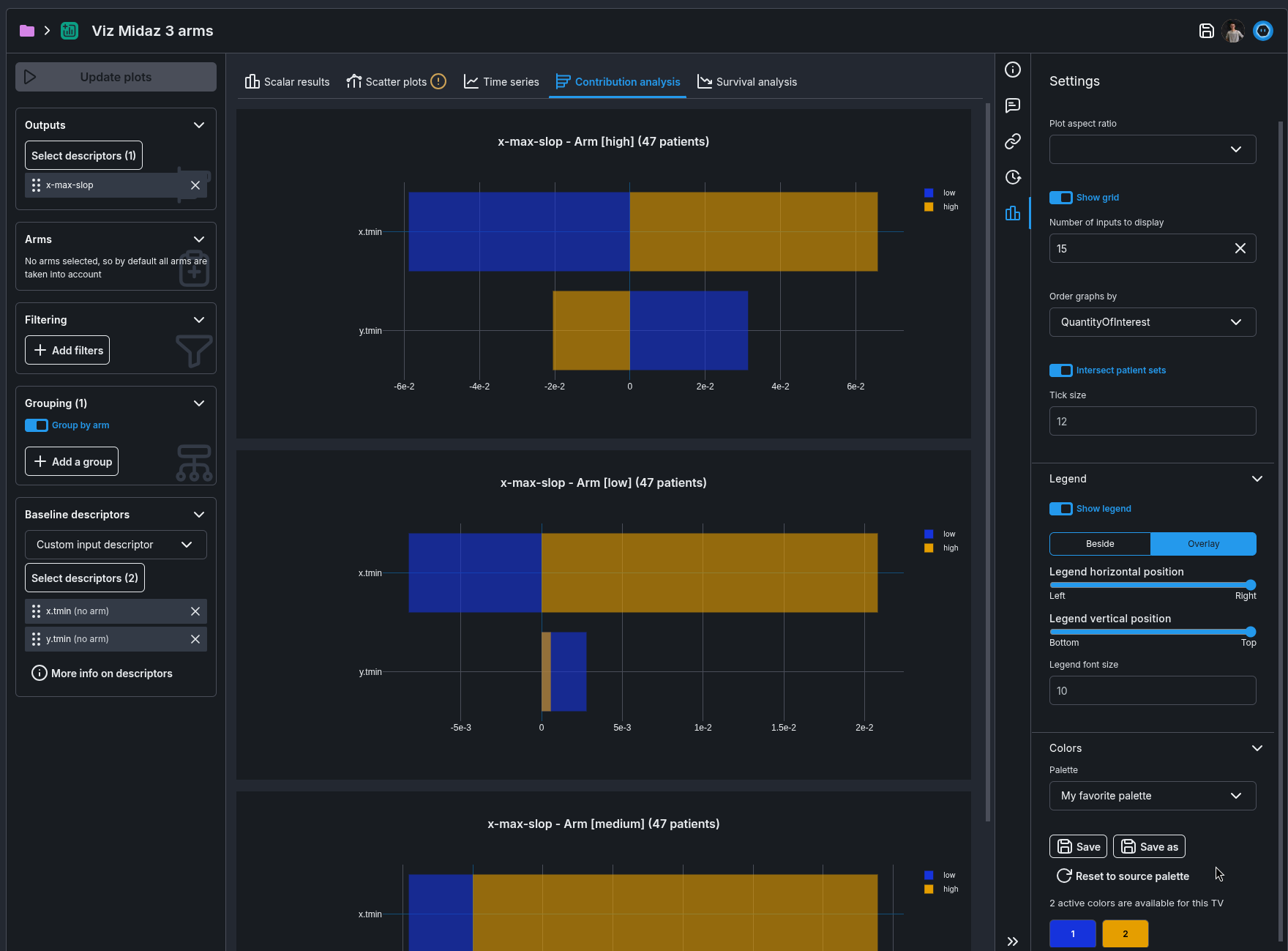
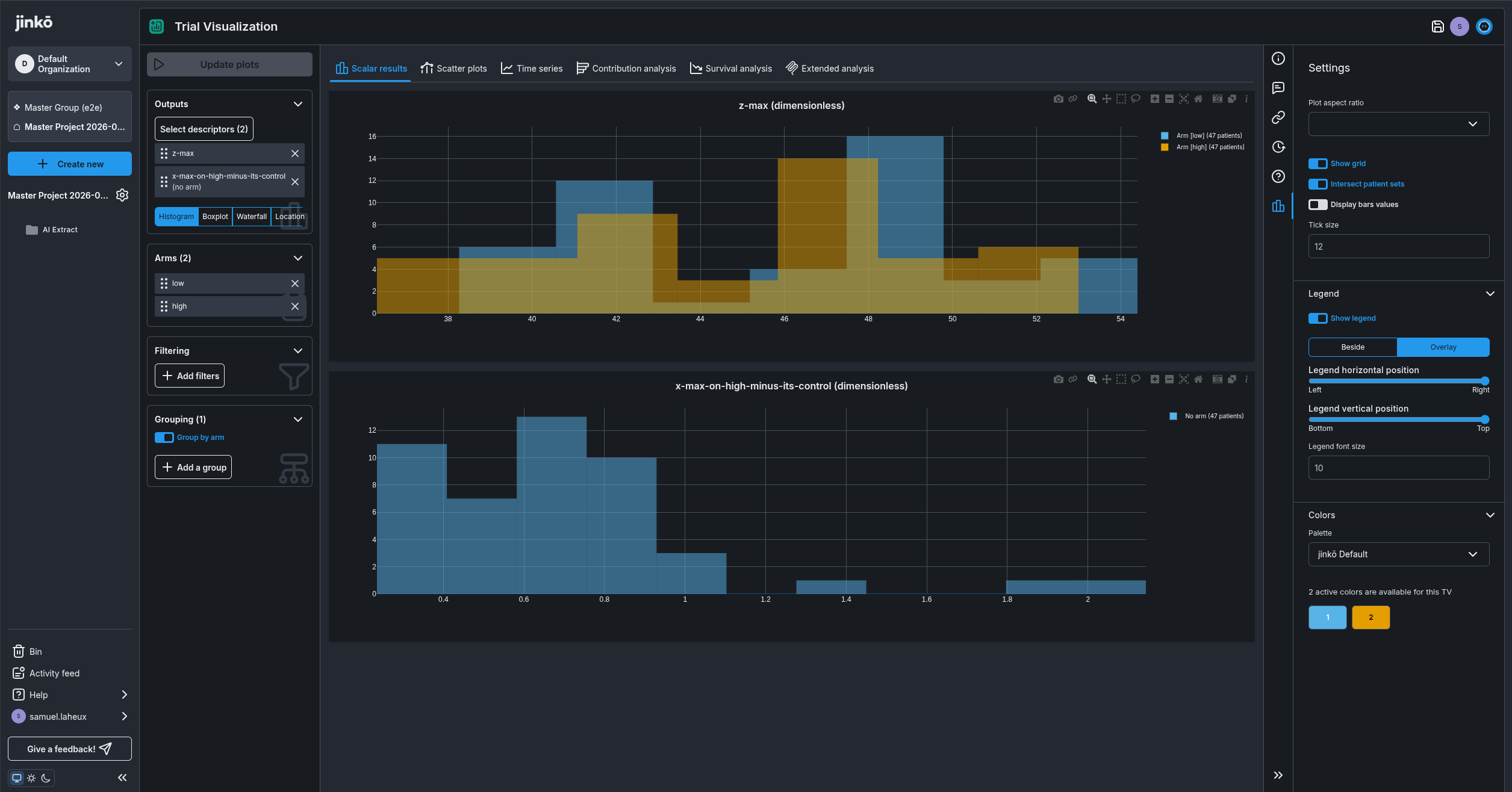
- Contribution Analysis lets you choose which baseline descriptors to display.
- Data tables without labels are now included correctly in Trial Visualizations.
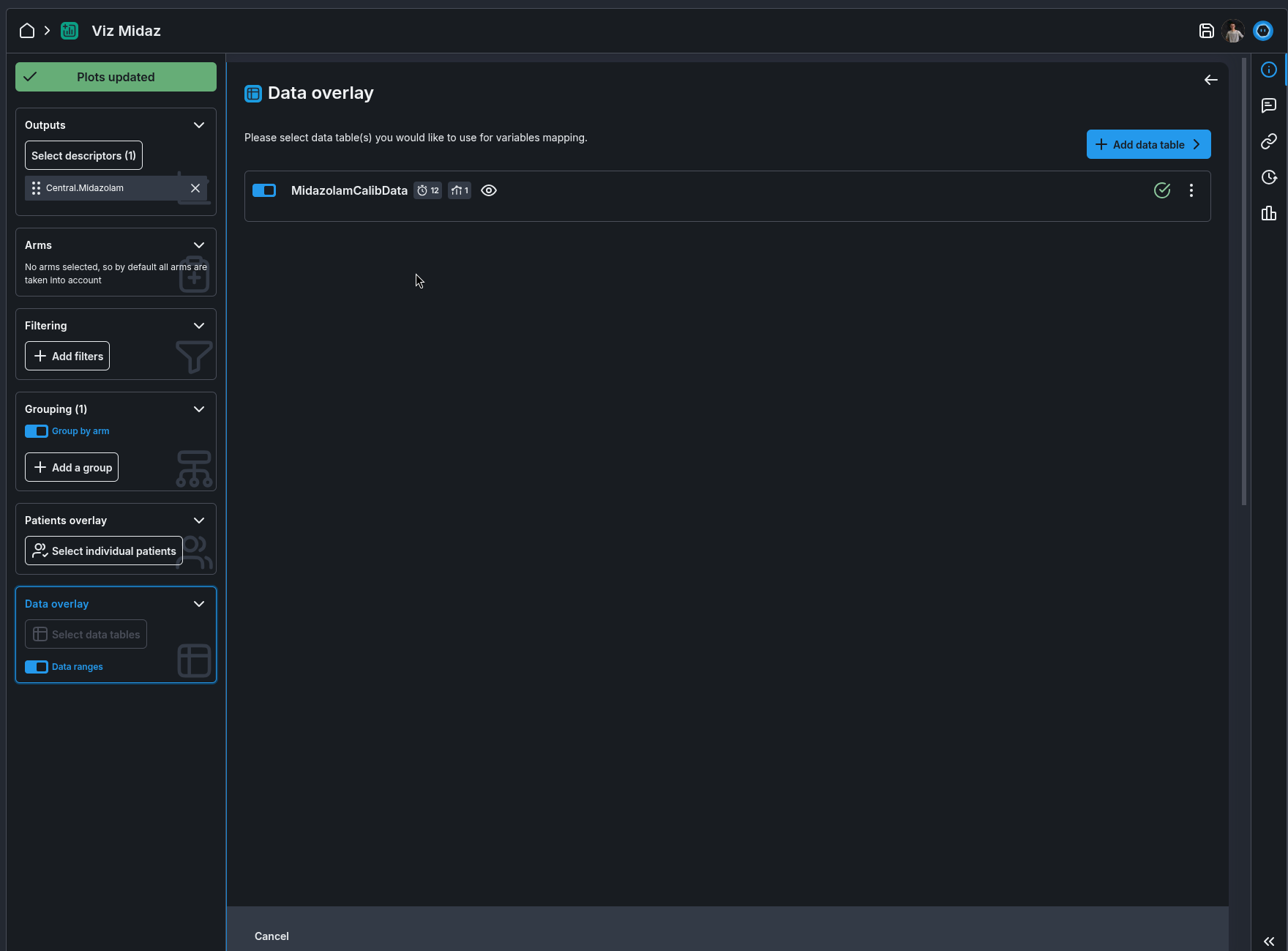
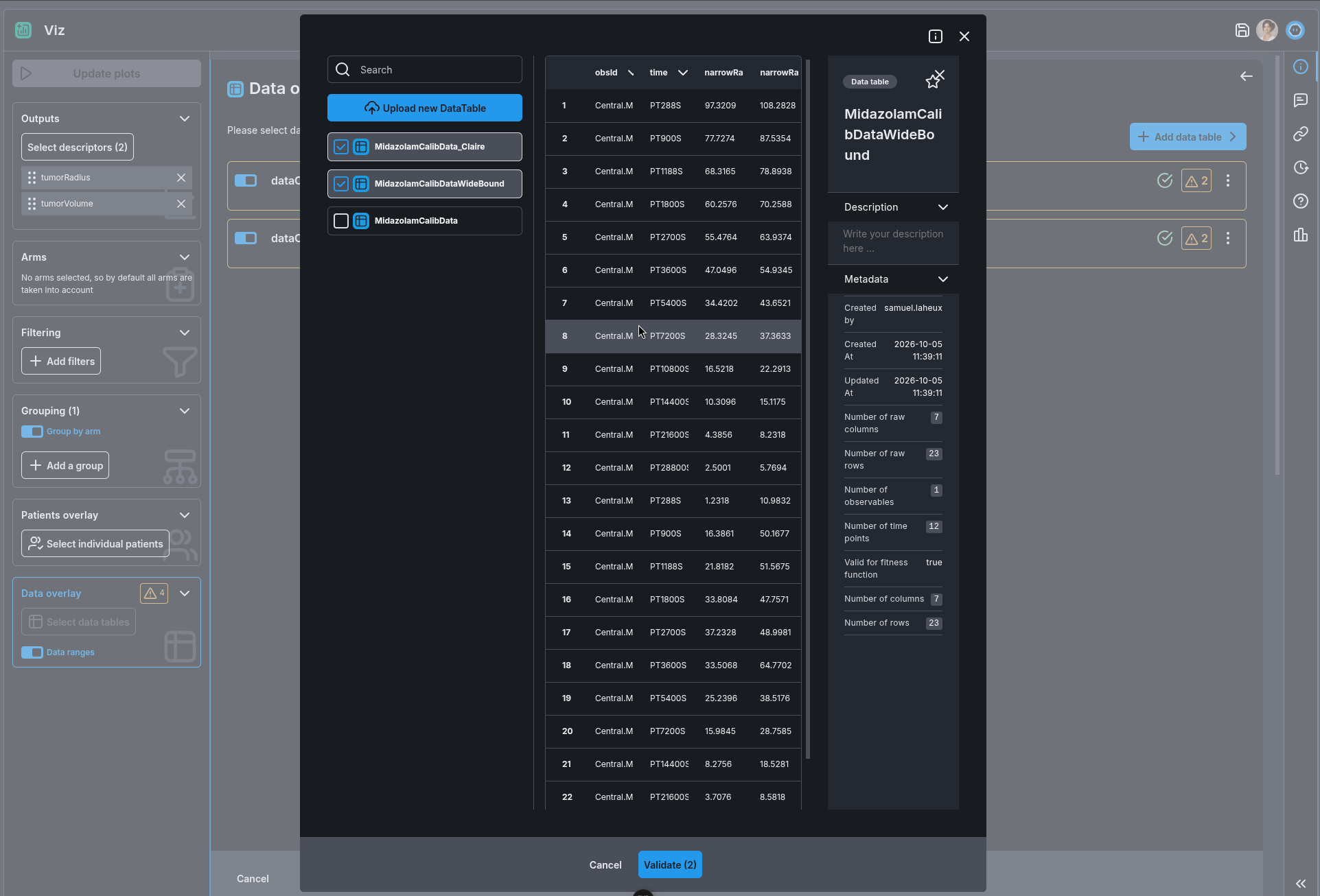
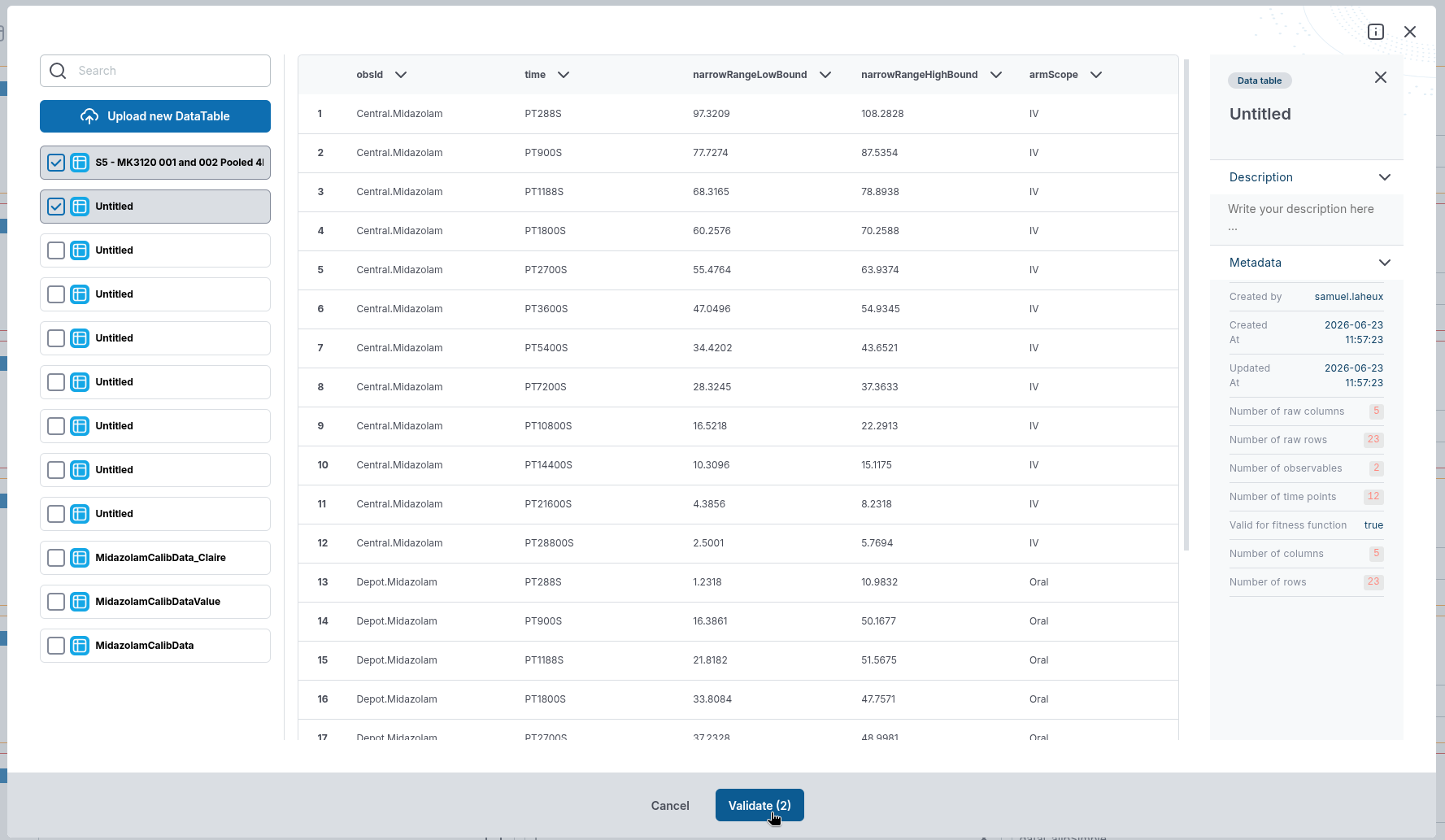
- You can select multiple data tables at once when overlaying time-series data in a Trial.
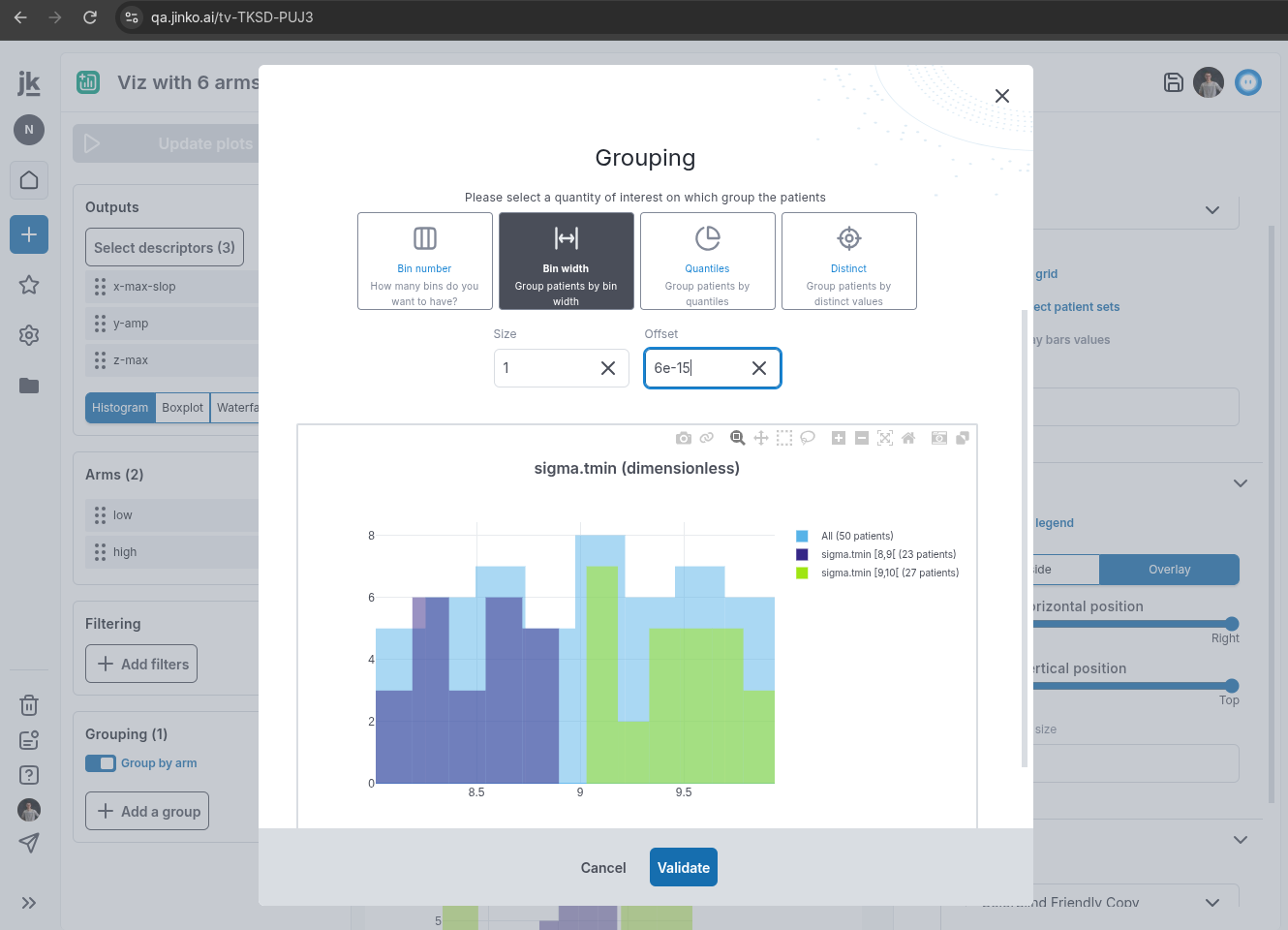
- Scientific notation now works correctly in the visualization grouping interface.
Data & Calibration
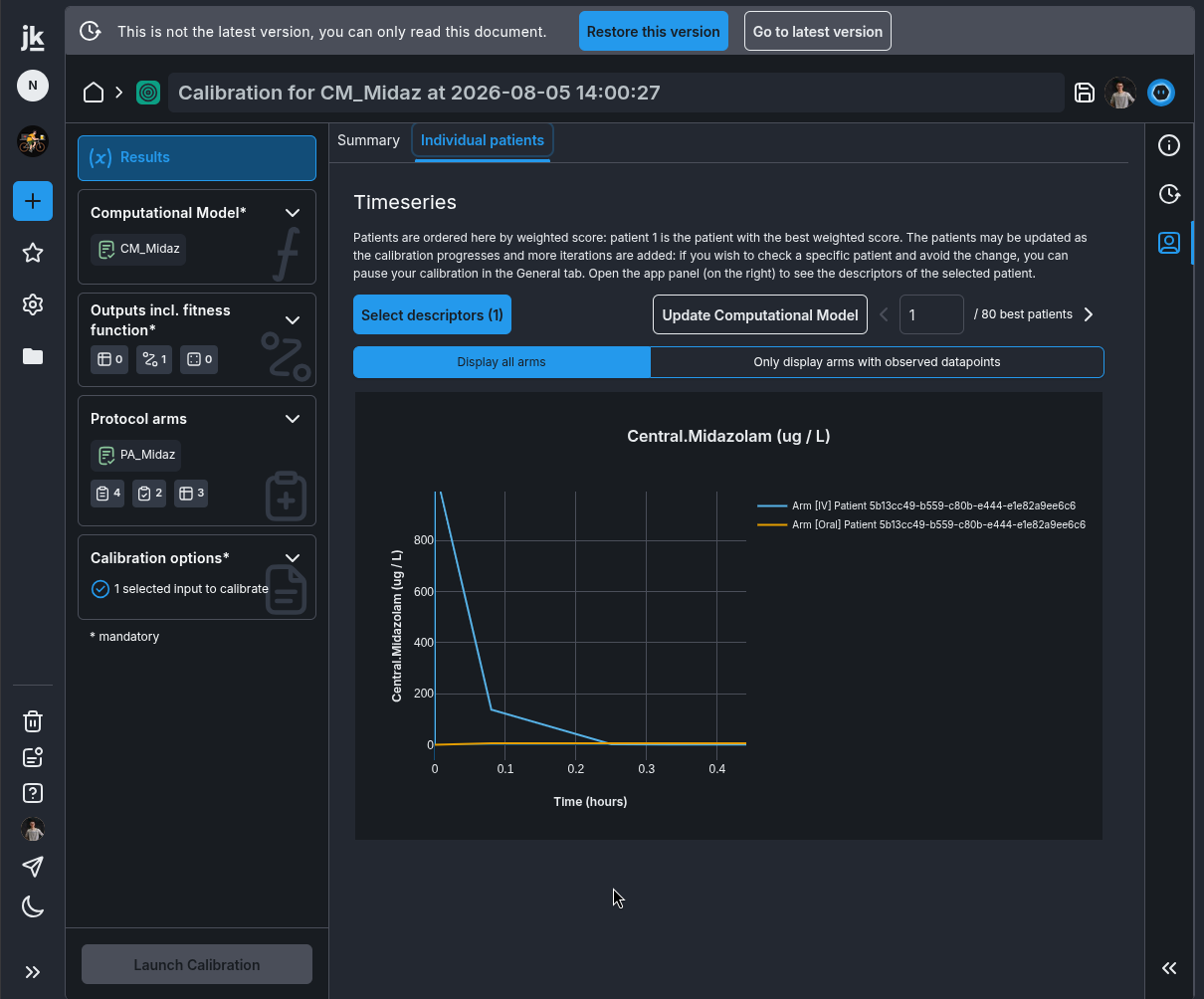
- Calibration result plots now display the correct arm label instead of an undefined label.
Organization & Project Management
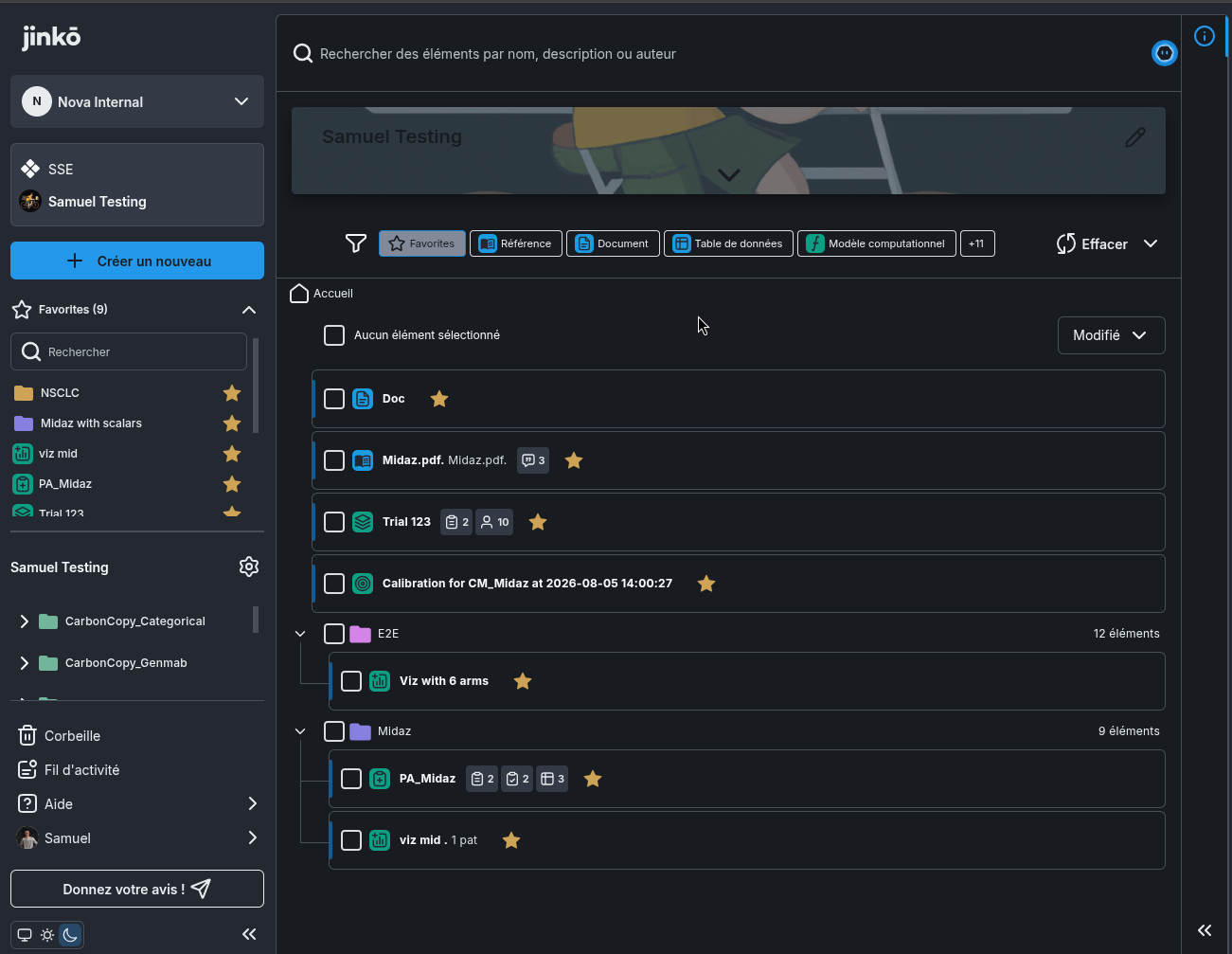
- Quick access cards have been replaced by a Favorite filter in the filter bar.
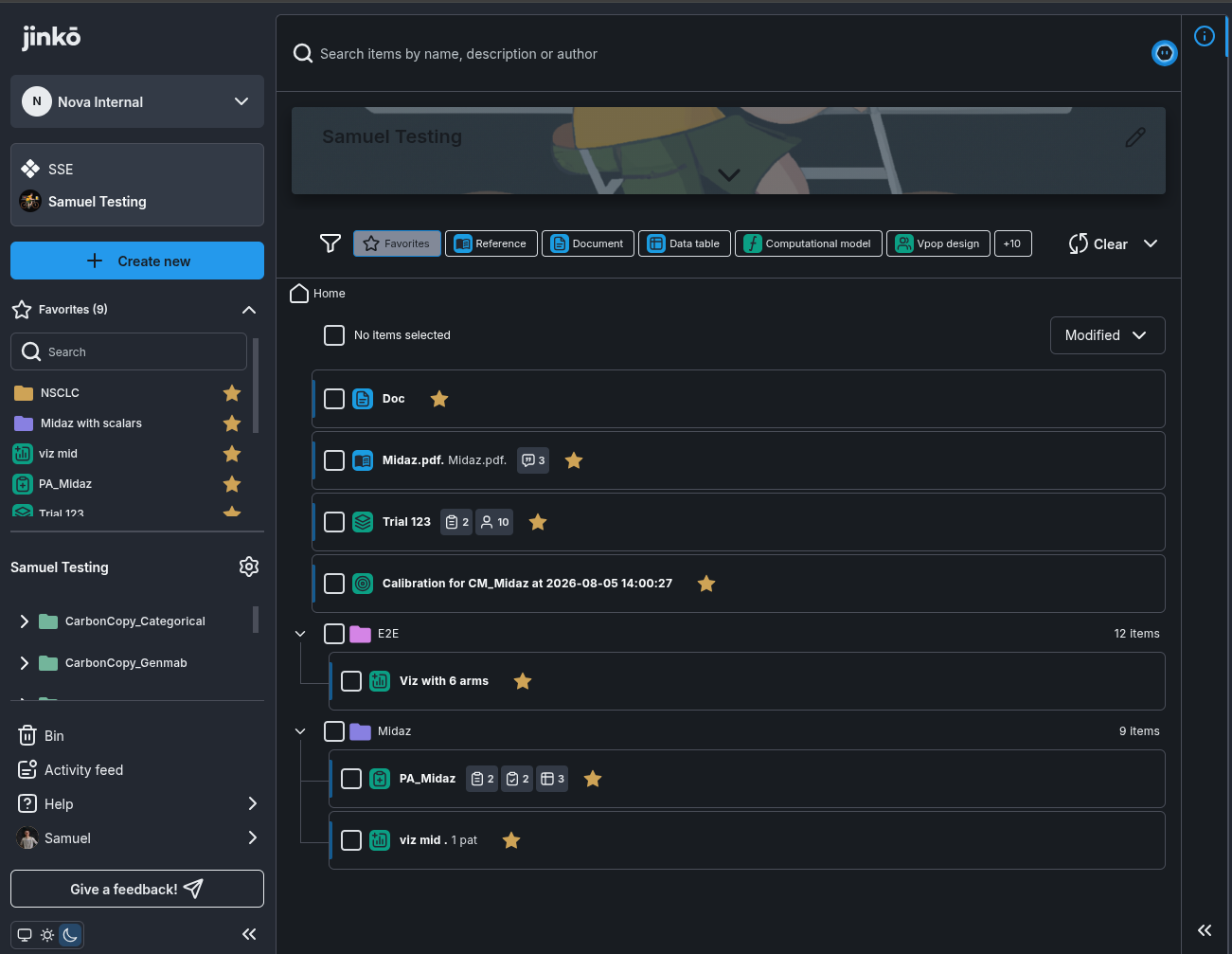
- Your selected language now remains active after refreshing the page.
-
Folder navigation and organization have been improved:
- Move an item into a single folder instead of adding it to multiple folders.
- View an item’s current folder in a breadcrumb pop-up.
- Explore the folder structure more easily.
- Create a new folder while moving an item.
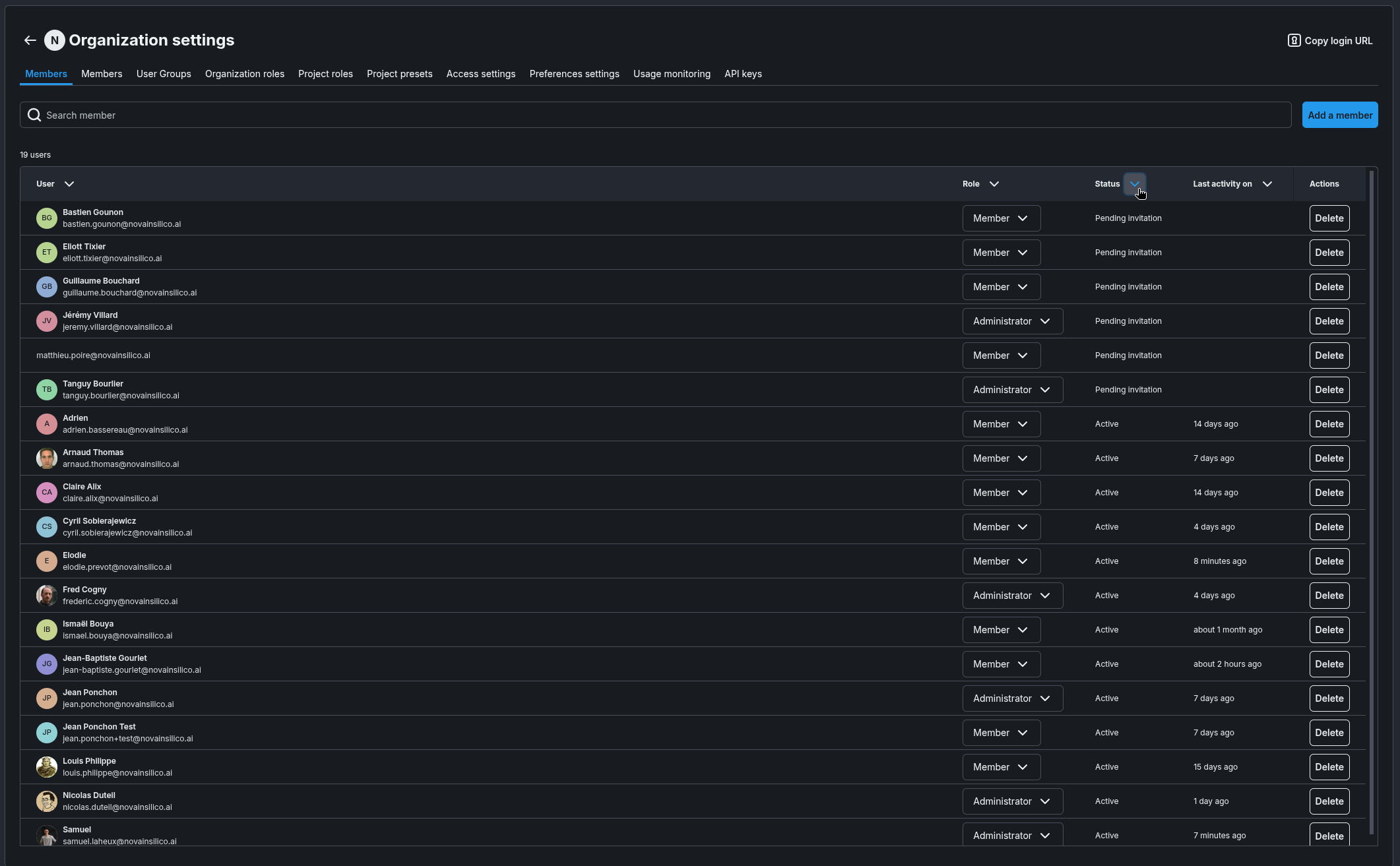
- Members can now be sorted correctly in Organization settings.
-
Folder navigation now supports clearer selection, drag-and-drop, searching, and breadcrumbs:
- Selecting a folder expands its subtree and selects its nested folders and items.
- Selected items can be dragged and dropped to another location.
- Dropping an item into its current parent leaves it unchanged.
- Hovering over a collapsed folder during a drag expands it after 1.5 seconds.
- Empty folders no longer display an expansion control.
- Search includes nested folders and supports drag-and-drop from the results.
- Breadcrumbs show the current location, with an option to expand truncated paths.
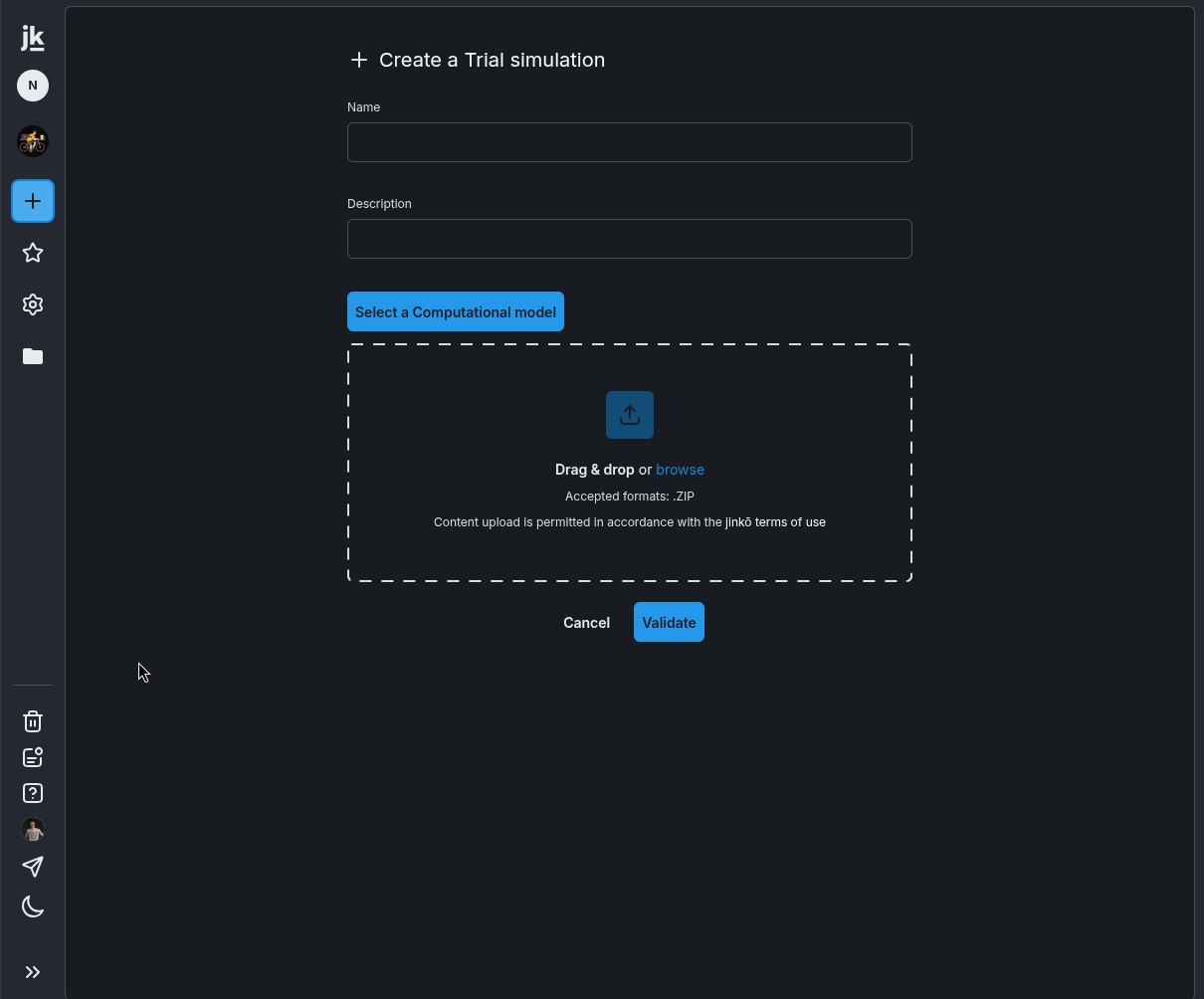
- Creating a project item no longer requires choosing a folder. New items are created automatically in the current folder.
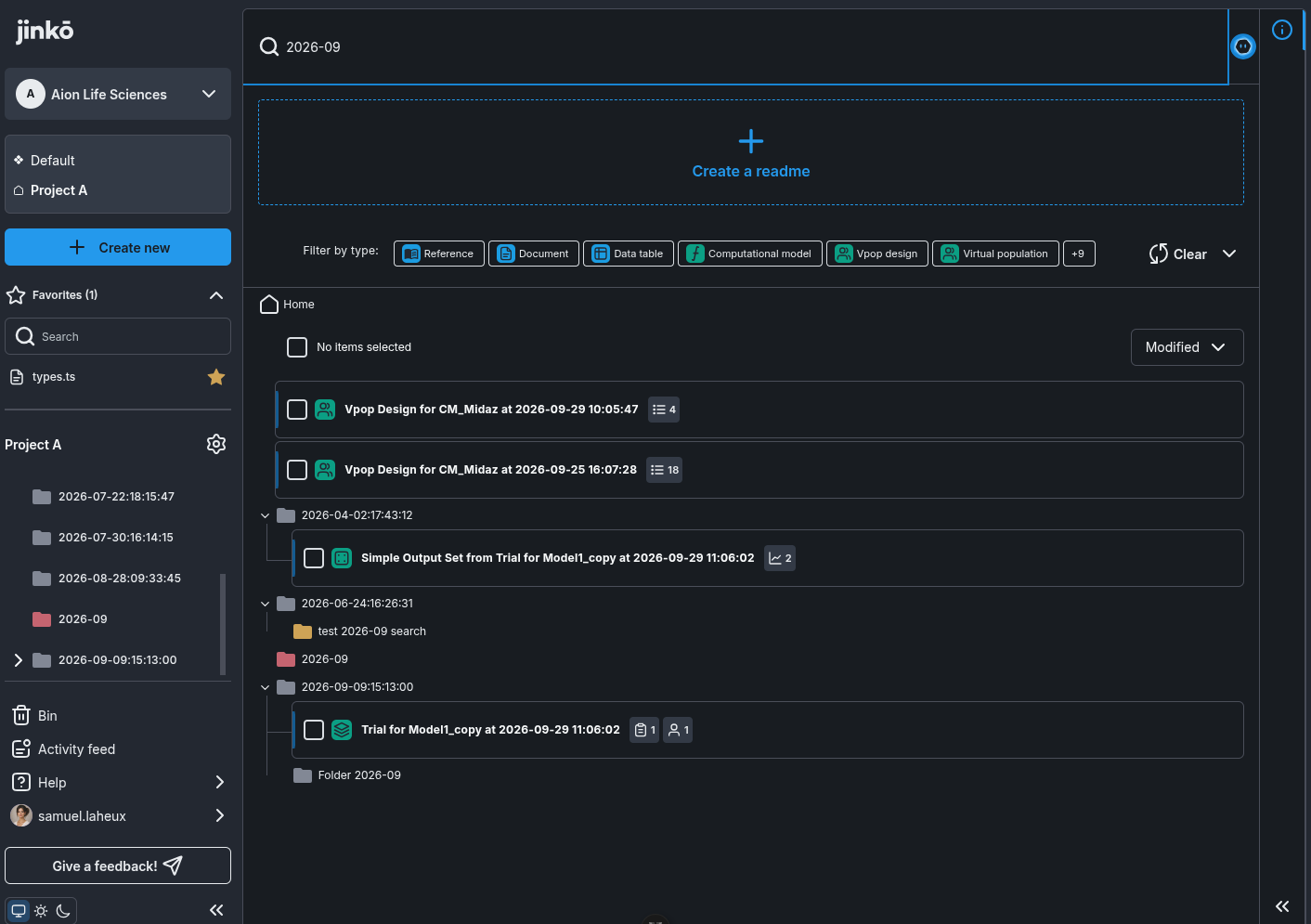
- Project search now includes matching folders, even when no project items match. Matching folders remain within the selected folder and are shown in their hierarchy.
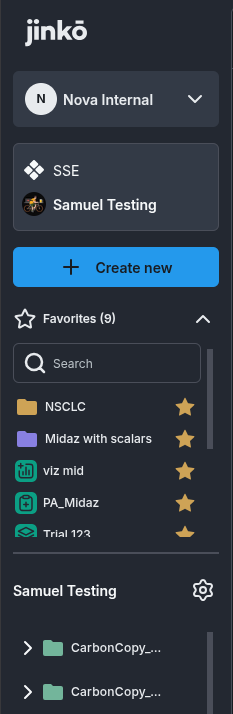
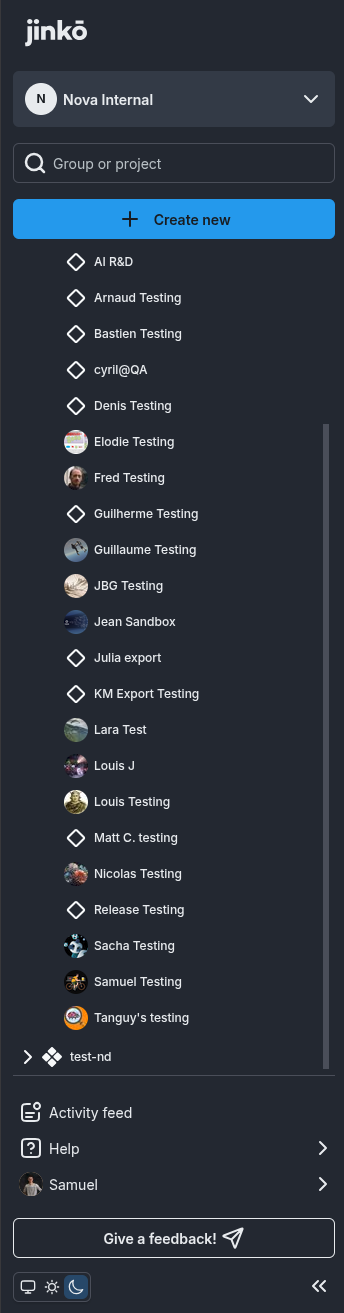
- When available, the project picture is now displayed in the left panel.

- File search and filtering now searches recursively through subfolders and shows where matching items are located in the project structure.
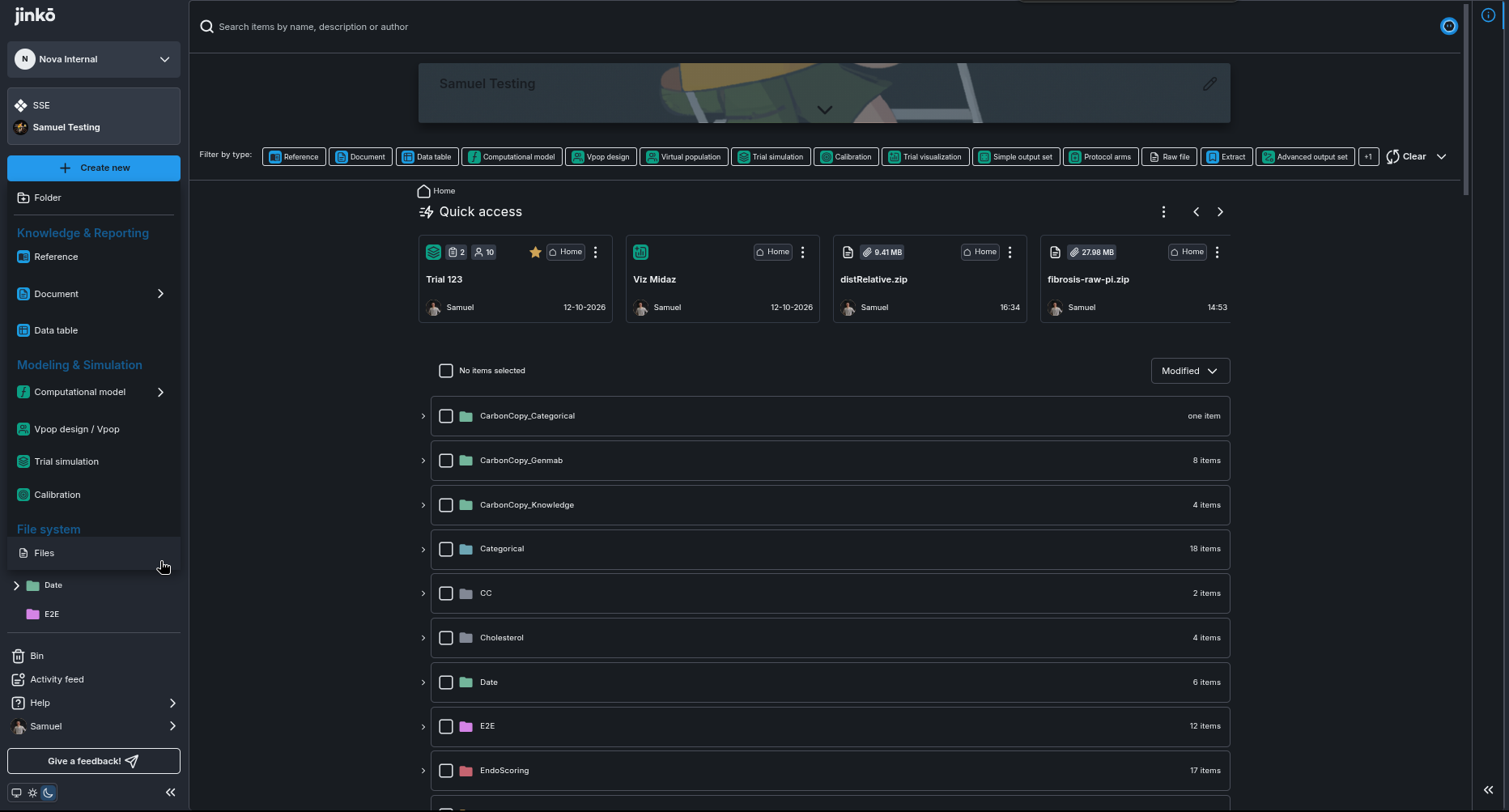
- Jinkō now supports System, Light, and Dark display modes.
Documentation & Knowledge
-
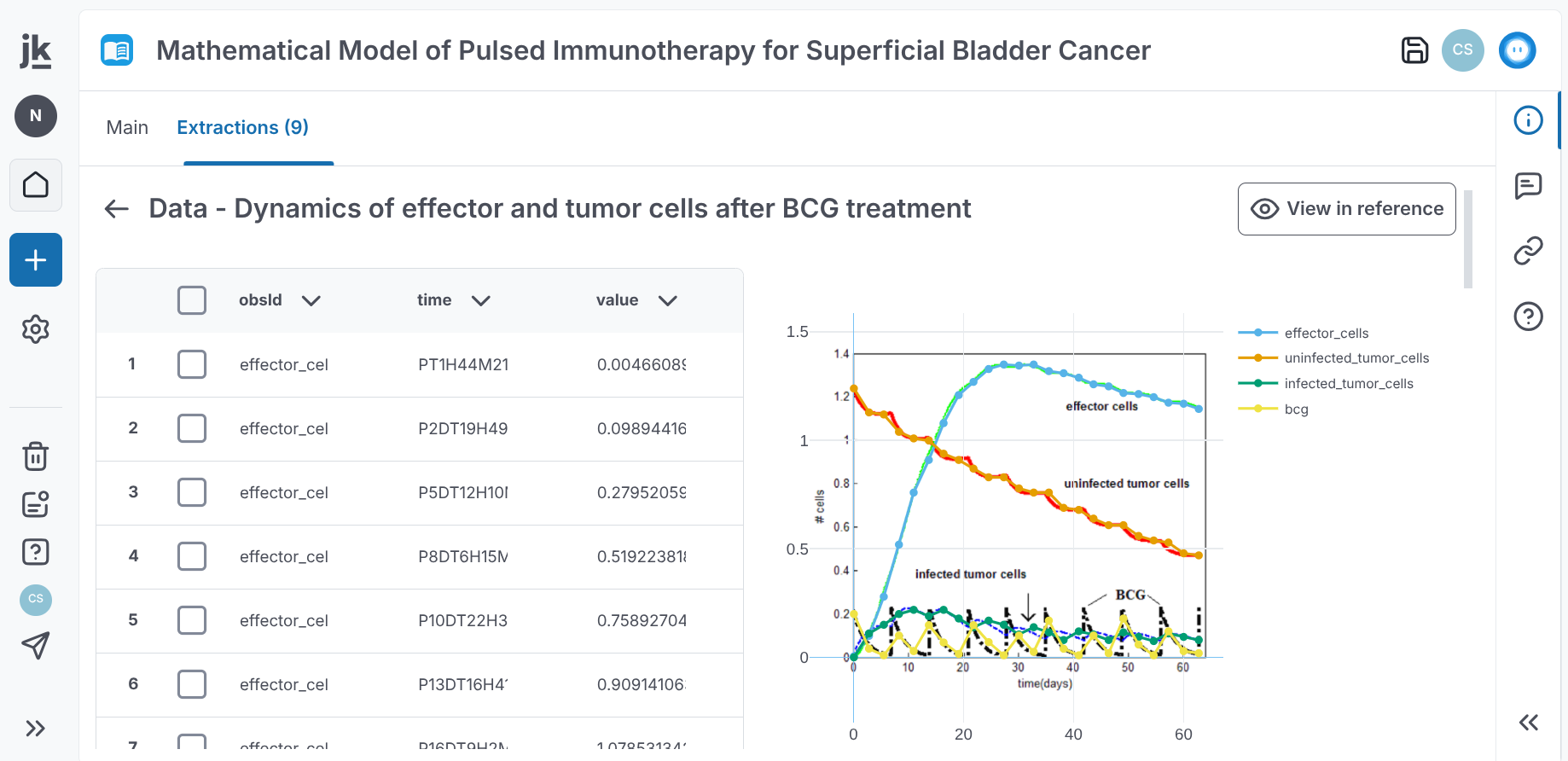
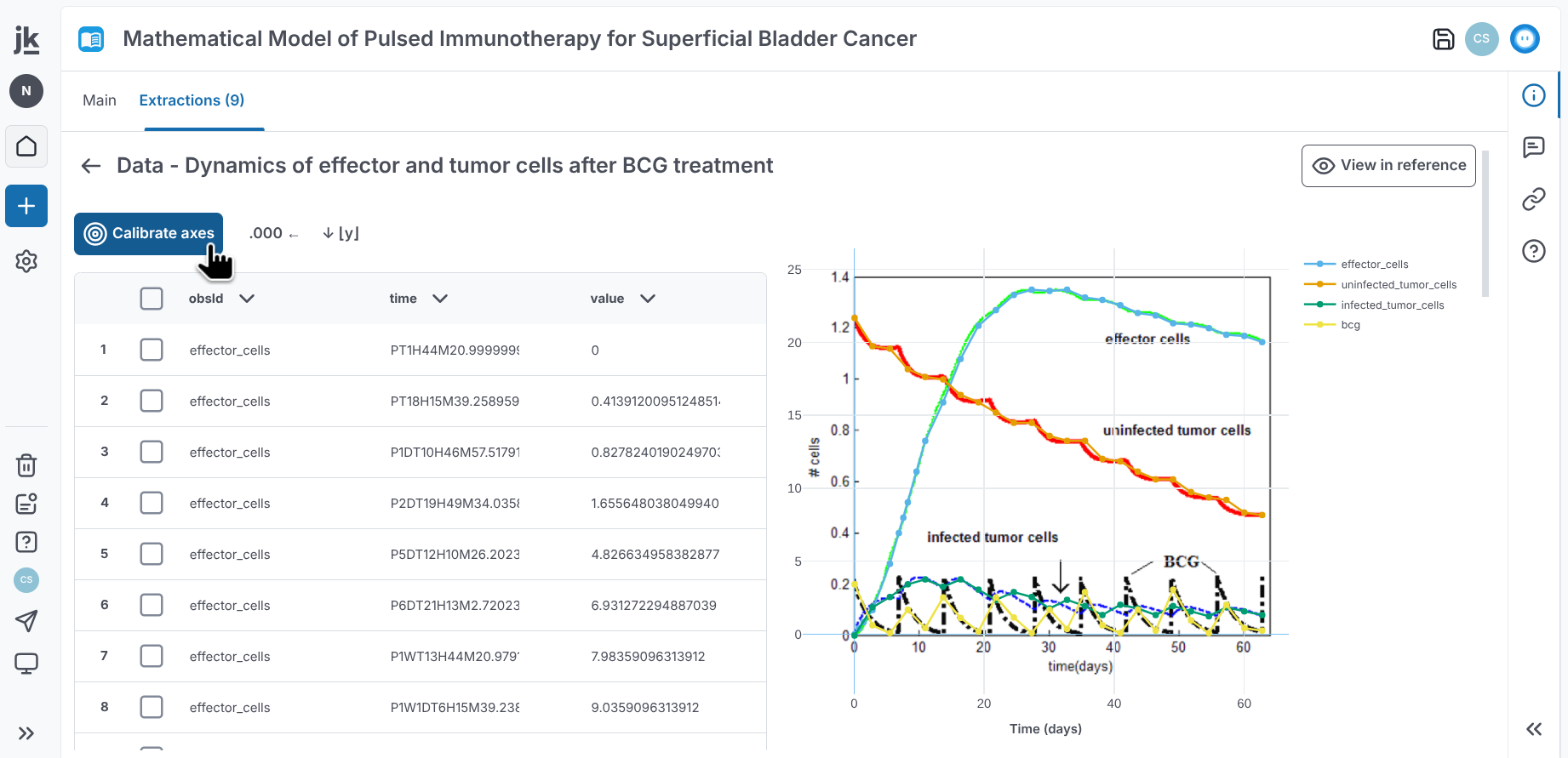
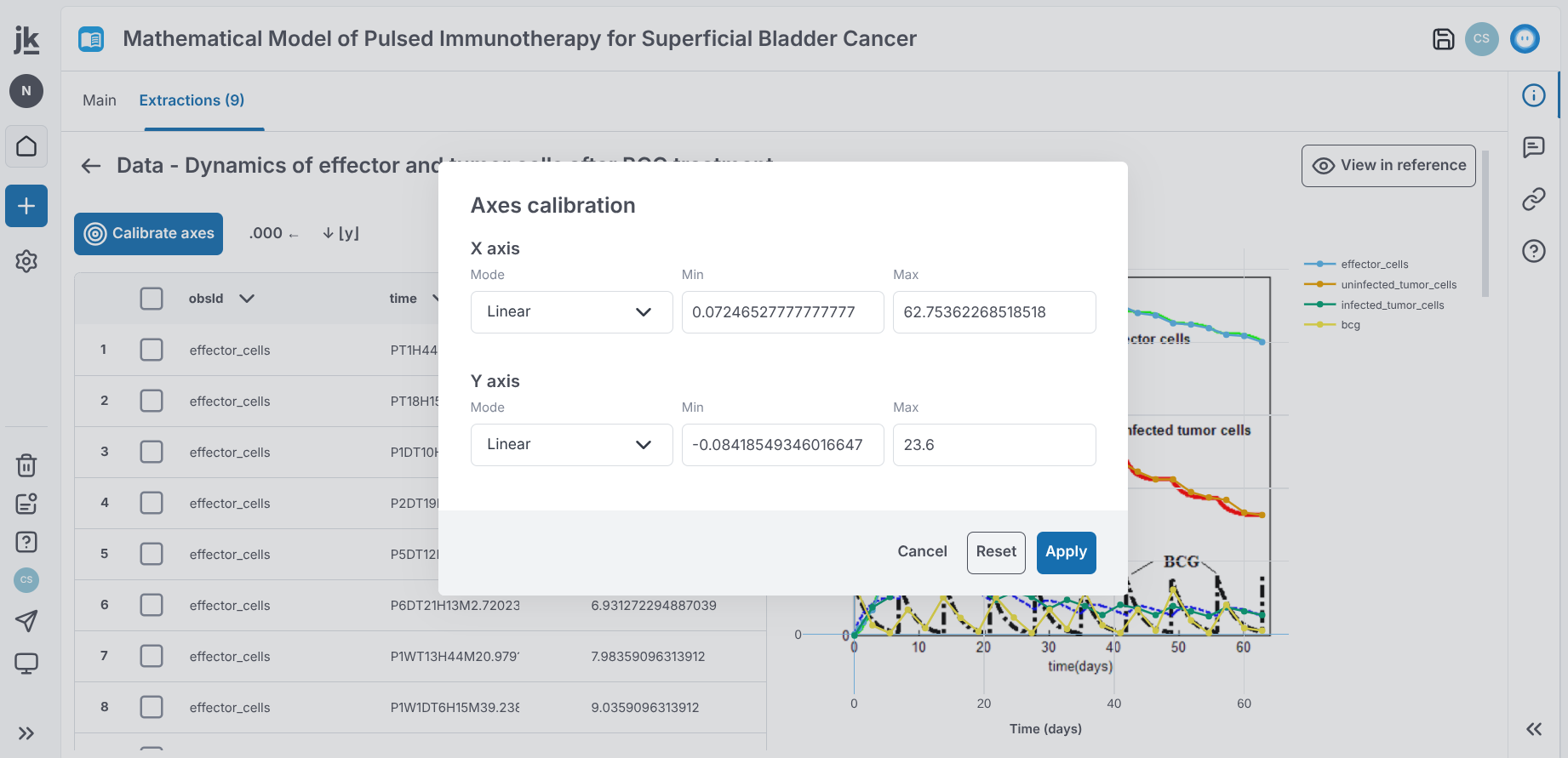
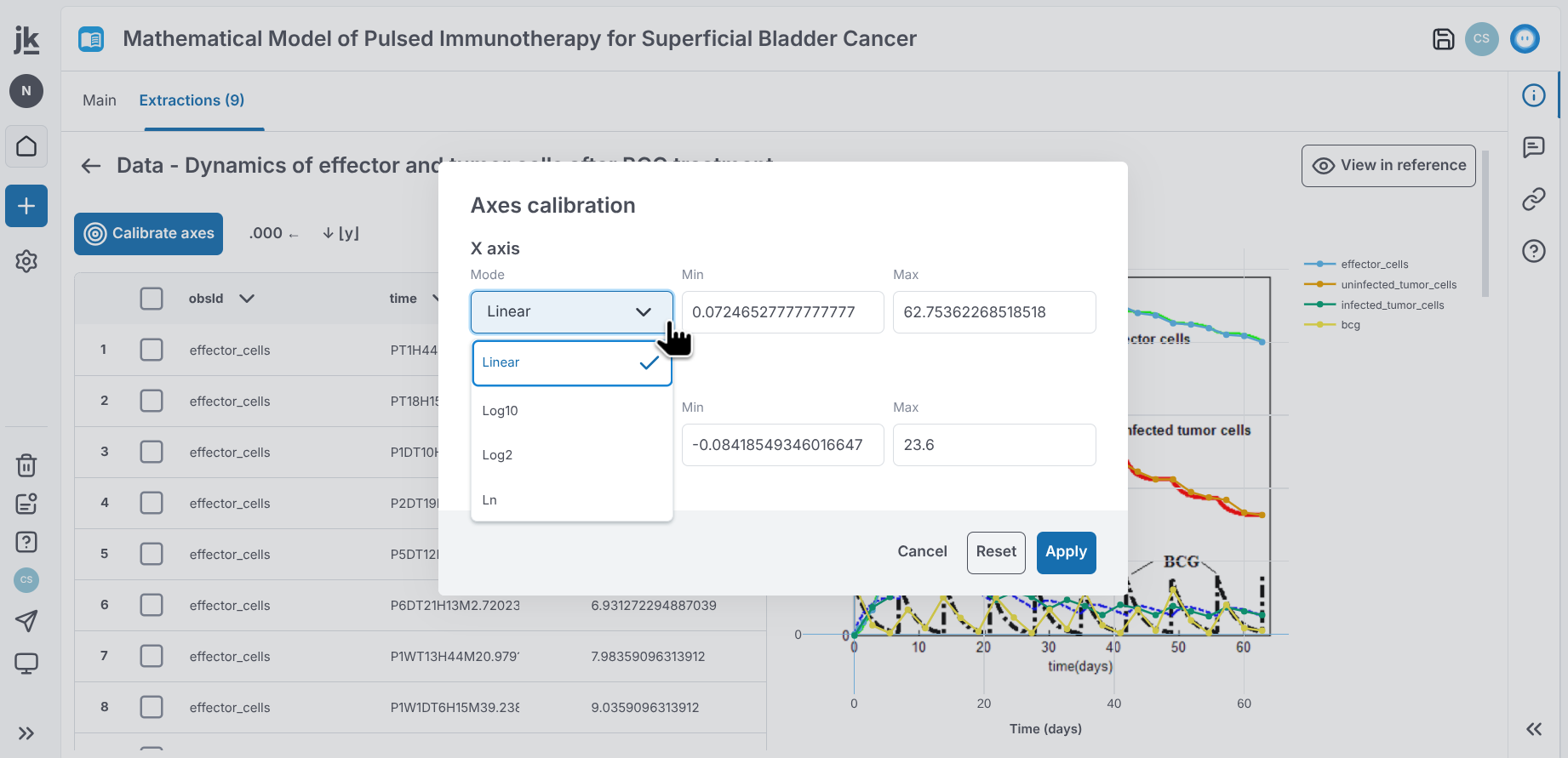
Plot digitization in References now provides a more complete workflow for extracting and refining plot data:
-
View digitized plots over their source images.
-
Calibrate plot axes by setting minimum and maximum values or selecting a logarithmic scale.
-
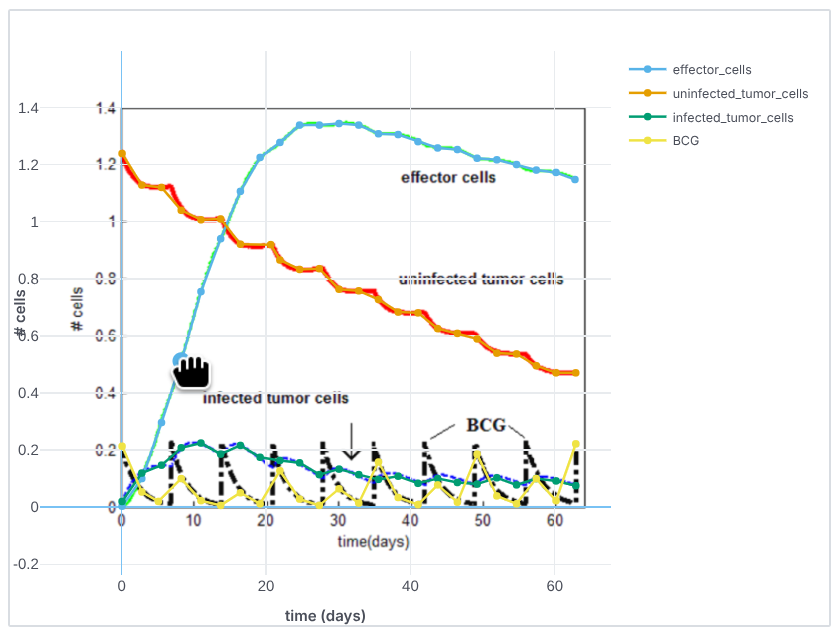
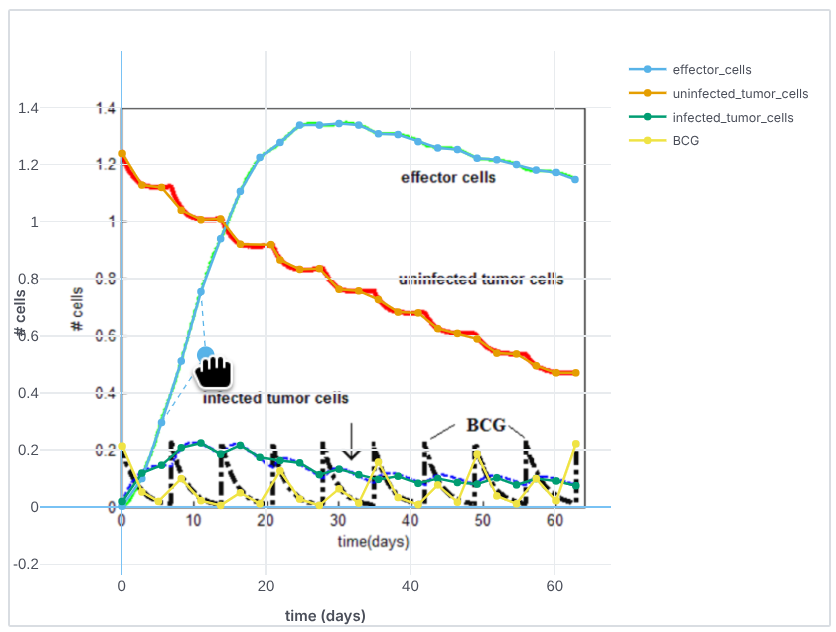
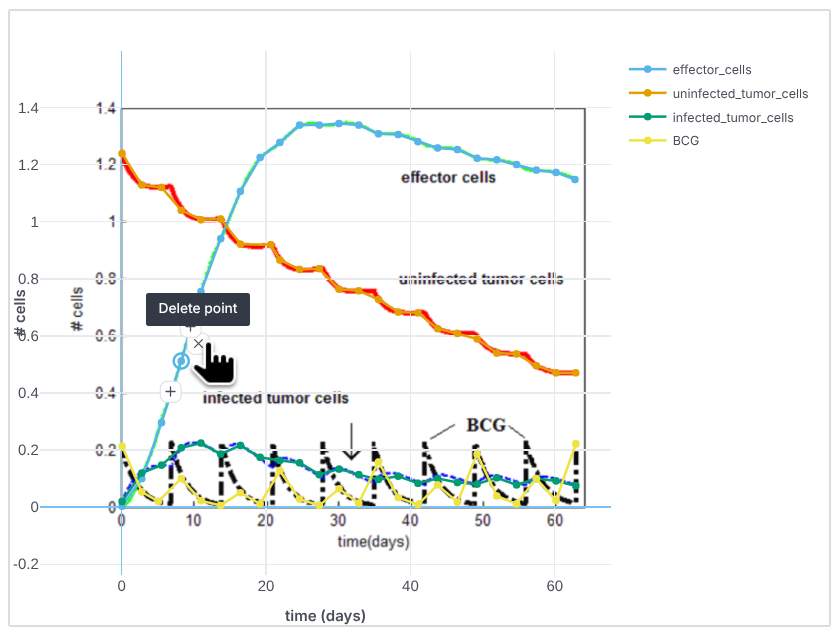
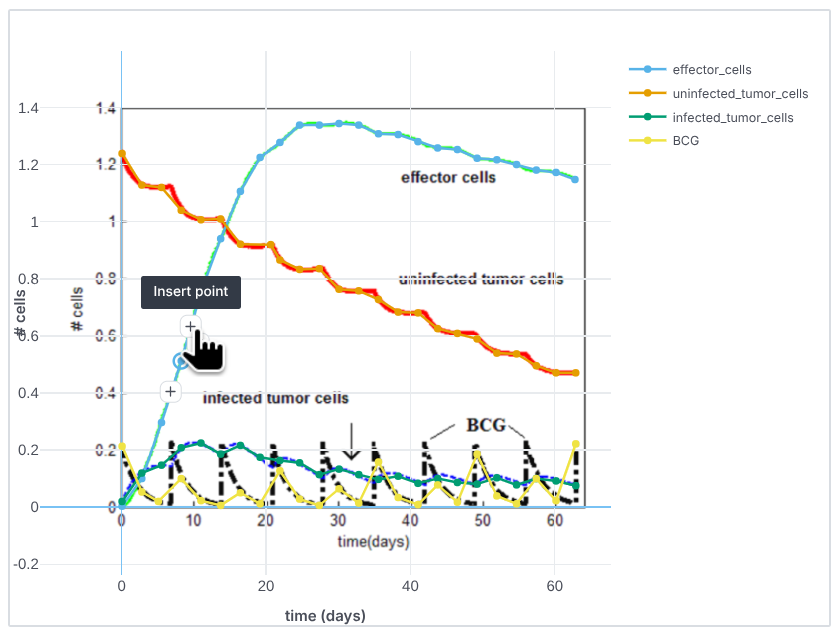
Edit data points directly on the plot by moving, deleting, or inserting points.
-
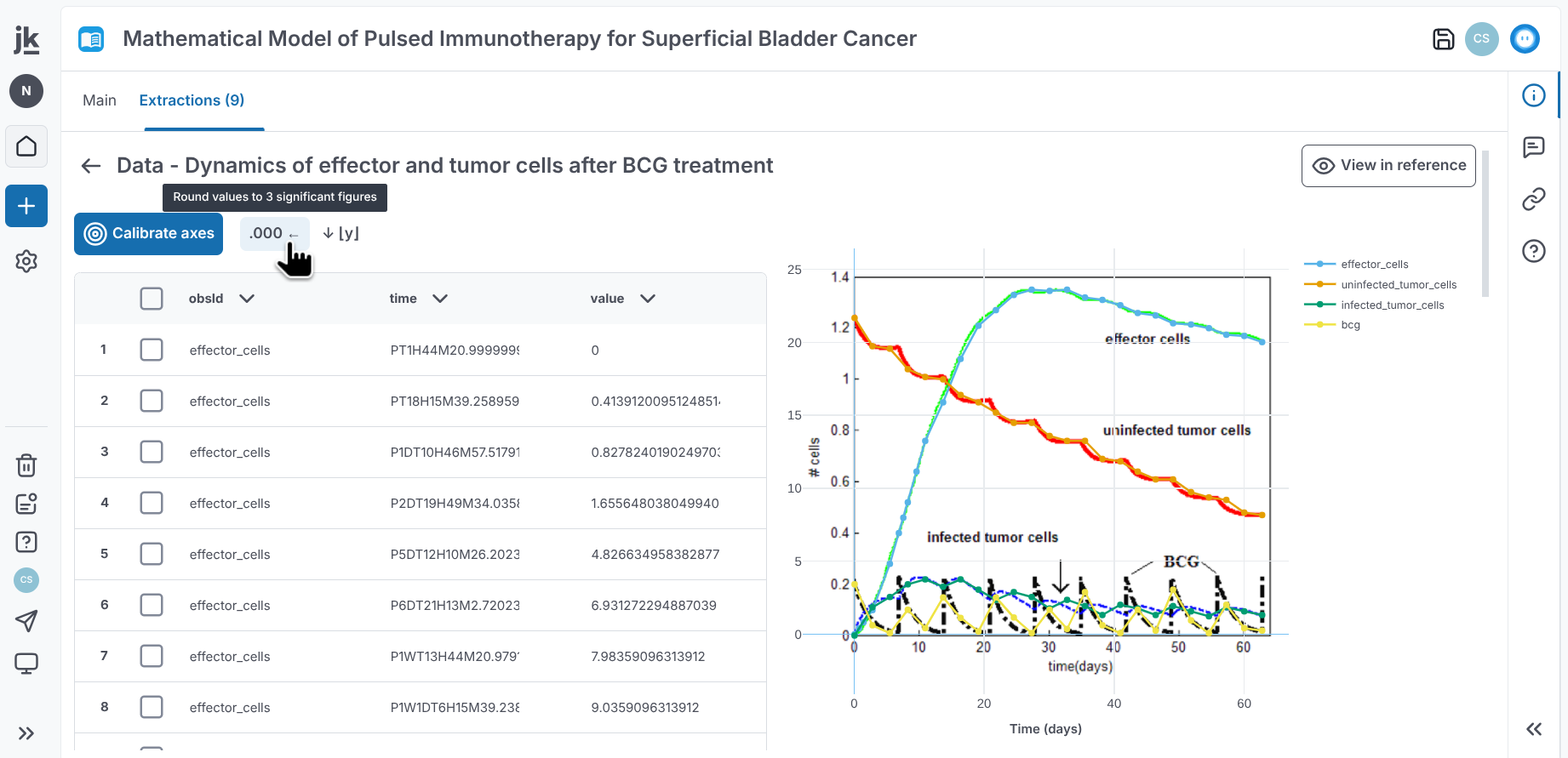
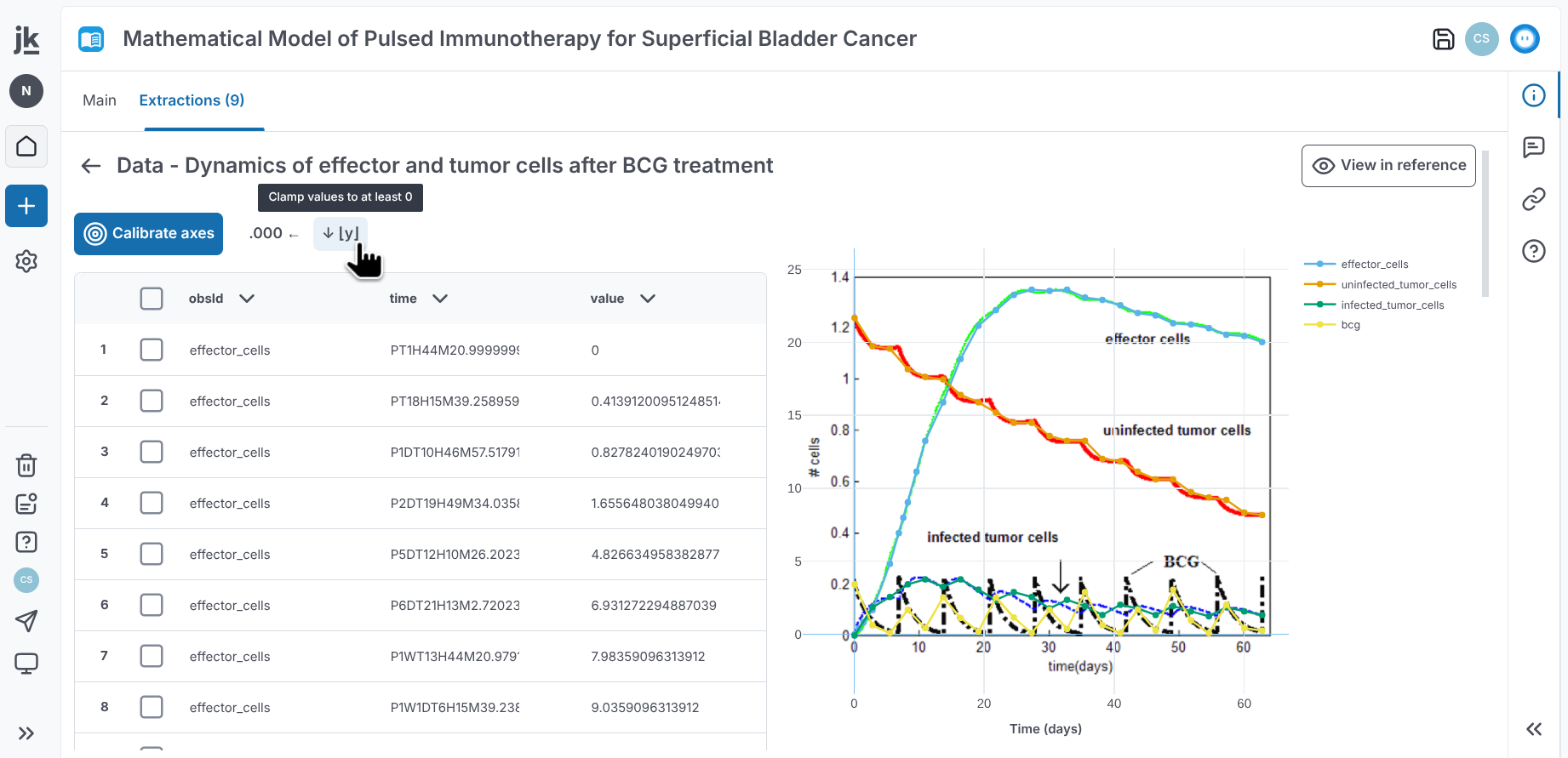
Round values to three significant digits and constrain them to a minimum of zero.
-
Insert rows with automatic interpolation when the surrounding observable and arm match. Rows are duplicated when no matching surrounding row is available.
-
-
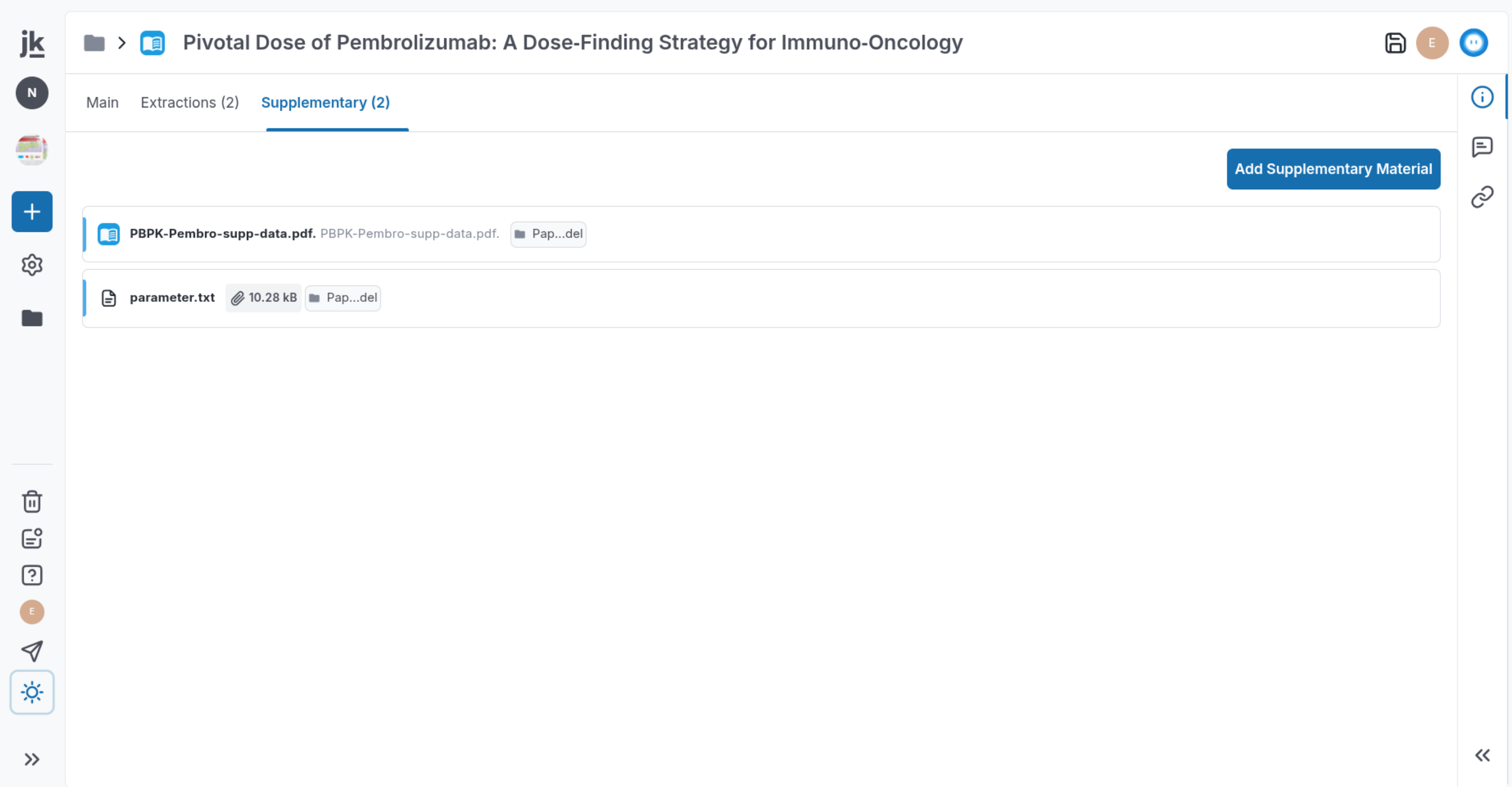
References now include a Supplementary tab for adding additional files. PDF supplements can also be highlighted, with the highlights shown in the Extractions gallery.
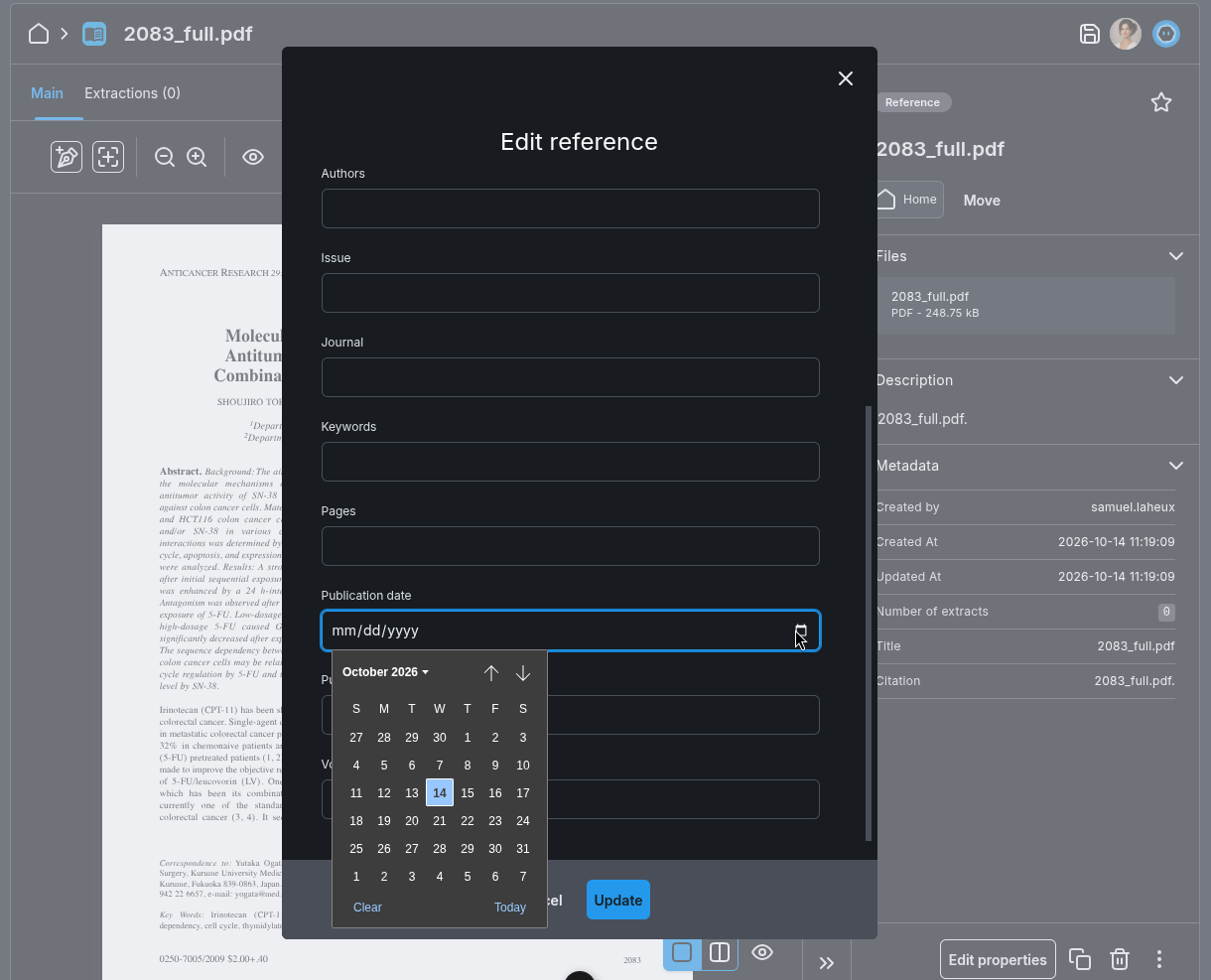
- Reference publication dates can now be edited manually.
- Adding a Calibration project item to a document no longer removes other project items already embedded in the document.
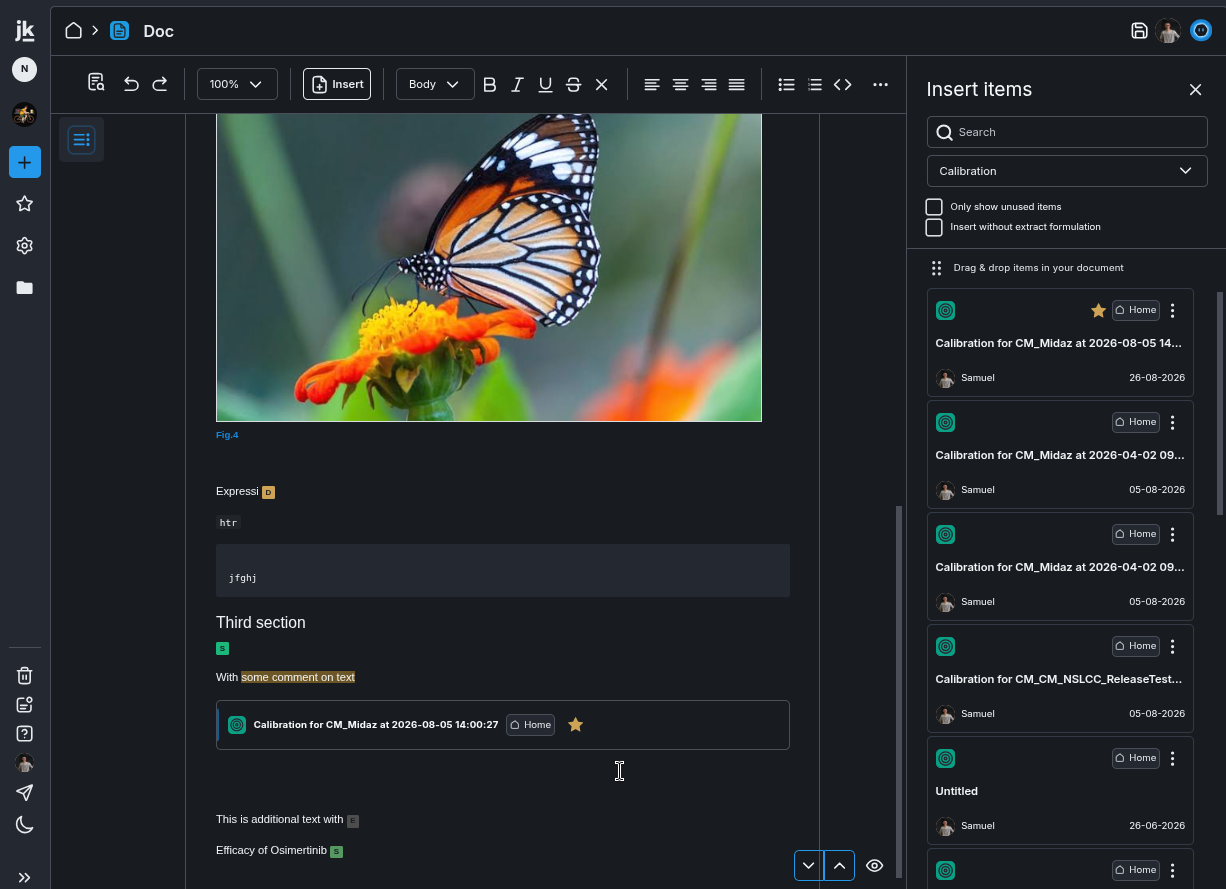
- Comments in documents are now readable in dark mode.

-
The code editor’s dark theme has been improved for readability.
-
Raw text files can now be opened in a text editor, with syntax highlighting for formats such as Markdown, Python, and XML.
Connectivity & Interoperability
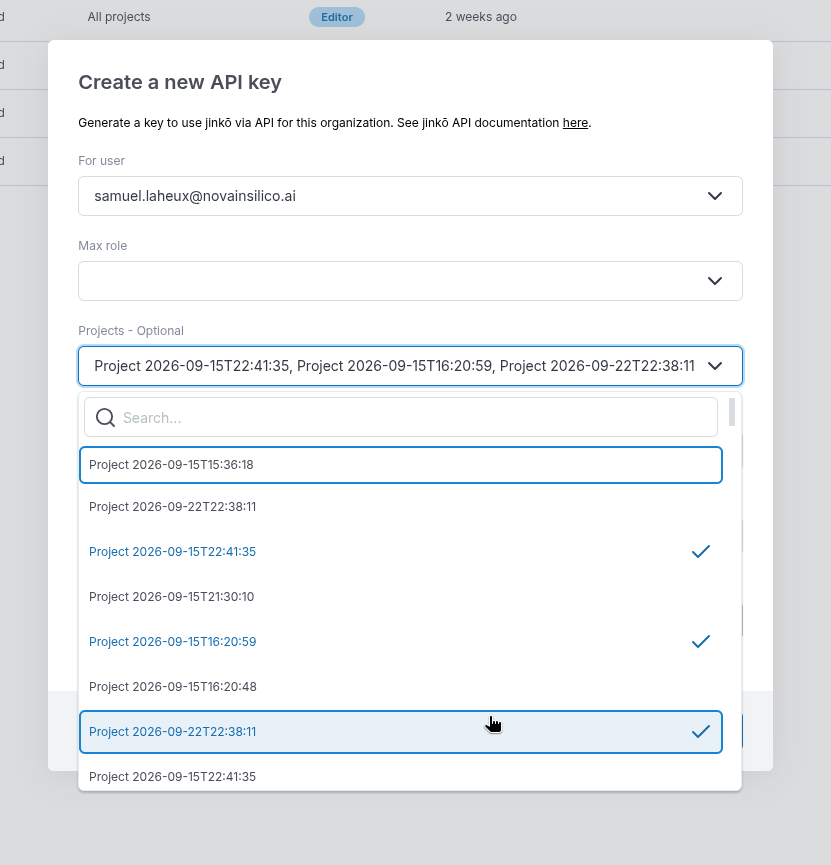
- Organization API keys can now be scoped to one, several, or all projects in the organization. The API key list shows each project scope, and the key value, base URL, and environment-variable name can be copied with one click.
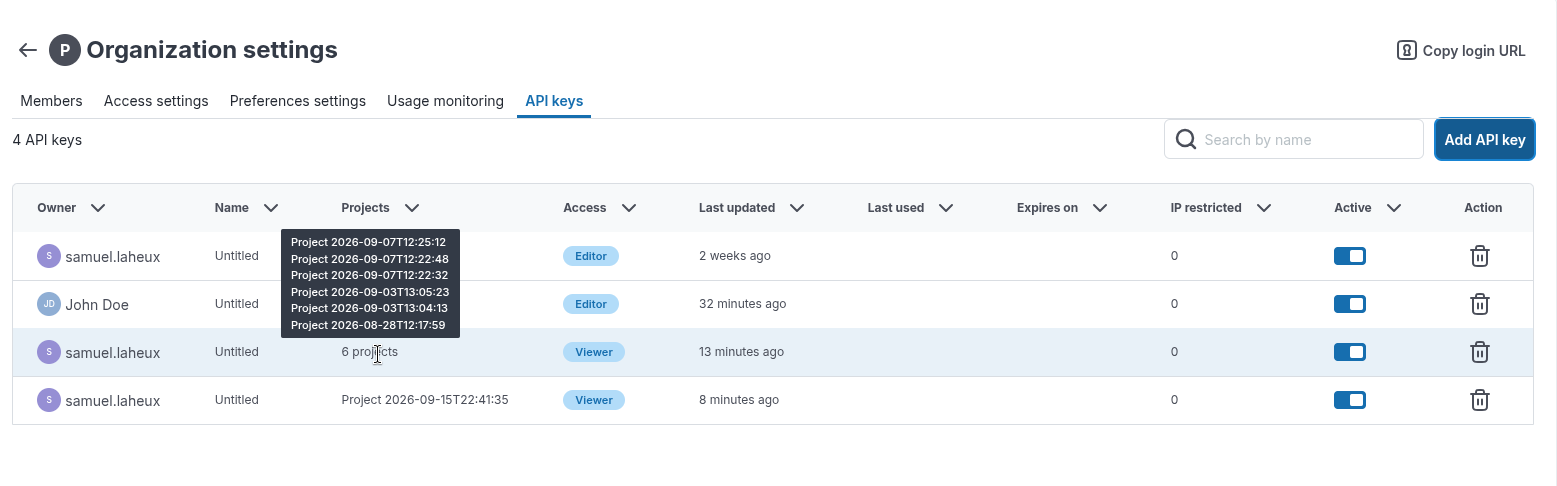
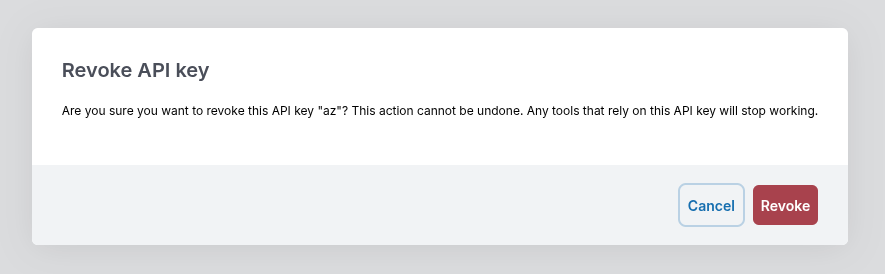
- Deleting an API key now requires confirmation.
- API key values in the generated
.envconfiguration snippet can now be selected and copied as a complete value.
-
The visualization API has been updated to use core item and snapshot identifiers in the route path. For example,
v2/result_manager/model_resultis nowv2/result_manager/trial/:uuid/snapshots/:uuid/model_result, where the placeholders are replaced by the relevant identifiers. Existing API integrations should migrate to the new routes and payloads.- Most visualization routes now use the
v2route structure and no longer include the core item identifier in the request payload. - Routes have been clarified, including
model_resultbecomingtimeseriesandscalar_resultbecomingscalars, with route qualifiers such as/per_patientand/per_population. - Individual-result routes have simplified inputs and outputs. They no longer accept grouping, filtering, or
equateBaseline, and their responses no longer include the unusedgroupor arbitraryindexesfields. - Important values such as
scenarioArm,patientNumber, and calibrationiterationare now documented top-level fields with defined types. - Population routes support grouping, filtering, and
equateBaselineand can substantially reduce browser memory use and network traffic for large trials. - For population scalar results, set
equateBaseline: truewhen consistent patient alignment across returned arrays is required.
- Most visualization routes now use the
Other
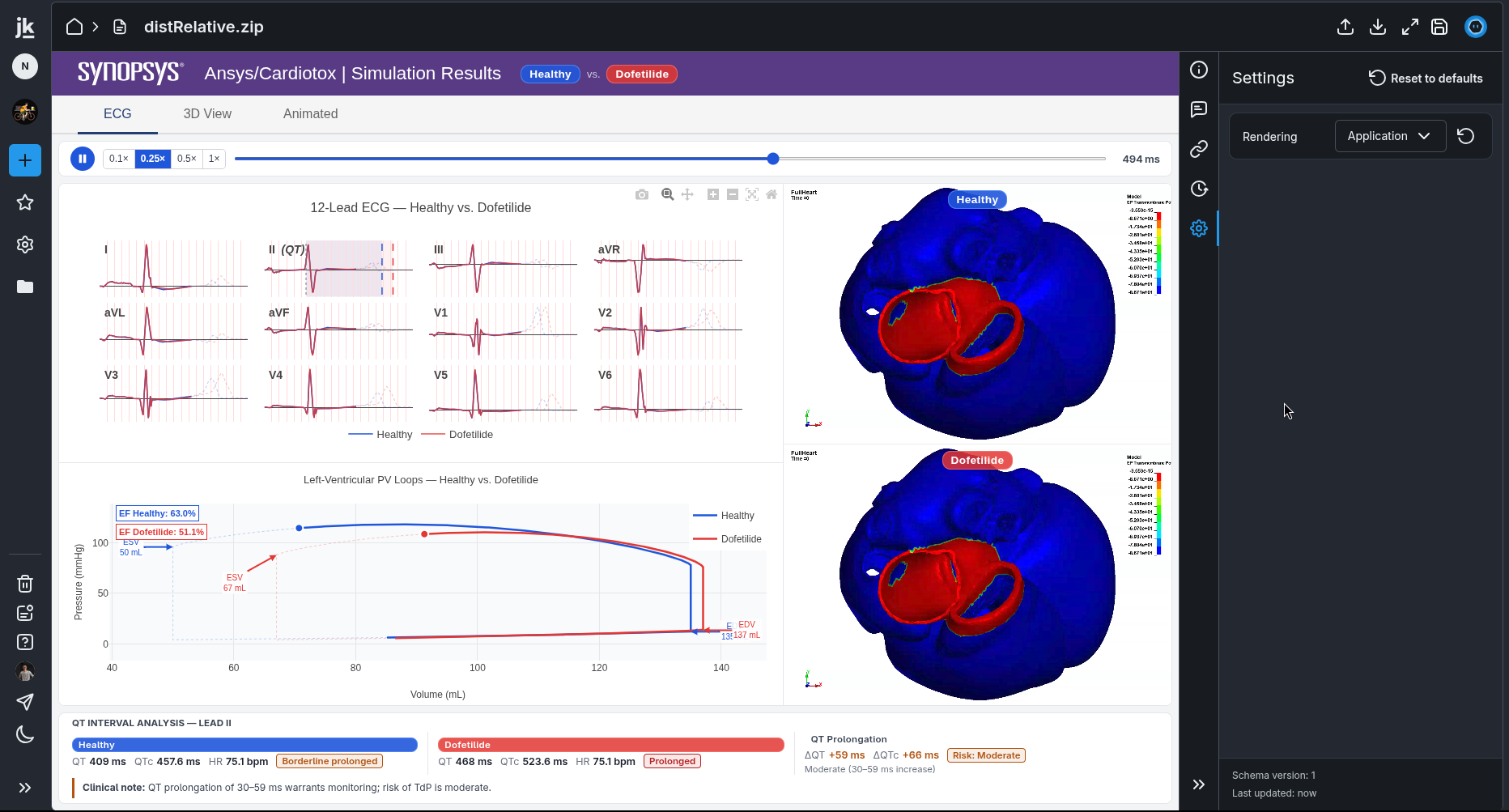
- You can display a bundled application in Jinkō by uploading its ZIP file and selecting Application in the Rendering settings.
- Shadows have stronger contrast in dark mode.
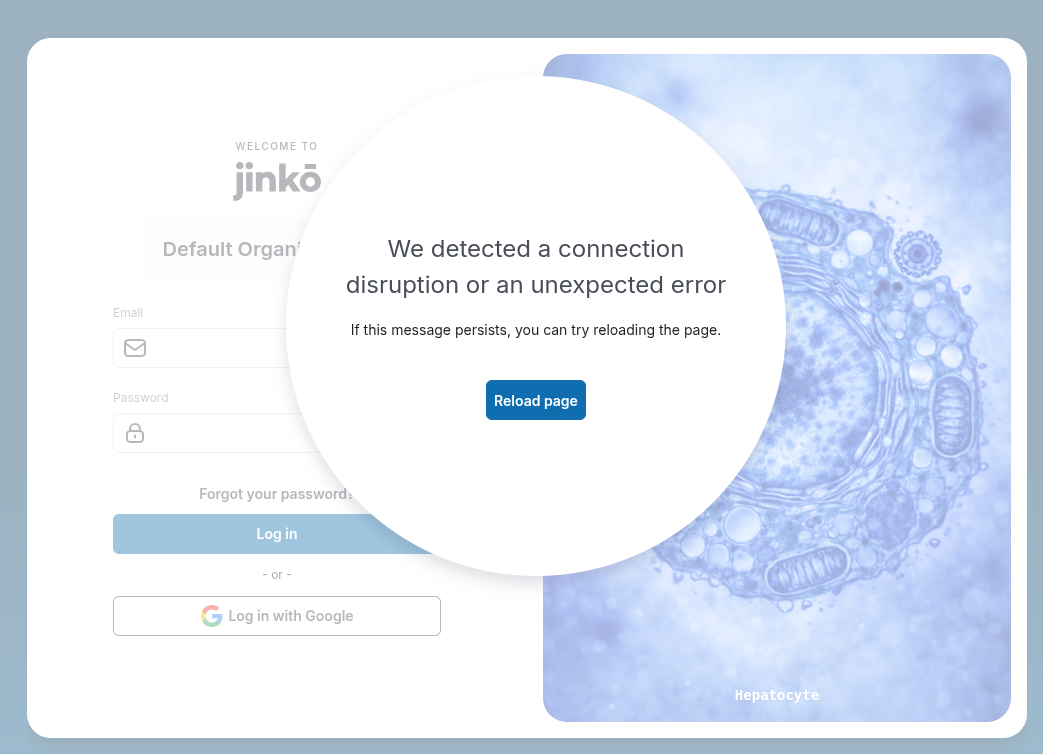
- When a connection is interrupted, the connection notification now includes a reload button.
- Error messages are easier to read in dark mode.