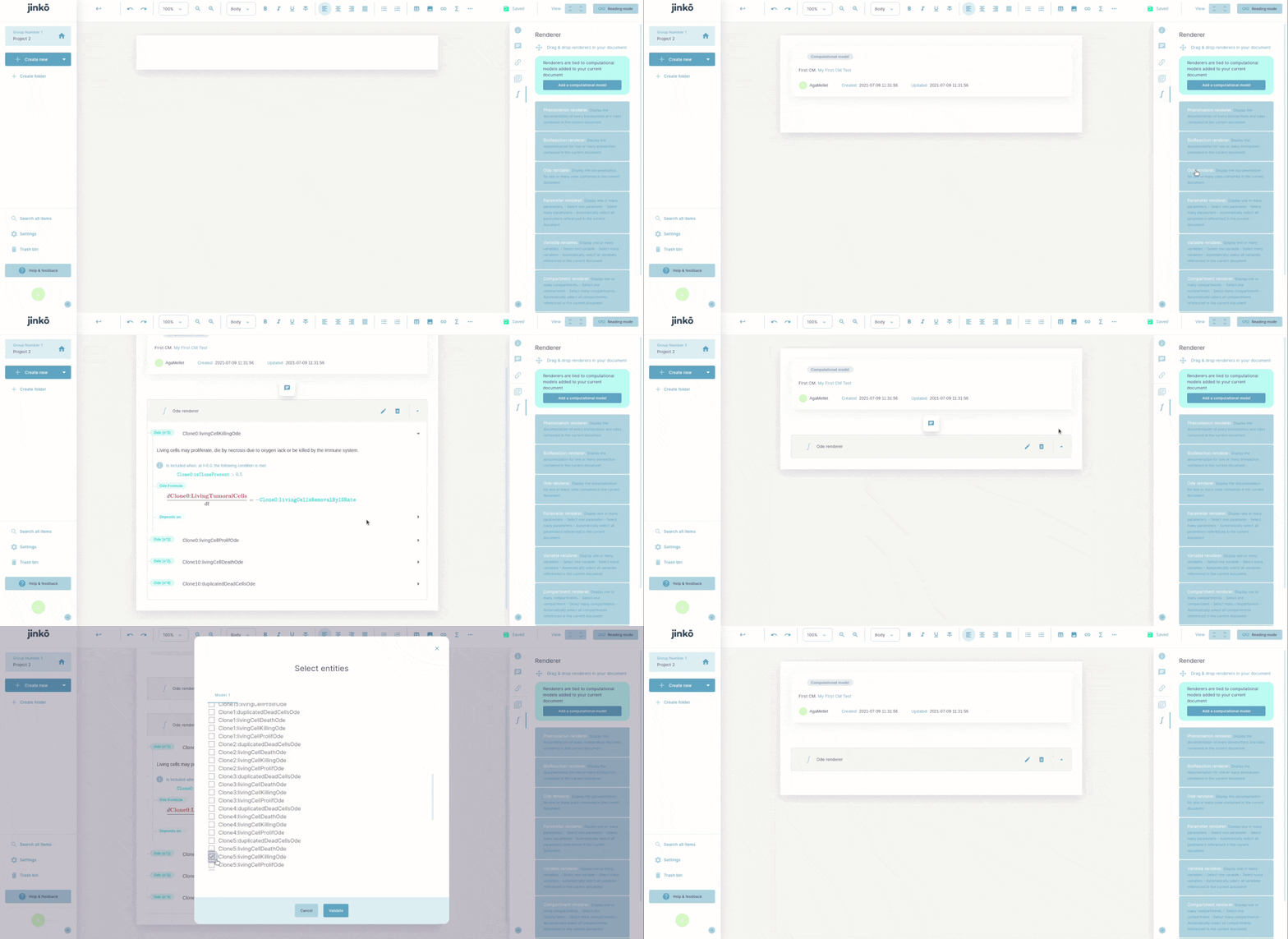
Model equations in documents
Once you have integrated your Computational Model (CM) into the Jinkō platform, you can add equations issued from it directly in a Document, in a way to tie scientific discursive knowledge / facts and computational models together, thus creating transparent in silico models.
Open the relevant document to which you want to add the mathematical equations. Drag and drop the Computational Model you want to work on the Document (this is a mandatory step to make the equations active for drag & drop). Finally drag and drop any of the Computational Model’s elements such as equations but also phenomenons, variables, bioreactions, etc.