Release notes: January 2026
This recap summarizes product changes released during January 2026, grouped by product theme.
Highlights by theme
Model combination is live
Jinkō now gives the possibility to combine 2 models 🚀
This is the V1 of the feature, more functionalities will be shipped in the coming months !
Select the models to combine
From a computational model, import a new model. You can select any computational model in your project. This will import all the components of the incoming model in the current model.
View the conflicts
Once you have combined your models, you can view the conflicts, just like in a git merge or rebase.
But what is a conflict ? 🤔
There are 2 types of conflicts:
- components conflicts: a component from the current model and a component from the incoming model have the same name, but different values
- identical components: a component from the current model and a component from the incoming model have the same name, and all their fields are exactly identical
For each conflict, you can view what differs between both models in the computational model table.
Resolve the conflicts
Each conflict must be resolved before you can simulate your model.
There are 3 ways to resolve a conflict:
- keep the component from the current model
- keep the component from the incoming model
- keep both components, and rename at least one of the 2 versions
Multi-edition for conflict resolution
You can apply the same strategy to solve several conflicts at the same time.
Continuous model edition
During conflict resolution, your model is still editable. In fact, conflict resolution is an operation of model edition, which means that your progress is continuously saved. You can leave Jinkō and when you open your model again, it will be in the same state you left it.
Abort a merge
A merge can be aborted at any time. To do so, you can easily go back to the version of your model before starting the merge.
Using version restoration, you can also revert the latest conflicts resolutions.
Anticipated next steps
- Activity feed of conflict resolutions in the merge status tab
- UX improvements on the presentation of conflicts types on the merge status tab
- Automatic naming of versions when all conflicts are resolved
- Indications of number of changes applied in each version
- And more R&D topics currently in specifications, such as combination trees (to revert individual conflict resolutions), templates and new entry points to launch a combination
Computational Model
-
Feat: Show "Current Value" for formulaic.
-
If the value is a formula, display the numerical value at tMin. It is available for Parameter, Species, Compartment, Ode right side, and general reaction rate.
Trial & Protocol
- Feat: When non editable the Protocol view should not display the chevrons.
-
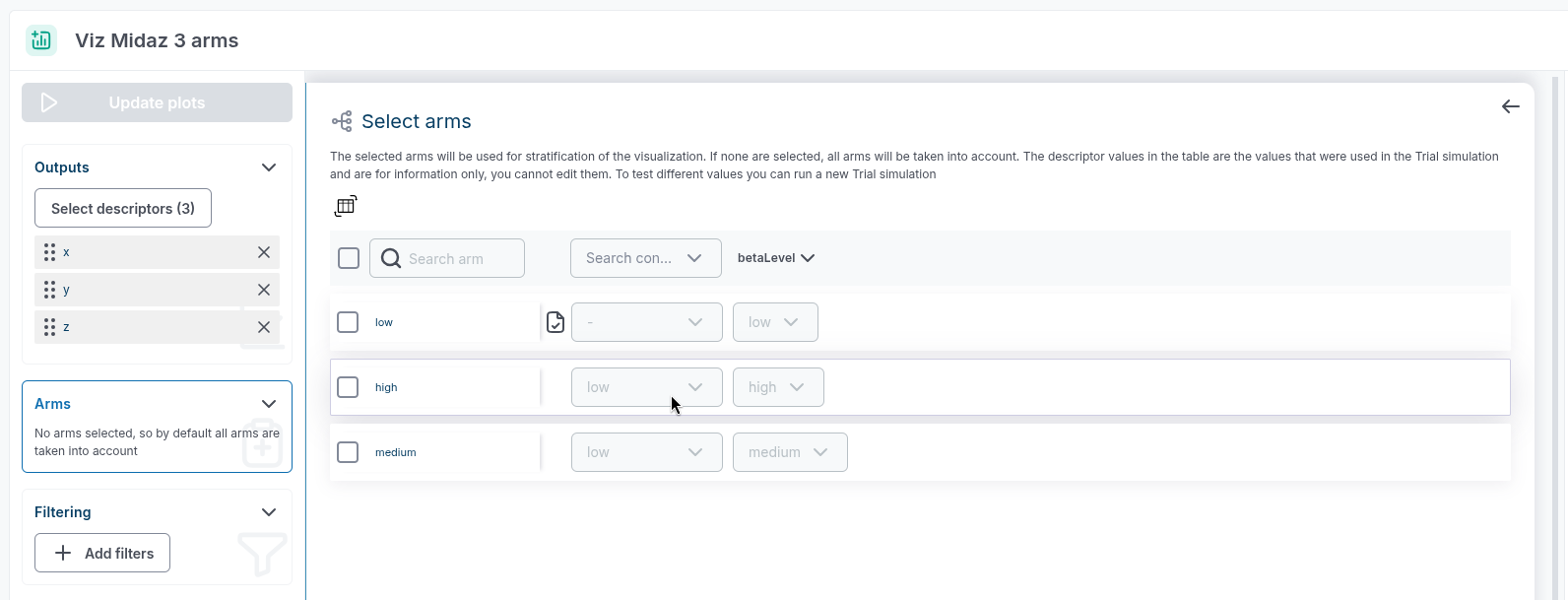
Feat: new sanity check on duplicated simple outputs.
-
A new sanity check has been added to automatically detect duplicates in simple outputs.
Trial Viz
-
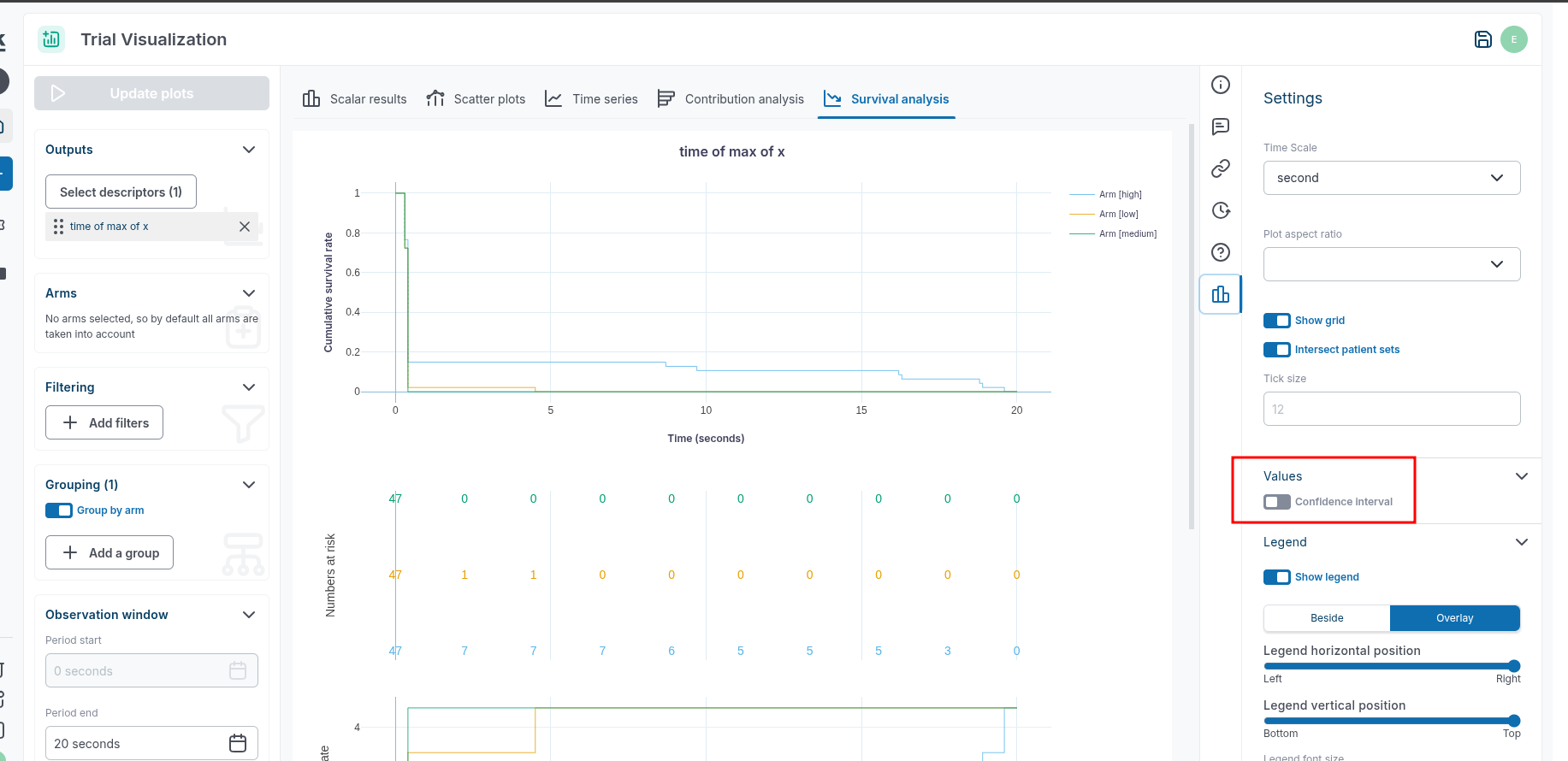
Persist survival plots options in core TV resource.
-
The "confidence interval" toggle in Survival Analysis plots is now persisted.
-
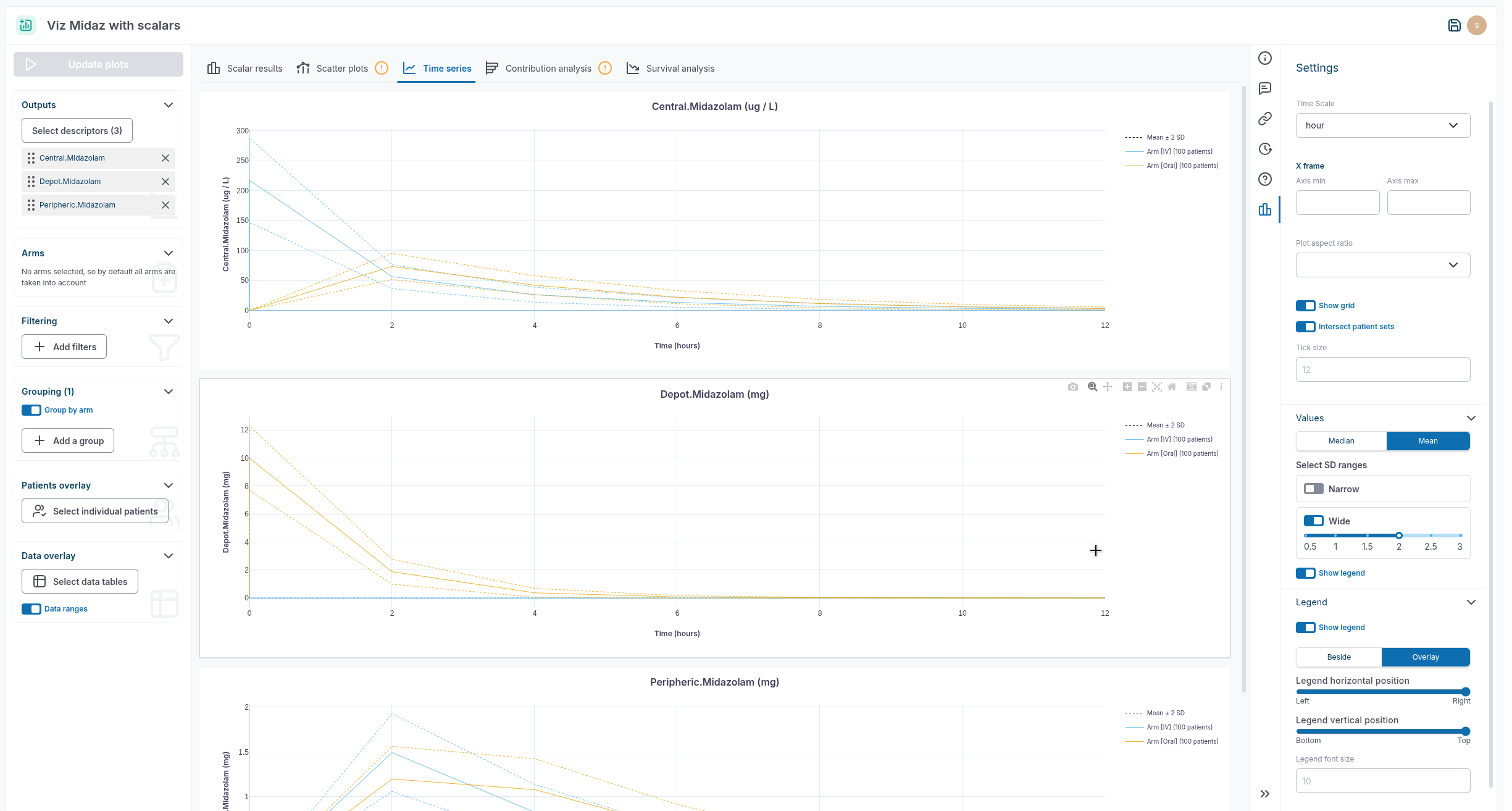
Analytics: Enhance legend configuration / Put the legend below.
-
Add an option to put the legend beside the plot.
-
Toggle confidence interval in survival plot.
-
Add an option to toggle confidence interval in survival plot.
-
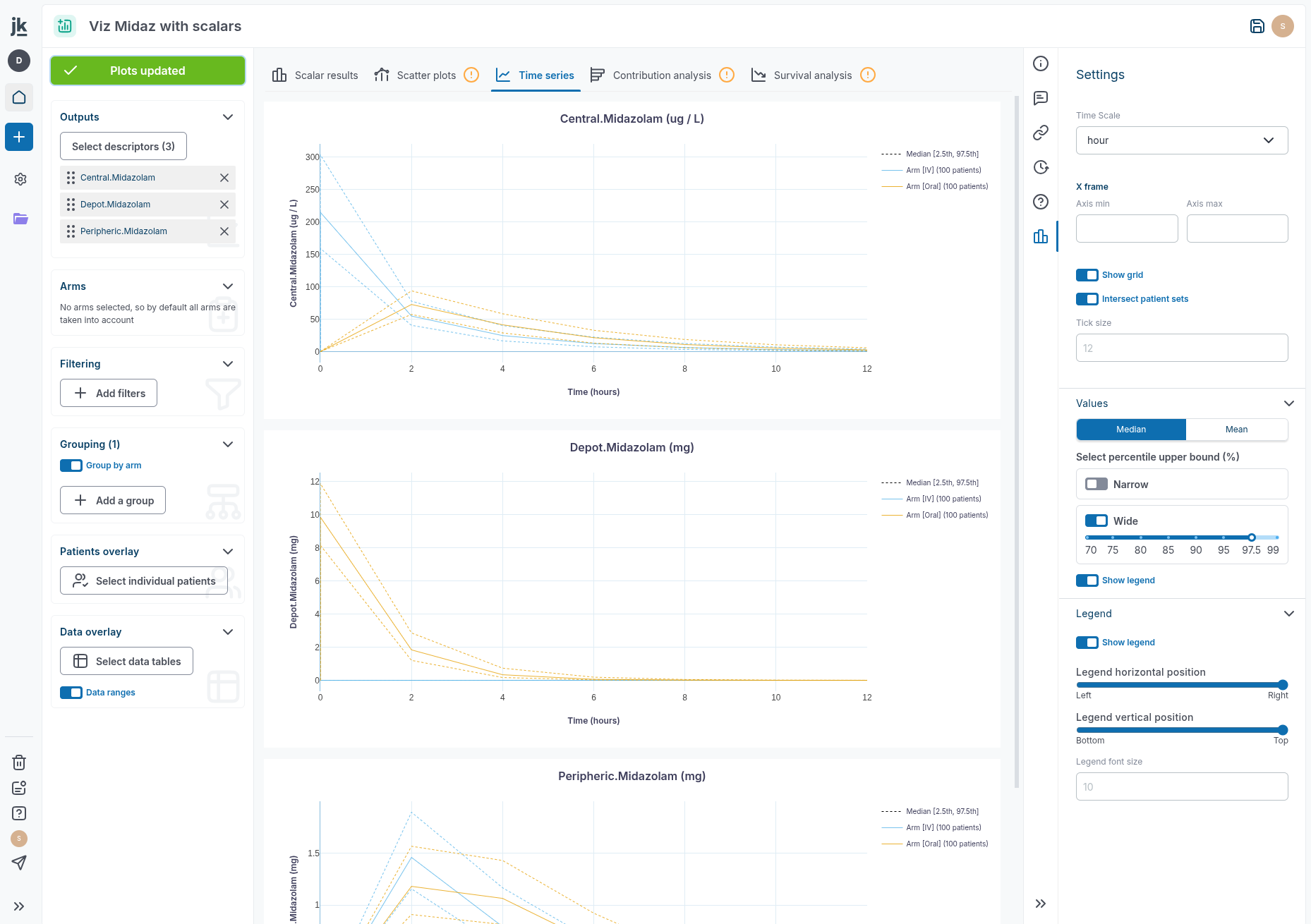
Improve UX on disabled dropdown.
-
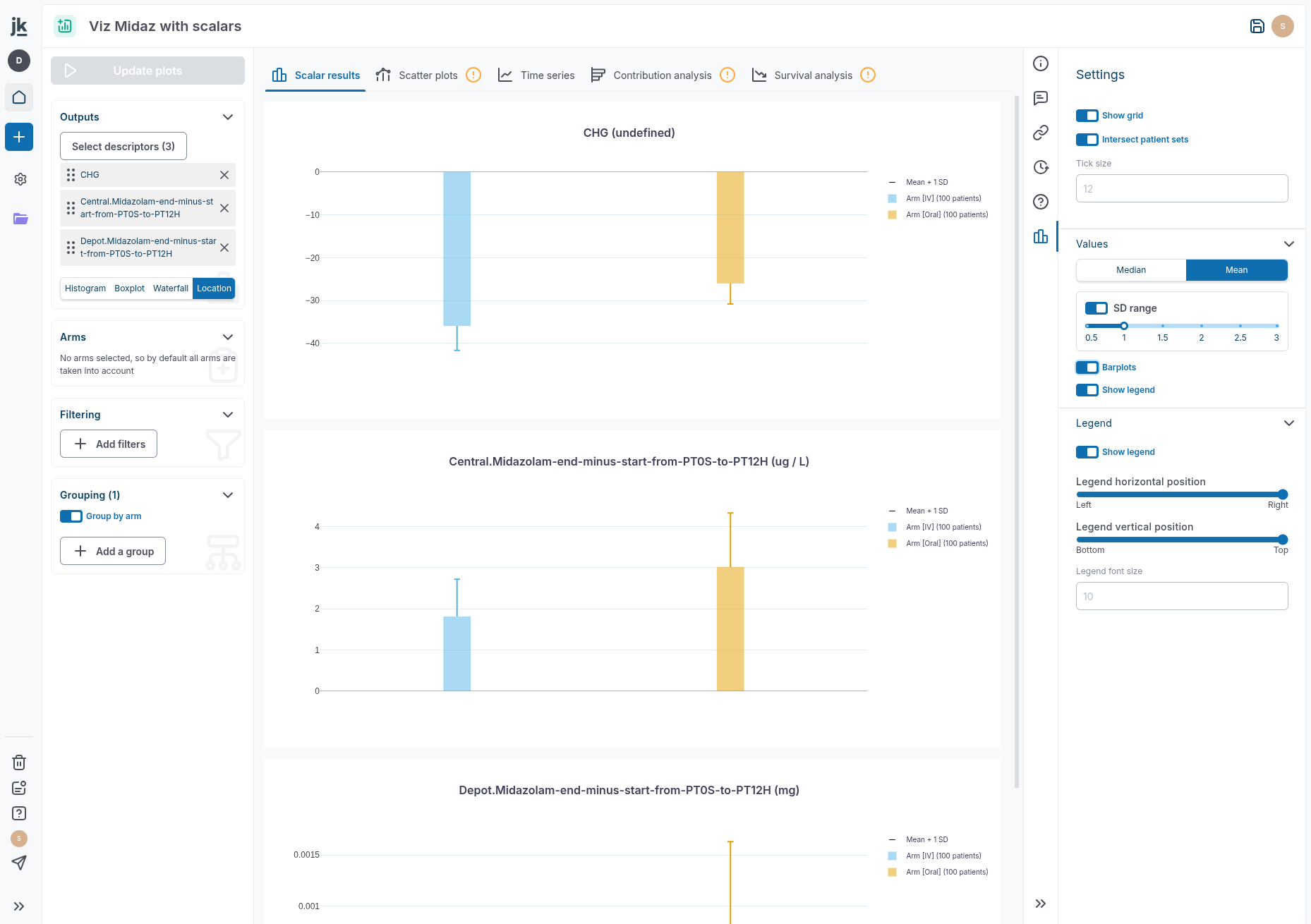
Keep plot aspect ratio.
-
Add an option to have a fixed plot aspect ratio ('4 / 3' for example).
-
Bug Fix: TV ignores the arm selection at opening.
-
Take into account arm selection when opening a TV (bug).
-
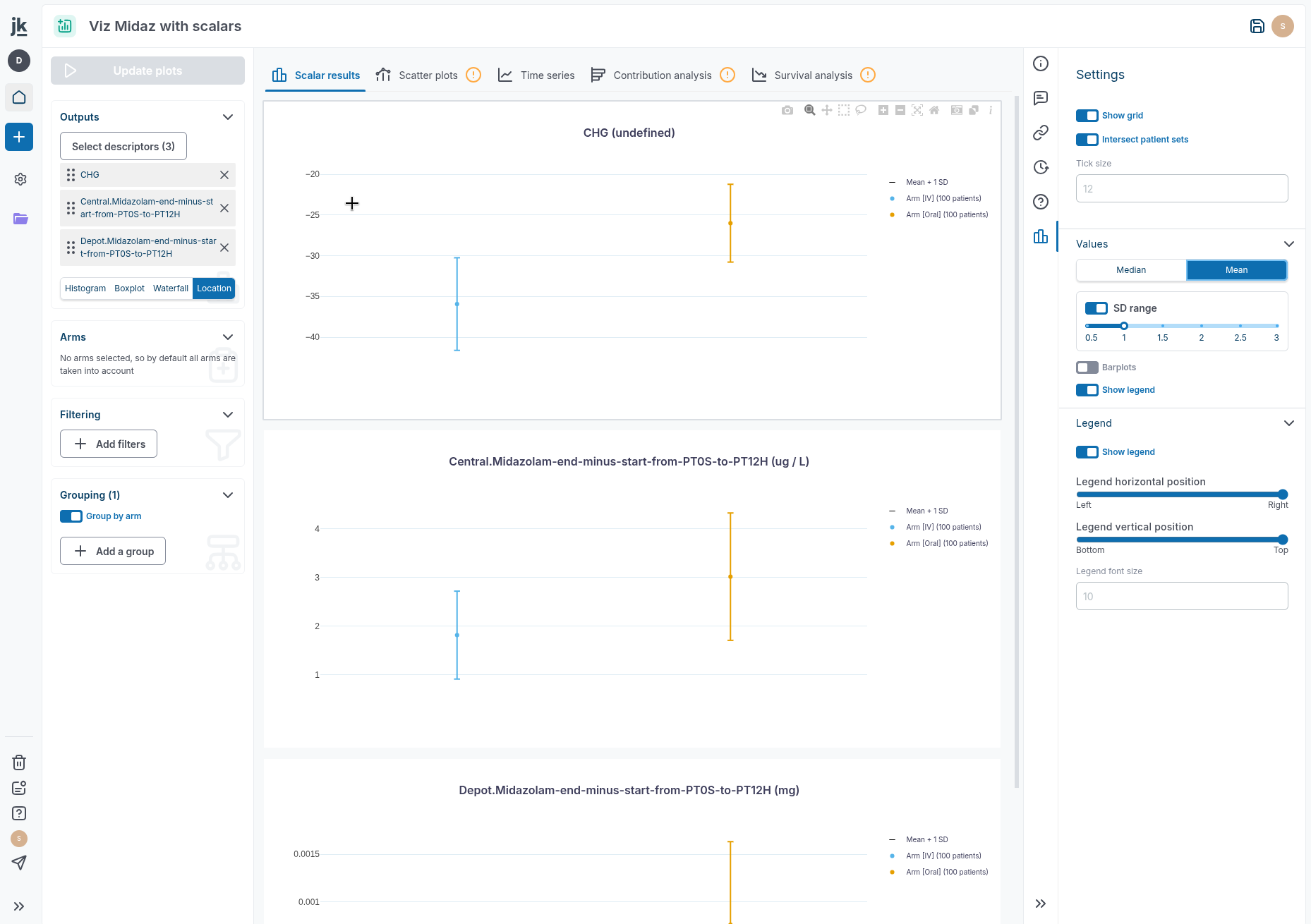
Improve rendering of timeseries when narrow sd range is deactivated in mean mode.
-
Improved rendering of timeseries when narrow bound is deactivated in "mean" mode.
-
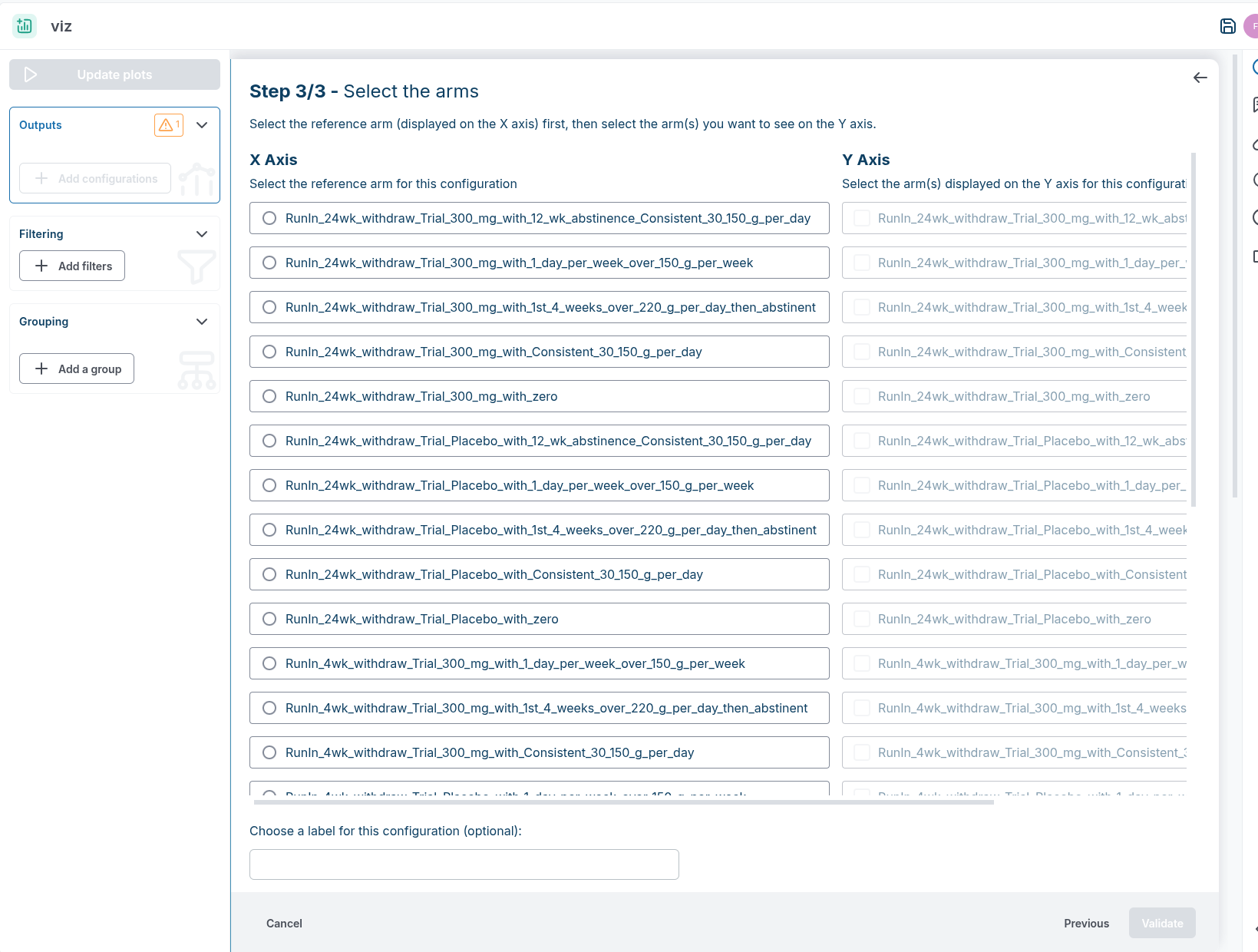
Fix layout on scatter plot arm selection when lots of arms.
-
Bug Fix: Time scale settings no persistence.
-
Timescale user input is not reset at each plot update.
-
Bug Fix: Improving rendering of time series when bound are deactivated.
-
Improved rendering of timeseries when narrow bound is deactivated.
-
Bug Fix: display scalars : mean +/- SD.
-
Fix bug on whishers in central location scalar plots.
Calibration
- Bug Fix: Update Computational Model from a Calib has been fixed!
-
Feat: min bound should be 0 when in logscale.
-
Default min bound value is 0 in log.
-
Connect habu for usage monitoring barchart.
-
Usage monitoring with month overview barchart.
Subsampling
-
Subsampling is asynchronous but frontend does not know that.
-
Improve UX when running a subsampling: add a spinner after validating the pop up.
Vpop
-
Missing diagnostic for non-existing categorical parameter level in Vpop.
-
We now have a new sanity check when the virtual population overrides a categorical parameter with a level that does not exist. Before that, it was silently discarded.
Datatable
- feat: Standardize Reference Download to CM/Datatables Pattern.
Document
-
Visualize a docx raw file.
-
Possibility to upload and visualize a Word document (i.e
.docxfile). Note that those documents are in read-only mode.
Sources
- You can now download PDF from Reference app panel as other project items.
Navigation
-
feat: Support for drag and drop for folders too.
-
Possibility to upload a selection of files and folders. Jinkō will keep the same folder architecture for every file, creating new folders if necessary.
-
Move to trash bin folder and newly uploaded file.
-
Move to trash folder from the App Panel.
Org & auth
-
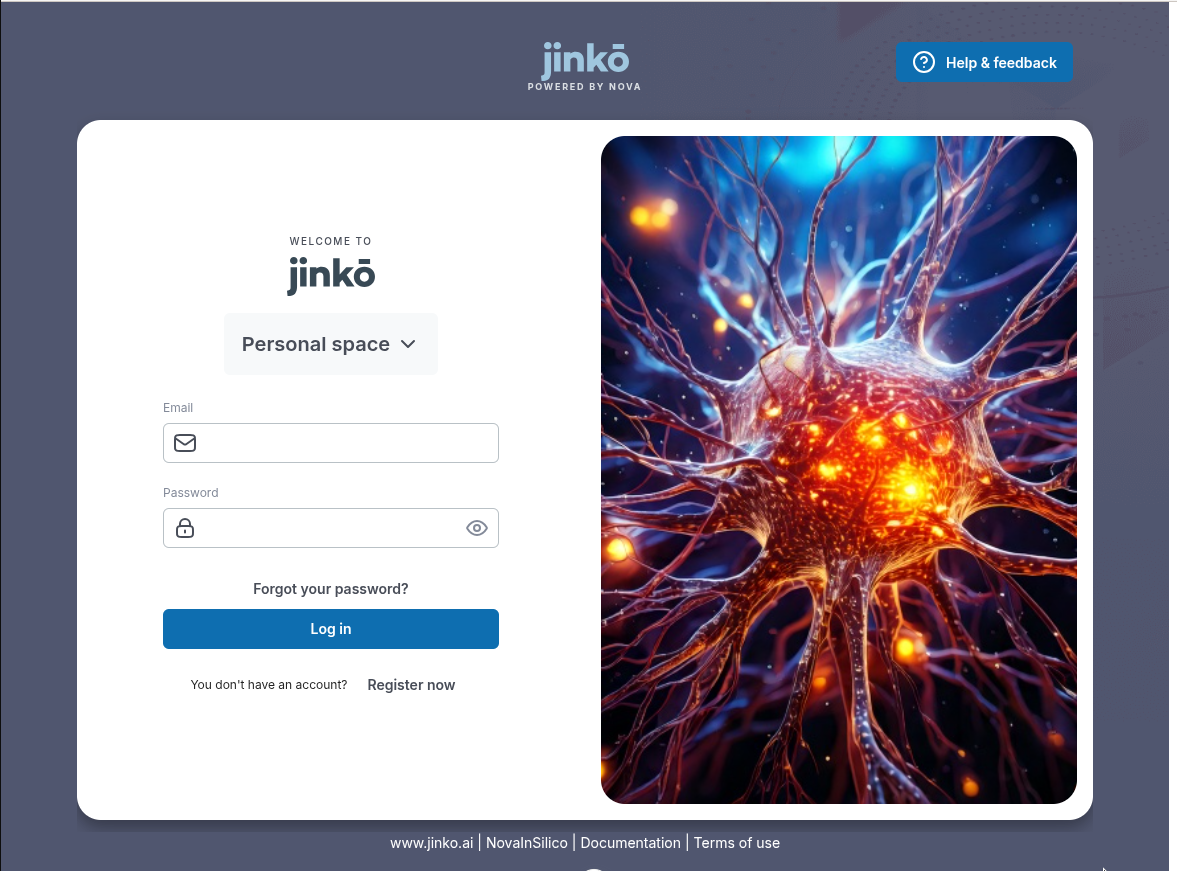
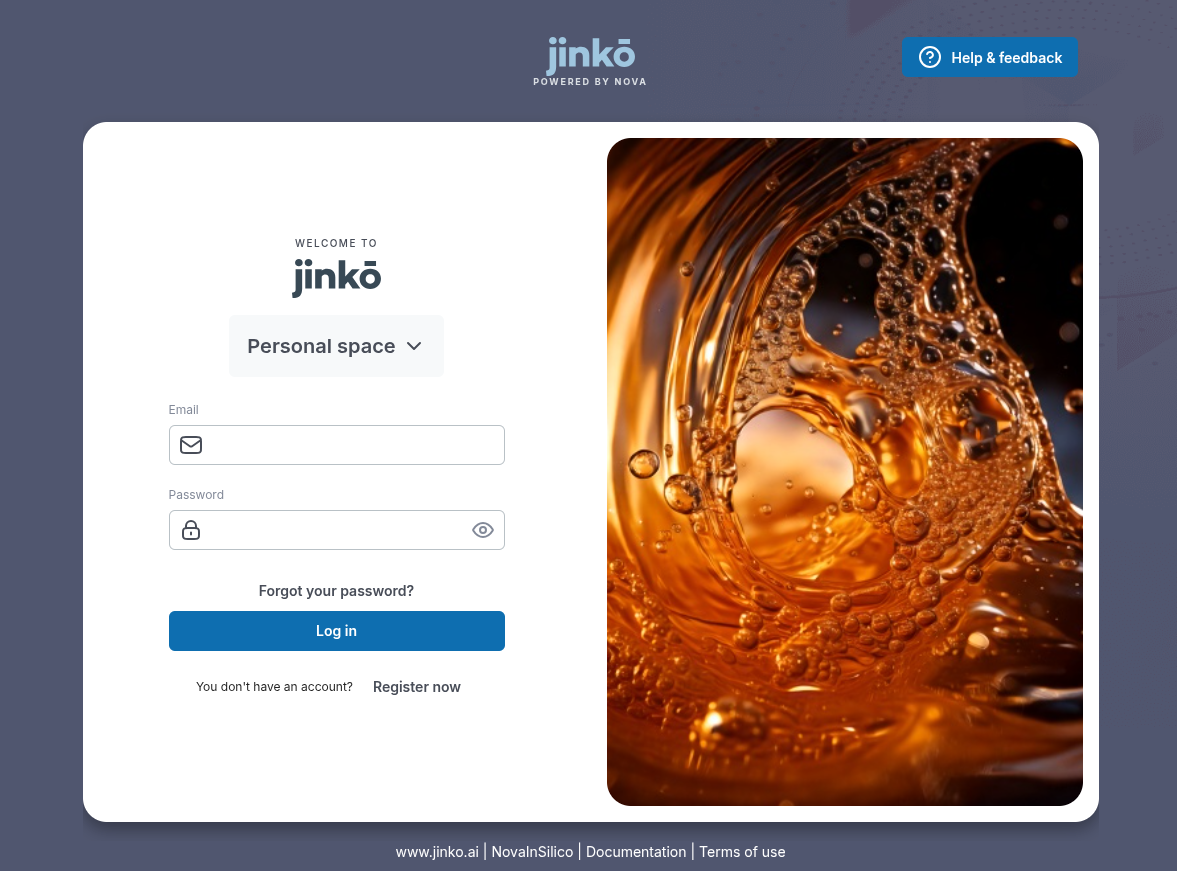
feat: Quick fix login page.
-
New login page ⬇️ ⬇️ ⬇️.
-
Going back from project settings & personal settings.
-
Going back from project settings (same behavior as for organization settings).
Other
-
Visualize video in Jinkō.
-
Add a video viewer.