Release notes: June 2026
This recap summarizes product changes released during June 2026, grouped by product theme.
Highlights by theme
Kōhai
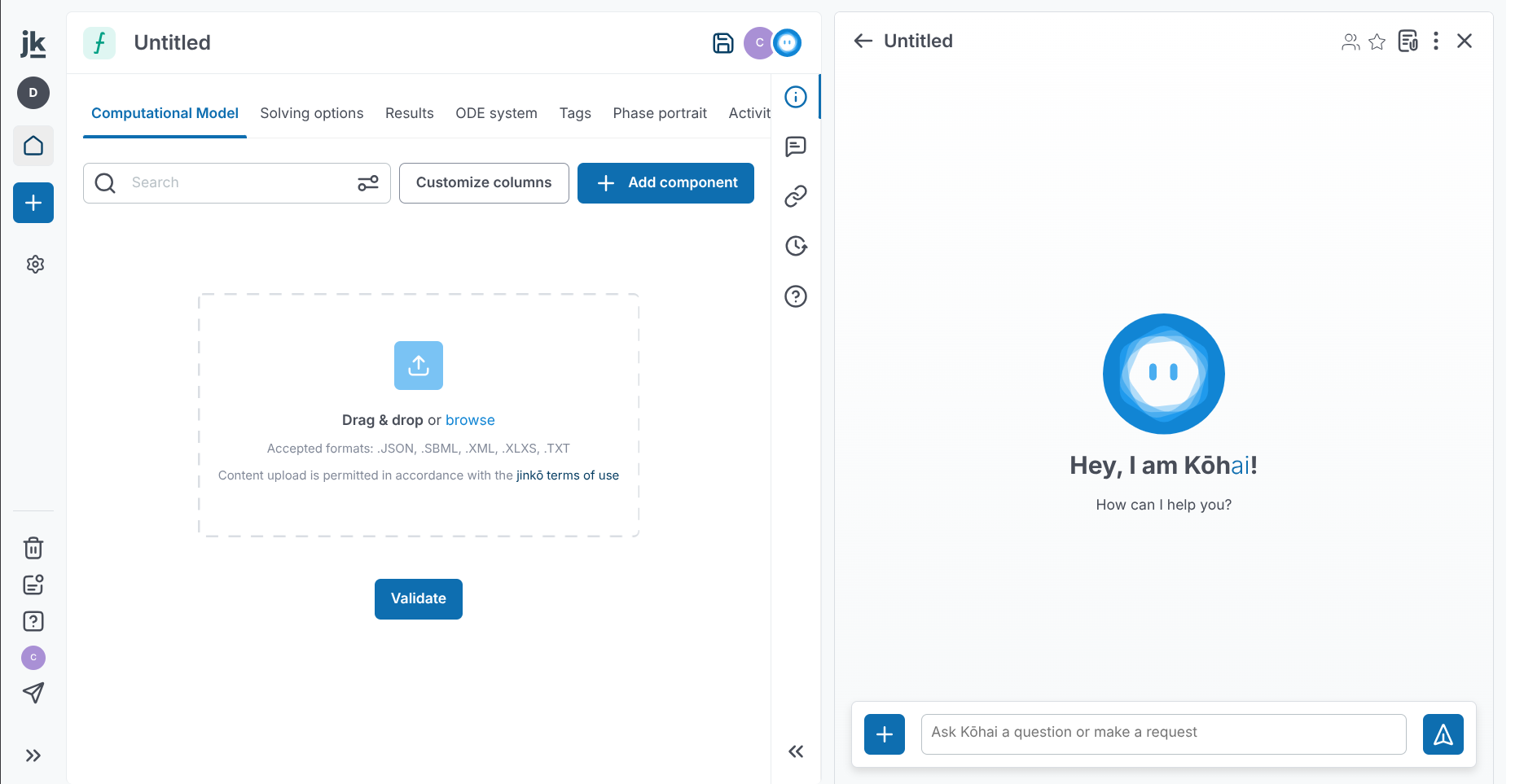
- Kōhai sessions now follow you across documents instead of being tied to a single item, preserving context to provide more relevant assistance as you work.
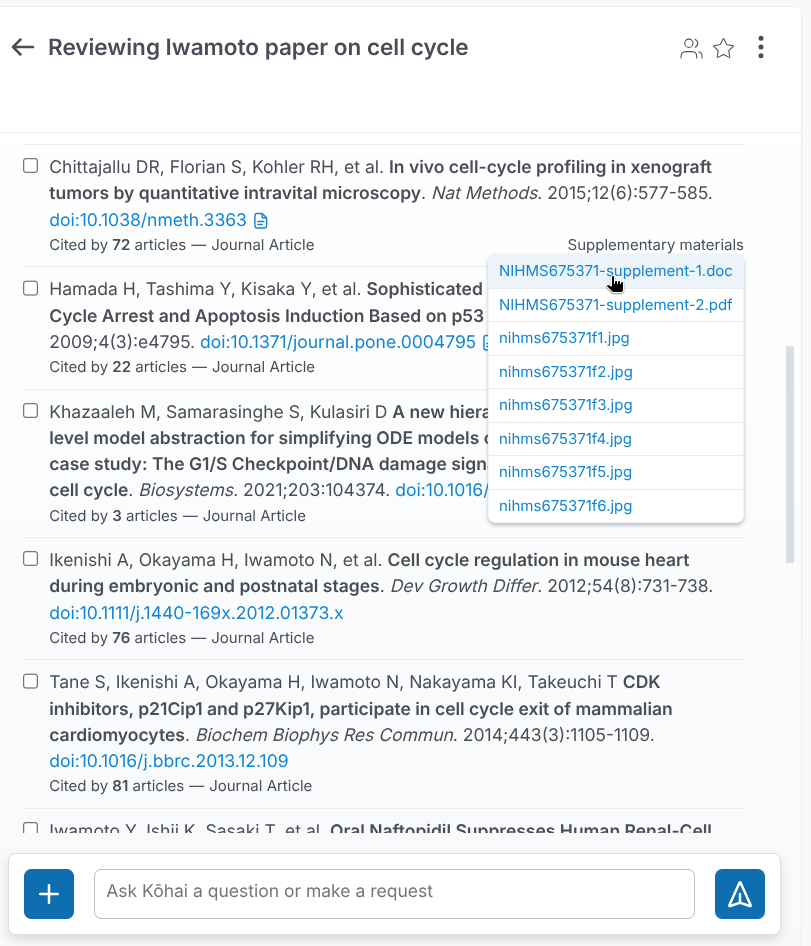
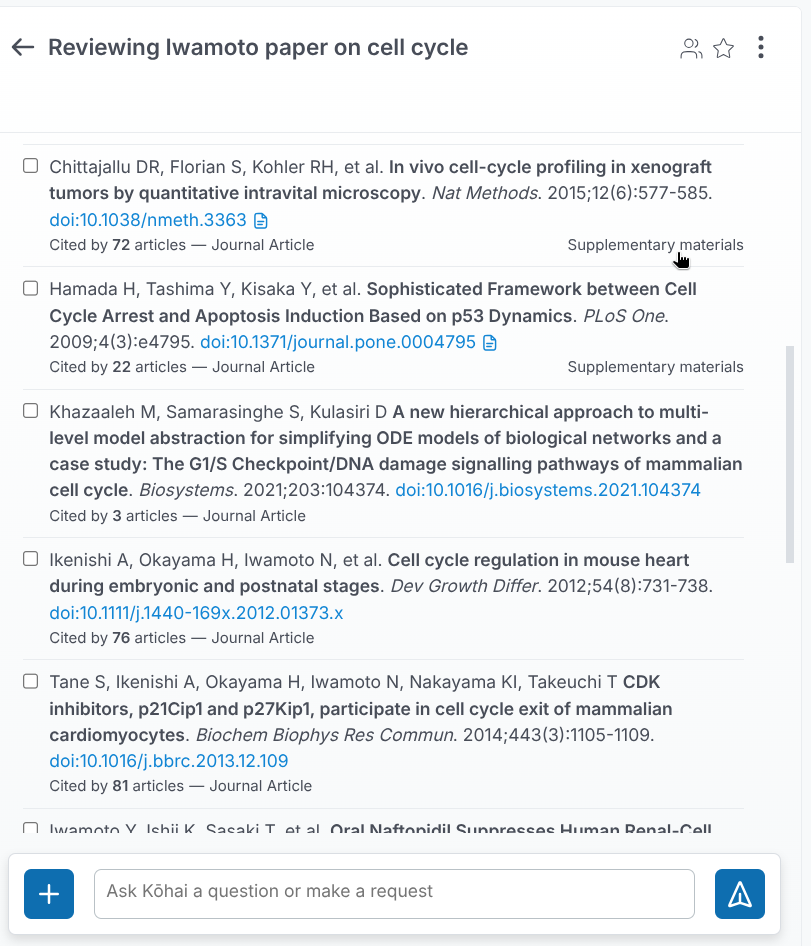
- Kōhai now retrieves supplementary materials when searching PubMed.
Modeling
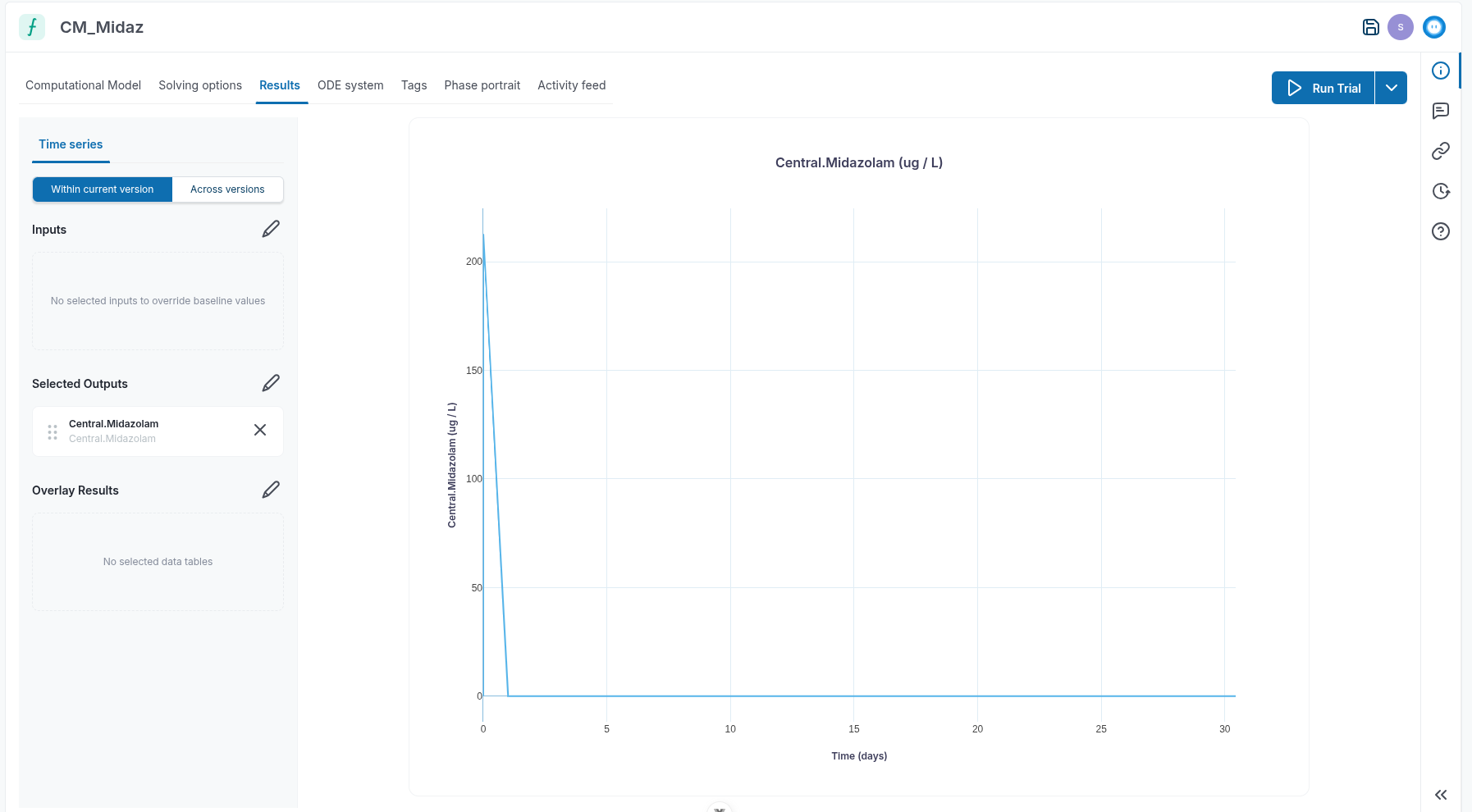
- You can now customize simple solve plots, including using log scale.
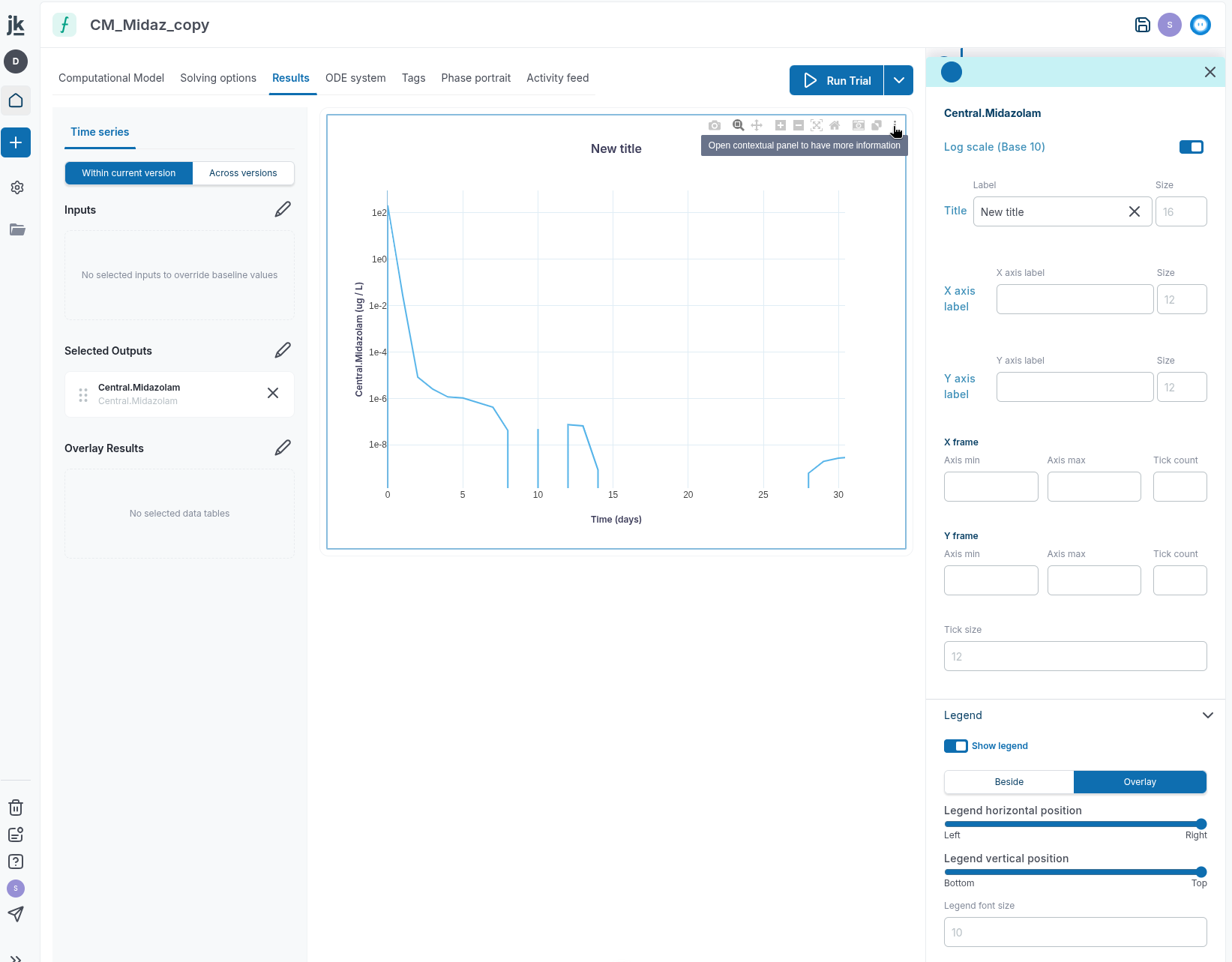
- The Simple Solve results view now resizes more gracefully across screen sizes, keeping charts better contained within the visible results area.
-
Simbiology import now supports root-based events with multiple updates for the same event.
-
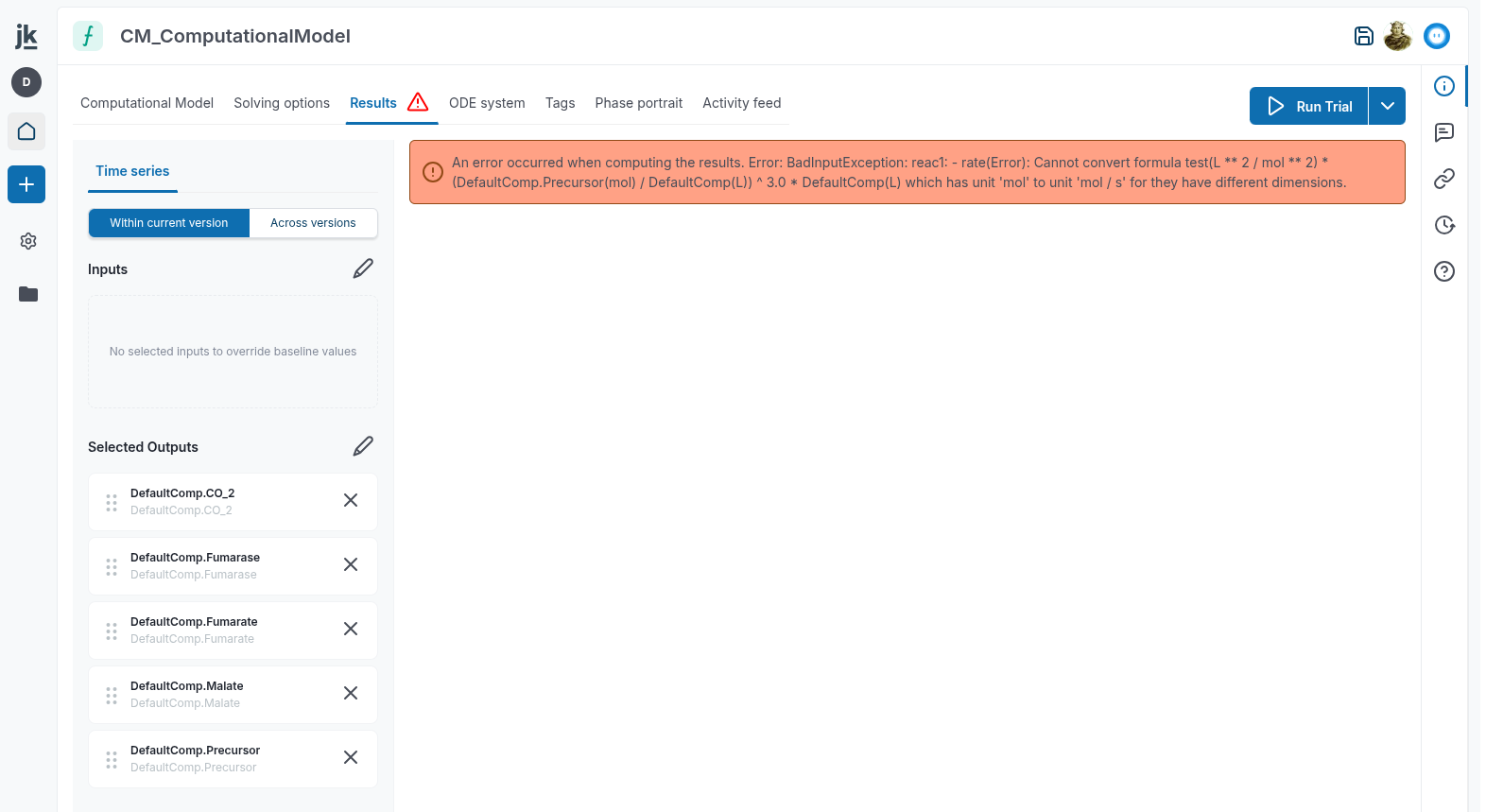
When a model cannot be simple solved because of a sanity or solving error, the error is now shown clearly so you can fix the model.
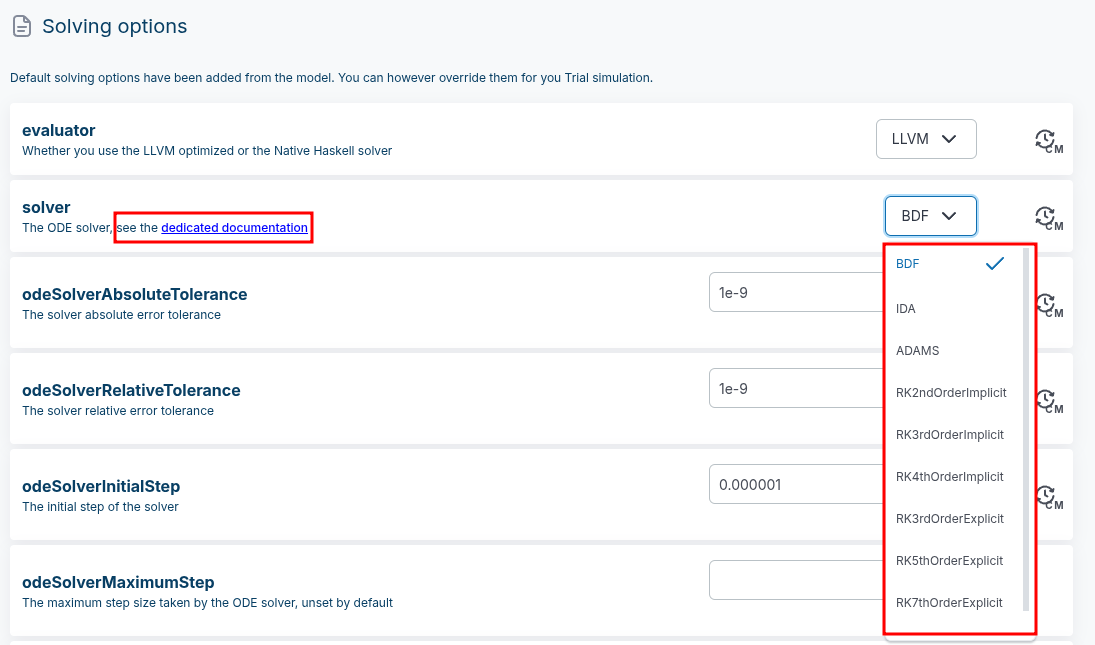
- ODE solver methods are now fewer and better documented.
-
From the models "Solving Options", for improved performance, we encouraged you to set
discontinuityEventstoAddAuxiliaryEvents. This adds auxiliary root-based events to help the ODE solver detect discontinuities in the right-hand side (RHS). For most model with discontinuities, 'AddAuxiliaryEvents' is required for accurate results. This is the default for new models, but for existing models, you may want to change this setting. -
Model editing is now more robust for inconsistent models, such as models with
nullformulas. It is less likely that a model gets stuck in an inconsistent state or that updates are not saved. -
The
cellunit can now be used as a synonym forsubstance_countin the model editor.
Trial, simulation & viz
-
When you launch a trial without outputs, Jinkō now creates one for you in the same folder as the trial.
-
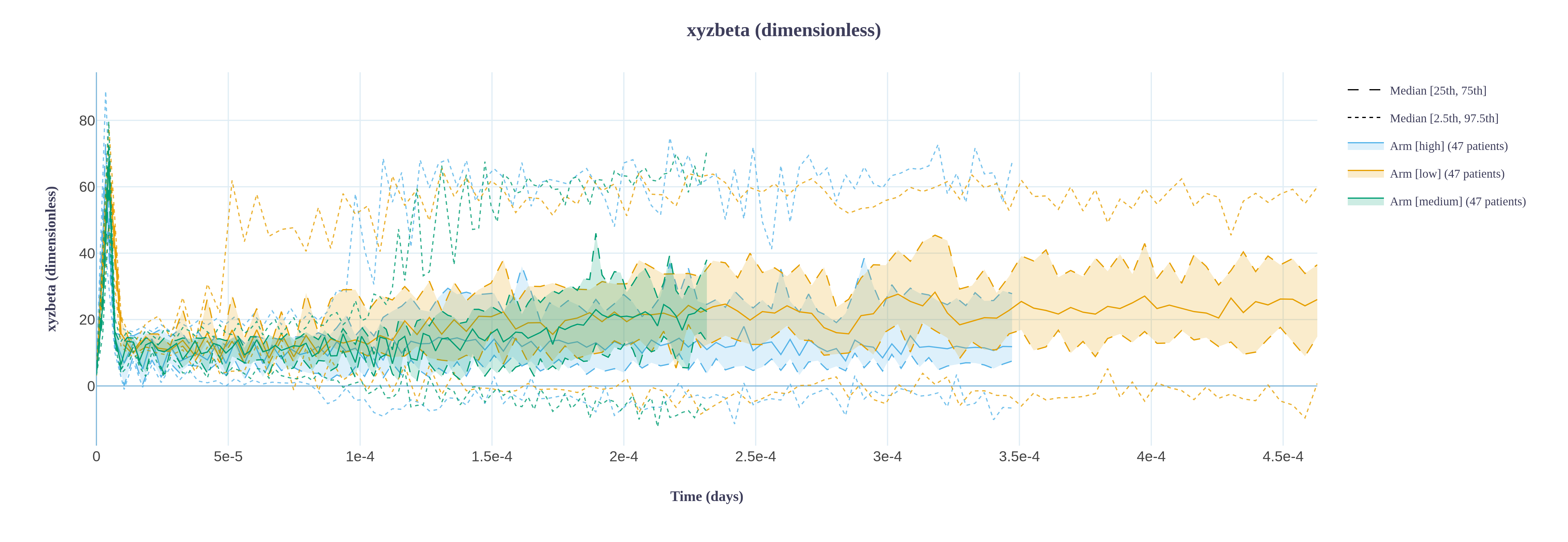
Timeseries aggregates now correctly account for any
tmaxoverride in the protocol.
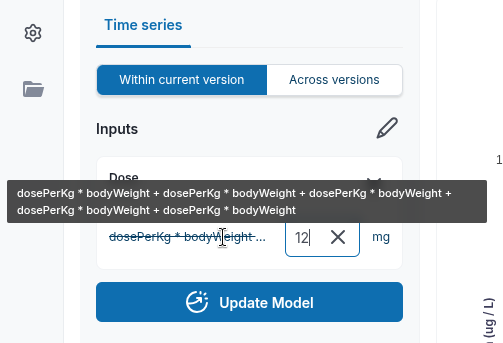
- In the CM Results tab, parameter overrides now work even when the formula is very long.
- The results summary route now returns timeseries, scalar and categorical results, active protocol arms, and patient IDs in one place. This replaces the previous mix of
results_summaryandoutput_idsroutes. You now have direct access to all the information you need to analyze trial results in one place, including:- timeseries saved as part of the results
- scalar quantities saved as part of the results
- categorical quantities saved as part of the results
- active protocol arms
- patients ids
Data & Calibration
-
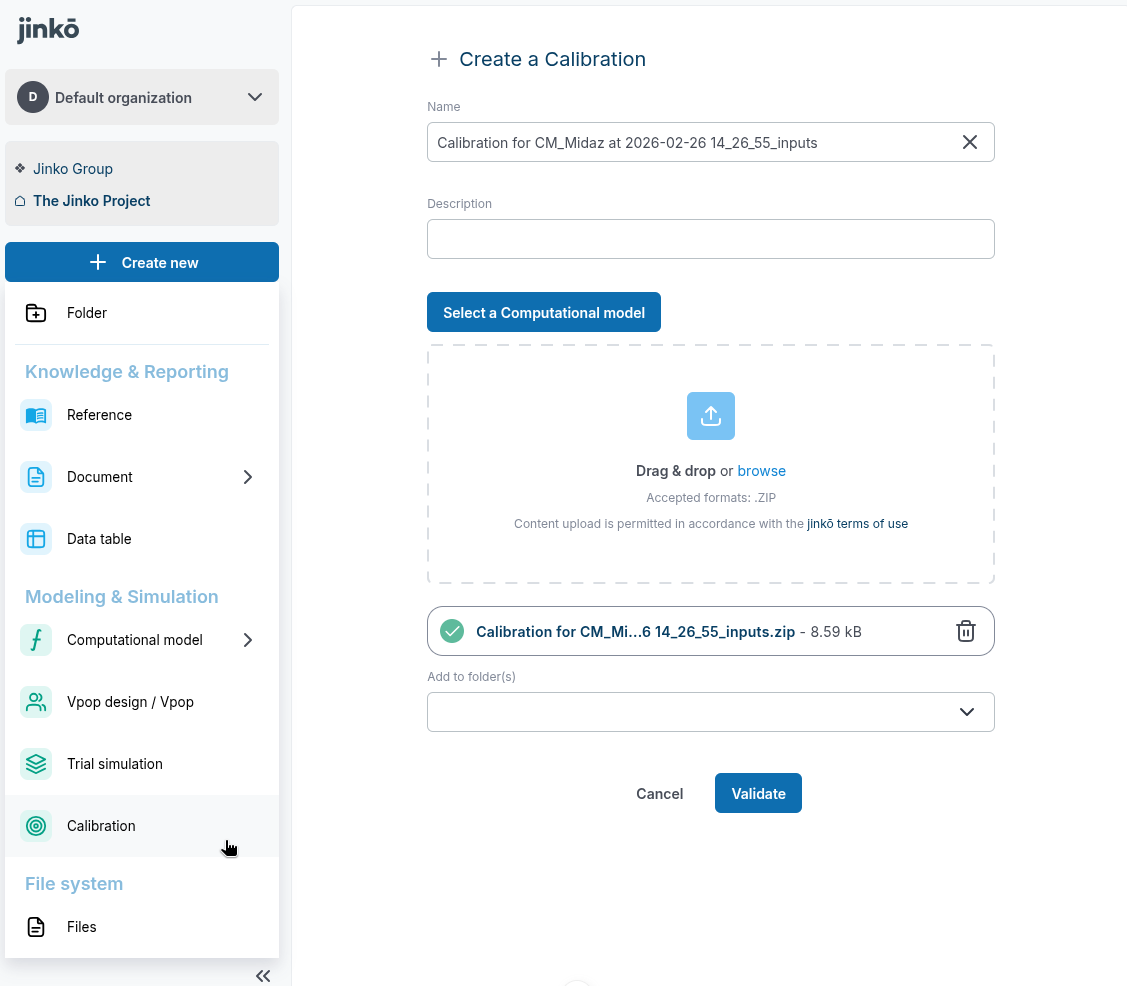
You can now create and import calibrations directly from the project creation flow. When the relevant feature flags are enabled, the Create New menu now includes a Calibration entry under Modeling and simulation. This opens a dedicated Calibration creation page where you can:
- Enter a name and description.
- Add folders.
- Import an existing Calibration from a .zip bundle.
-
If you upload a Calibration bundle, the app imports it through the new Calibration import flow. The form also pre-fills the Calibration name from the ZIP filename when the name field is empty.
Virtual Population
- Log-normal truncated inputs are now more tolerant in Vpop Design.
- Vpop diagnostics are now displayed in the vpop card.
Documentation & Knowledge
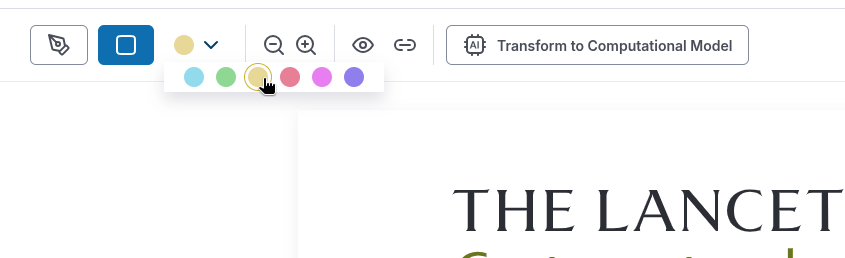
- Fixed highlight color selection in Reference.
- When you upload a PDF in Jinkō, whether through Kōhai, the New File menu, or drag and drop on the Project page, it now creates a "Reference" item automatically.
Connectivity & interoperability
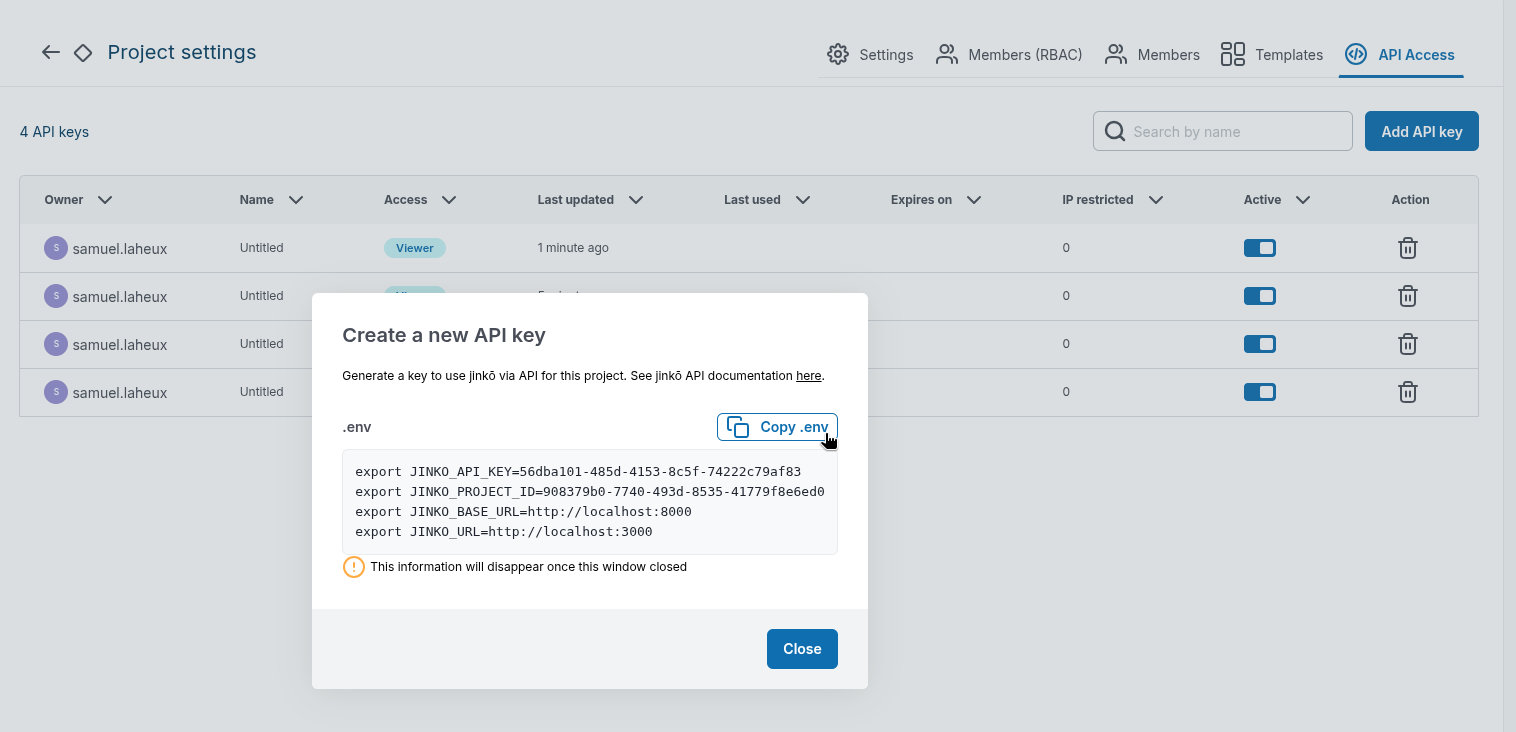
- When you create a new API key in Jinkō, you can now immediately see and copy a ready-to-use
.envsnippet with the connection details you need, including the API key, project ID, API base URL, and Jinkō URL. This is especially helpful for on-premise environments, where the default cloud URLs may not apply.
Other
- You can now navigate
@mentionsuggestions in discussion comments with the keyboard. When the mention dropdown is open, the up and down arrow keys move through the suggested people and Enter selects the highlighted user instead of moving the text cursor in the message input.
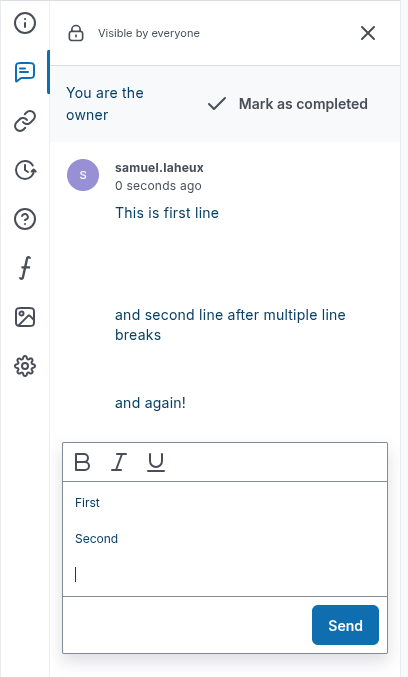
- Discussion comments now preserve intentional spacing in longer messages, so multi-paragraph feedback stays clear and structured, while unnecessary blank lines at the end are removed automatically.
- The solver is now more robust when interrupted while stuck, and timeouts should now happen immediately.