Release notes: July 2026
This recap summarizes product changes released during July 2026, grouped by product theme.
Highlights by theme
Agentic modeling
Jinkō Skills are now available!
Automate your modeling steps.
- Skills are a way to turn Jinkō's modeling procedures into ready-made workflows that AI agents can actually run on their own, without anyone clicking through steps manually.
| Skill | Purpose |
|---|---|
jinko | Orchestrate end-to-end Jinkō modeling workflows across the published skill set. |
jinko-calibration-cmaes | Create, run, poll, and inspect CMA-ES calibrations through the SDK. |
jinko-context | Core Jinkō concepts, navigation, and domain terminology. |
jinko-data-table | Create or inspect data tables for overlays and calibration. |
jinko-document | Create or update Jinkō documents from markdown through the SDK. |
jinko-model | Build, edit, sanity-check, and debug Jinkō computational models. |
jinko-output-set | Create, inspect, validate, and edit simple and advanced output sets through the SDK. |
jinko-protocol | Design or edit multi-arm protocol designs. |
jinko-sdk-setup | Authenticate and configure access to a Jinkō project. |
jinko-solution-and-product-guide | Guidance on Jinkō solutions and product features. |
jinko-trial | Set up, sanity-check, run, poll, and download in silico trial results. |
jinko-trial-viz | Create, inspect, sanity-check, and retrieve Jinkō trial visualizations. |
jinko-vpop | Create, generate, and inspect virtual populations. |
Find Jinkō Skills on OpenAI
A number of Jinkō skills are now available on OpenAI.
In chatGPT:
- go to plugins, and search for Jinkō
- Install Jinkō - Run in silico clinical trials
- Harness the power of agentic modeling with Jinkō!
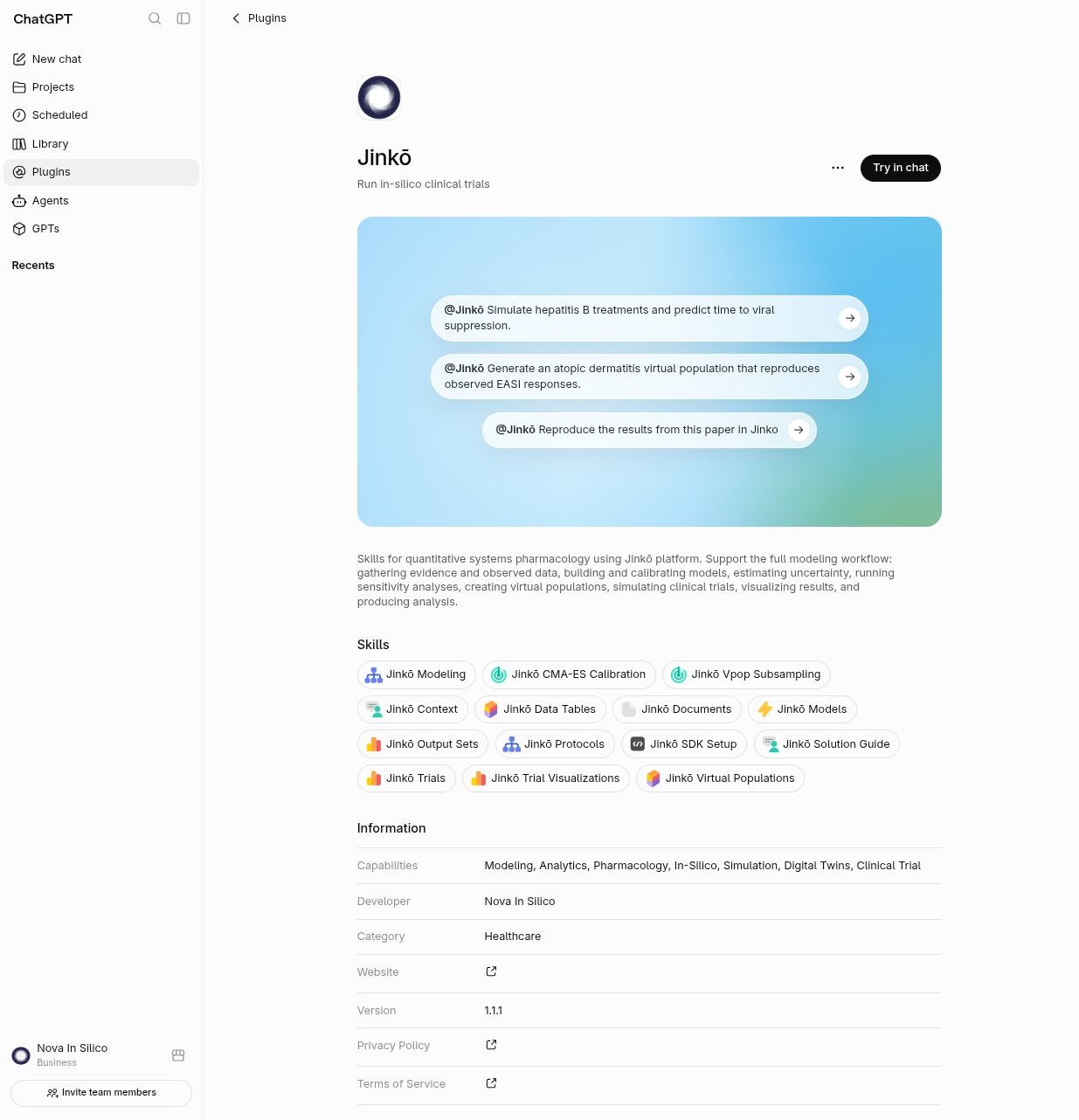
Jinkō skills are now available in OpenAI.
- Coming soon on Anthropic's Claude Science!
Kōhai
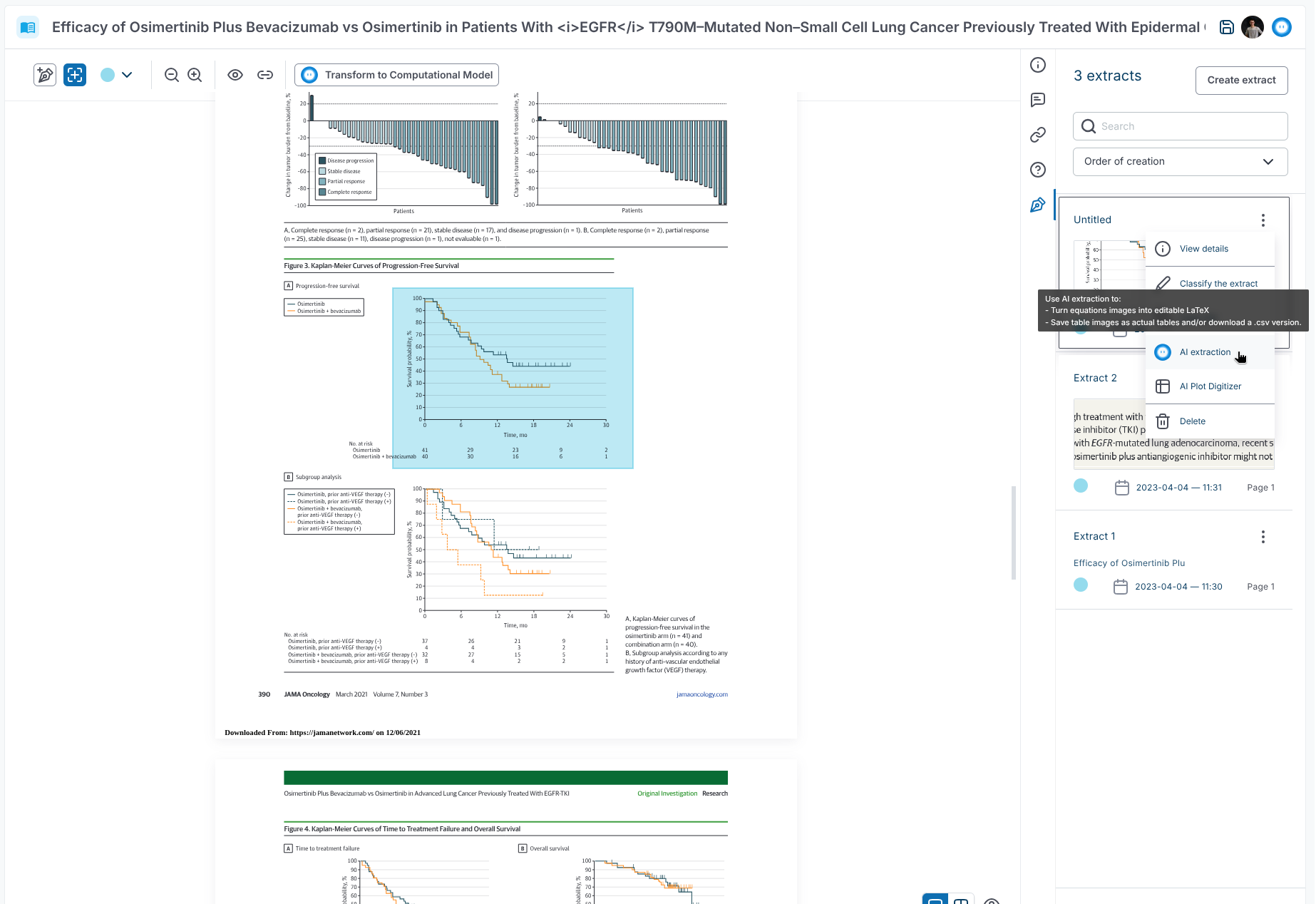
- The Kōhai icon now appears throughout Jinkō wherever AI assistance is available.
-
Kōhai now uses OpenAI GPT-5.6 models instead of GPT-5.4 and GPT-5.5 models.
-
Kōhai now has experimental support for
jinko-skills, includingjk-contextandjk-solution-and-product-guide.
Modeling
- Protected model tags no longer display a lock icon, providing a cleaner interface.
- The “Stop solver” event setting is now a switch instead of a dropdown, making it easier to understand and change without changing the underlying model values.
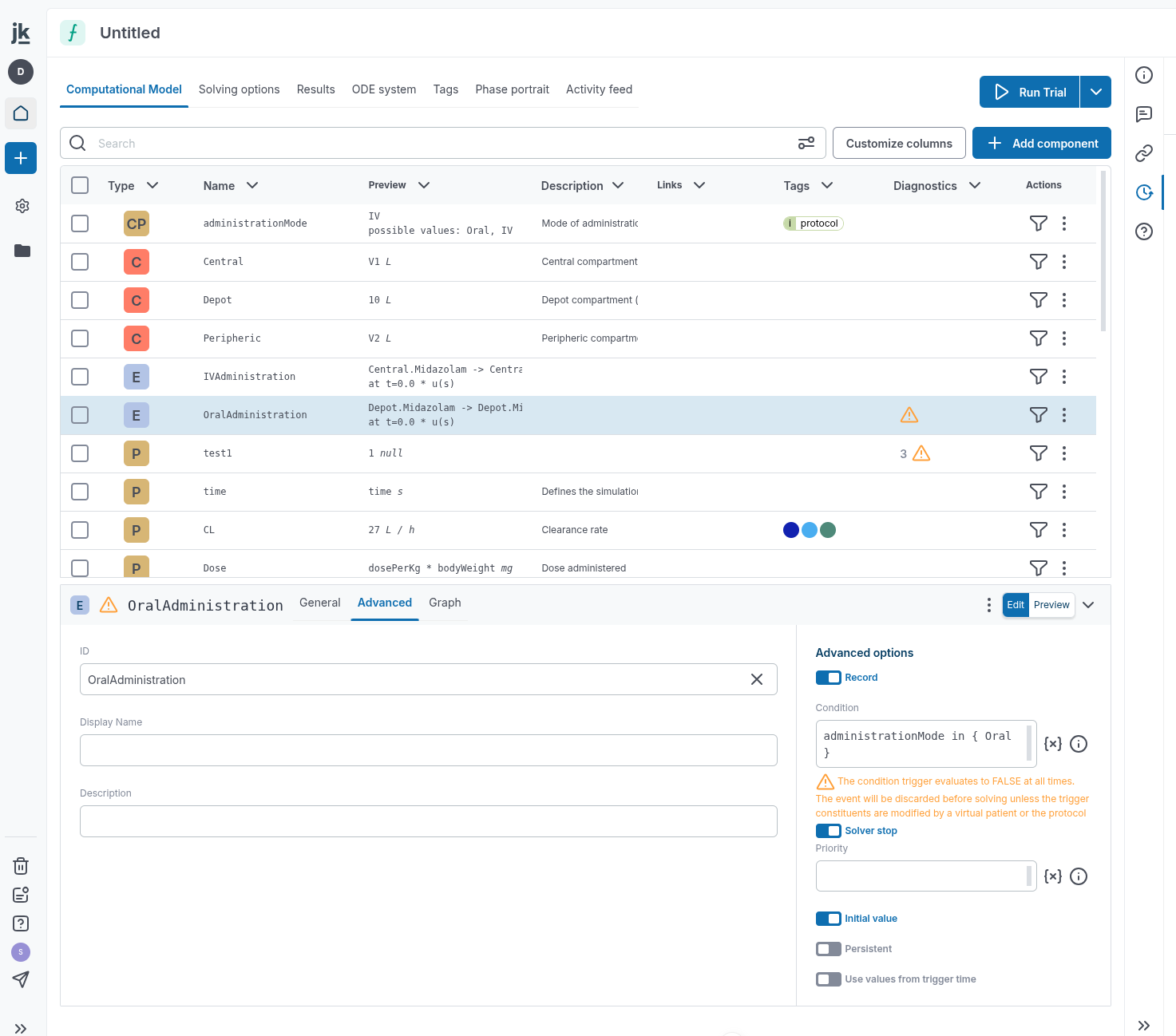
- Computational Model tables can now be sorted alphabetically by the Name column.
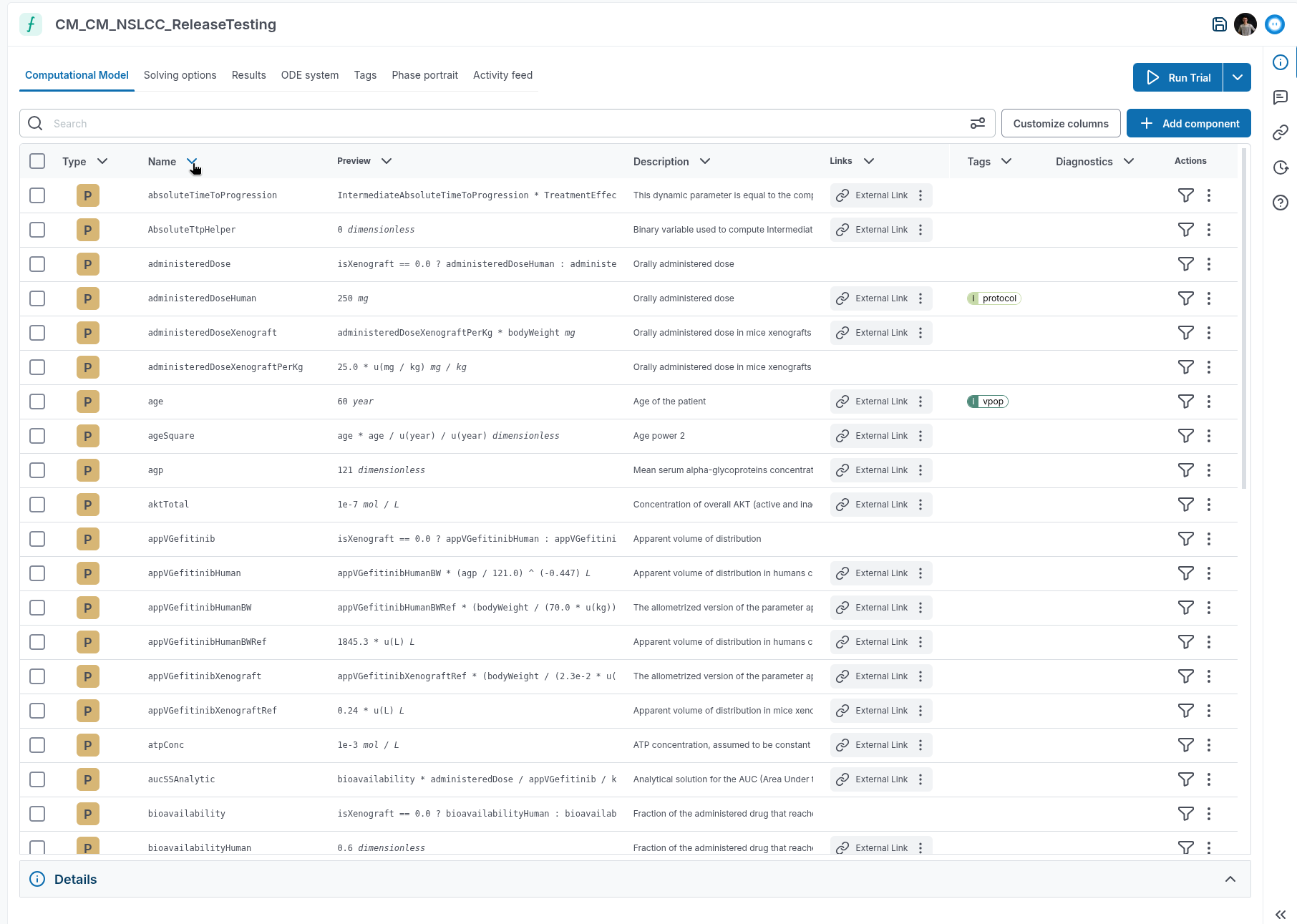
- Components tagged with
outputare now selected automatically in the Simple Solve output selection.
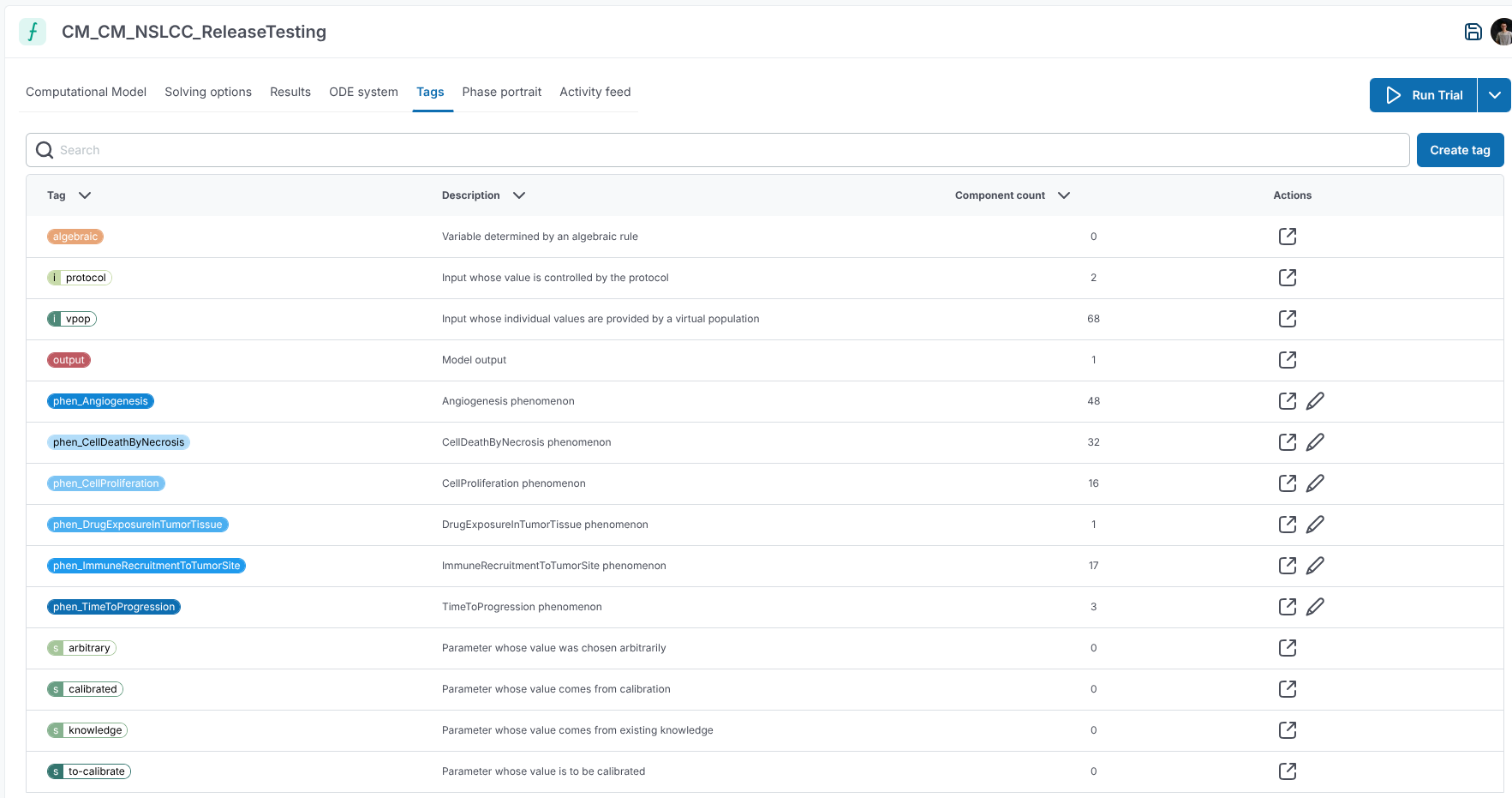
- Model tags have been simplified and renamed. The available tags are:
- Input tags (mutually exclusive):
i::vpop, replacinginput::PDU,input::PDK, andinput::PDPKwith backward compatibility.i::protocol, replacinginput::PSwith backward compatibility.
- Source tags (mutually exclusive):
s::to-calibrates::calibrateds::knowledges::arbitrary
- Other tags (not mutually exclusive):
output, for variables to include in output time series and the Results (Quick Solve) tab by default.algebraic, which marks a variable as the unknown in anAlgebraicRulewhen needed for under-determined models.
- Input tags (mutually exclusive):
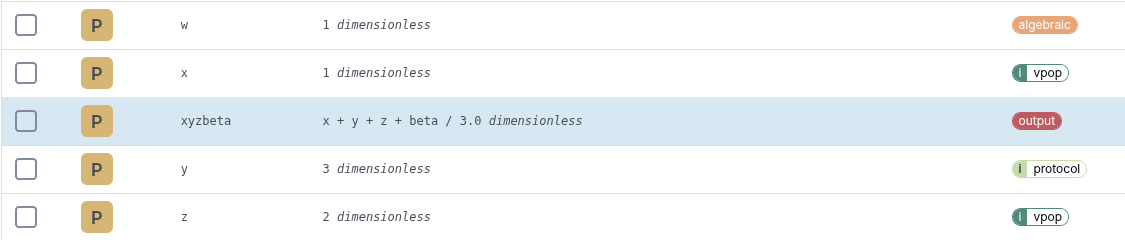
- When adding a Computational Model from the project item selection dialog, you can now upload a model file directly instead of selecting an existing model.
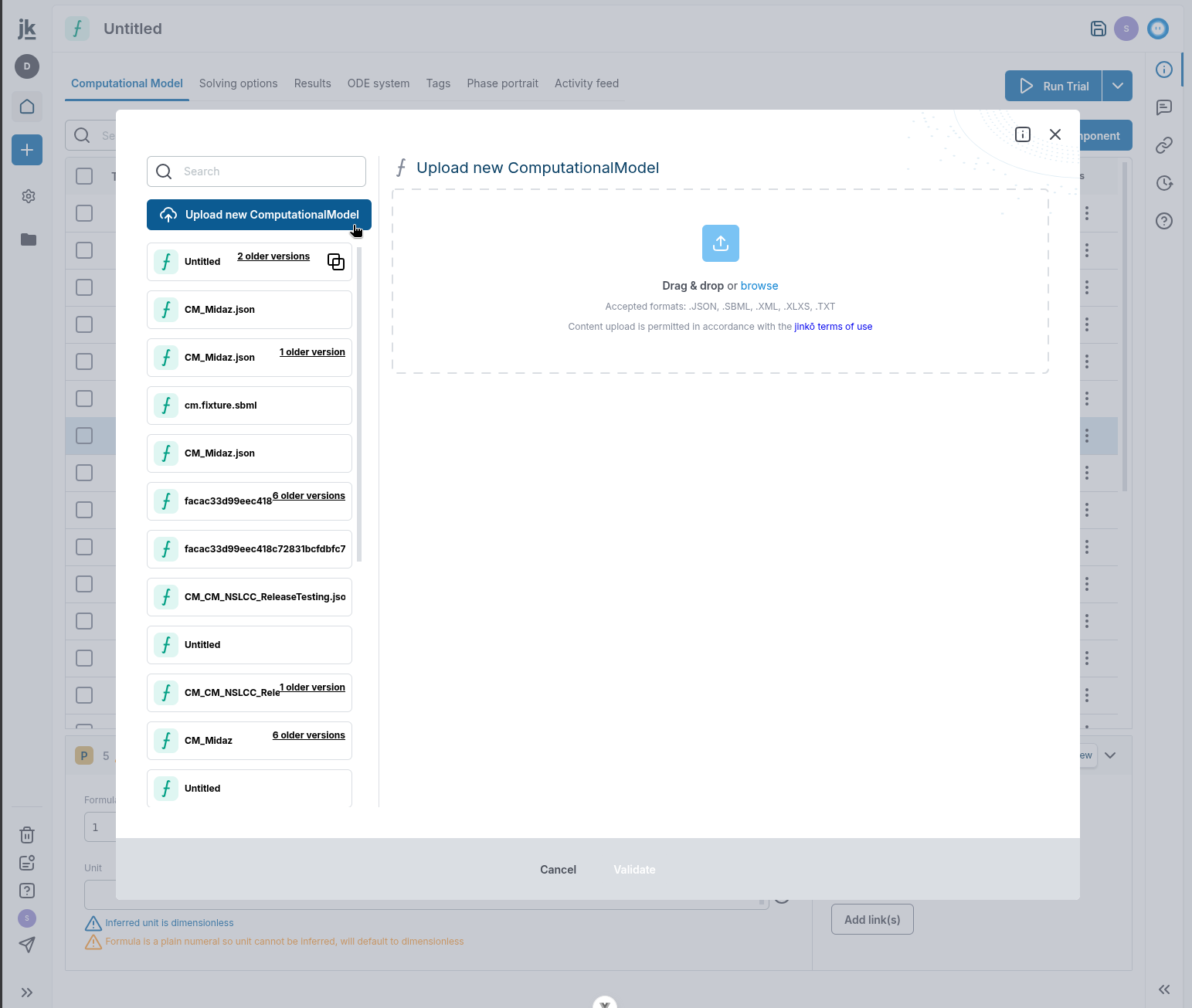
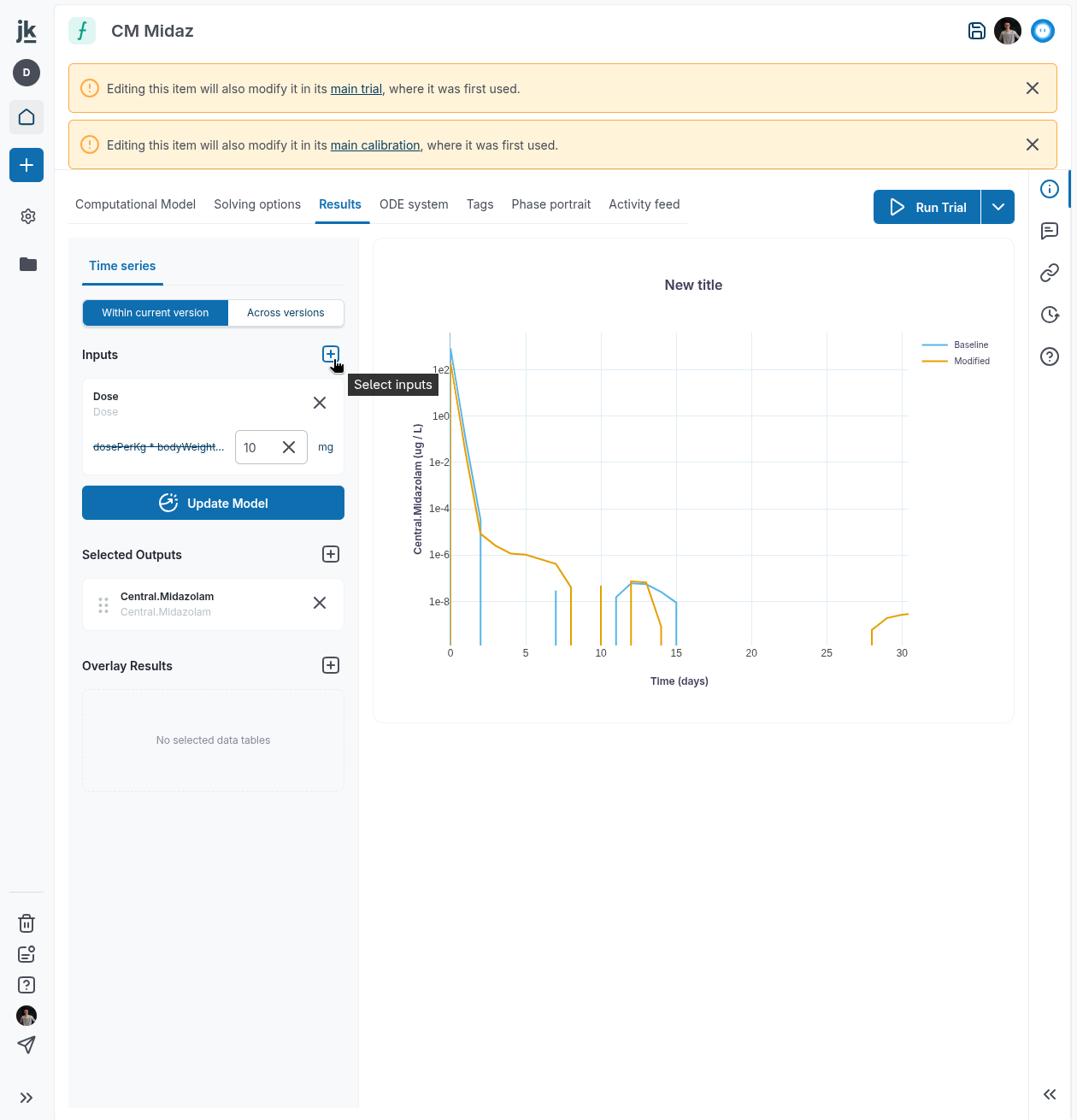
- The Simple Solve item selector now uses a plus icon when adding a new item.
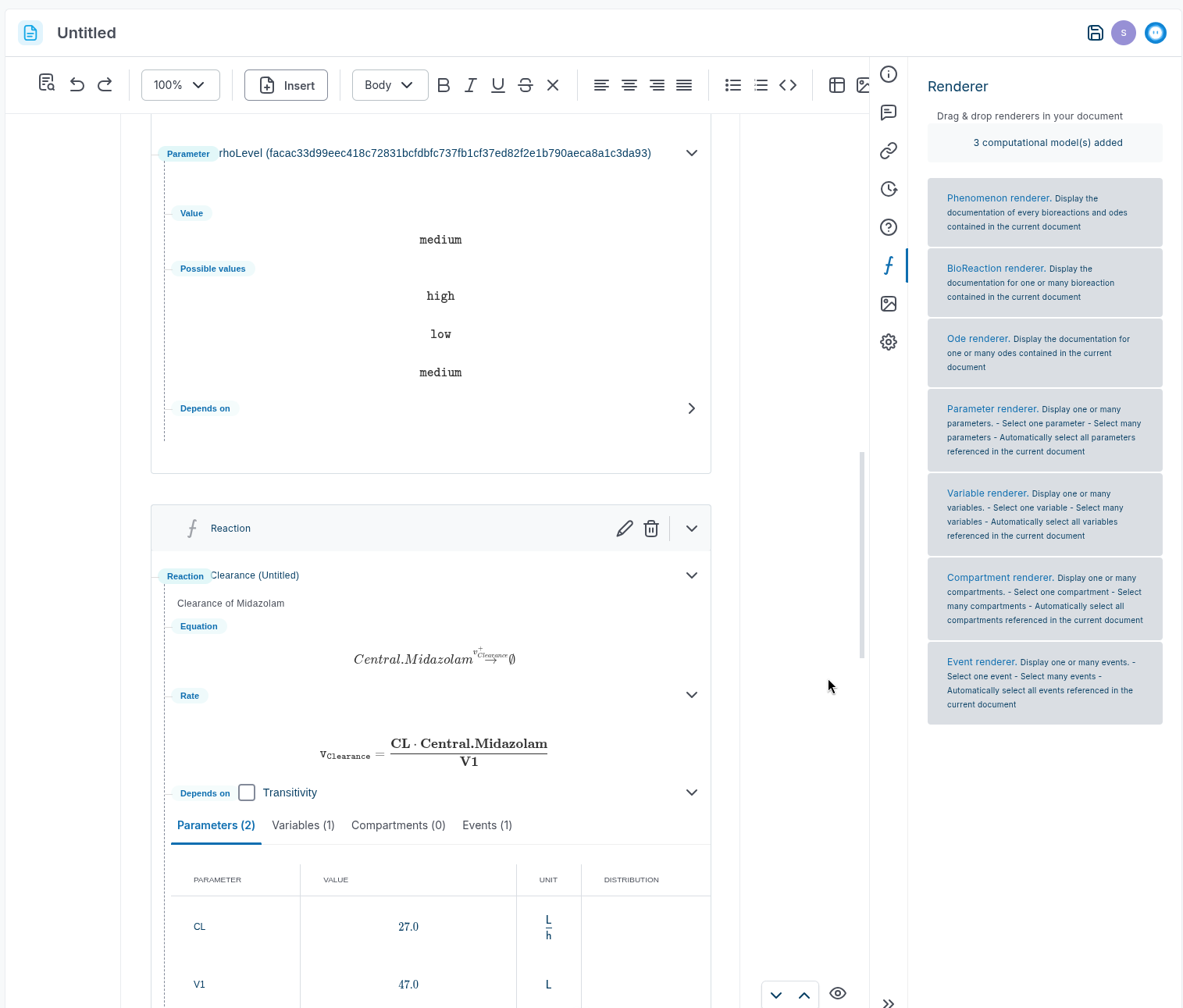
- Computational Model renderers are available again.
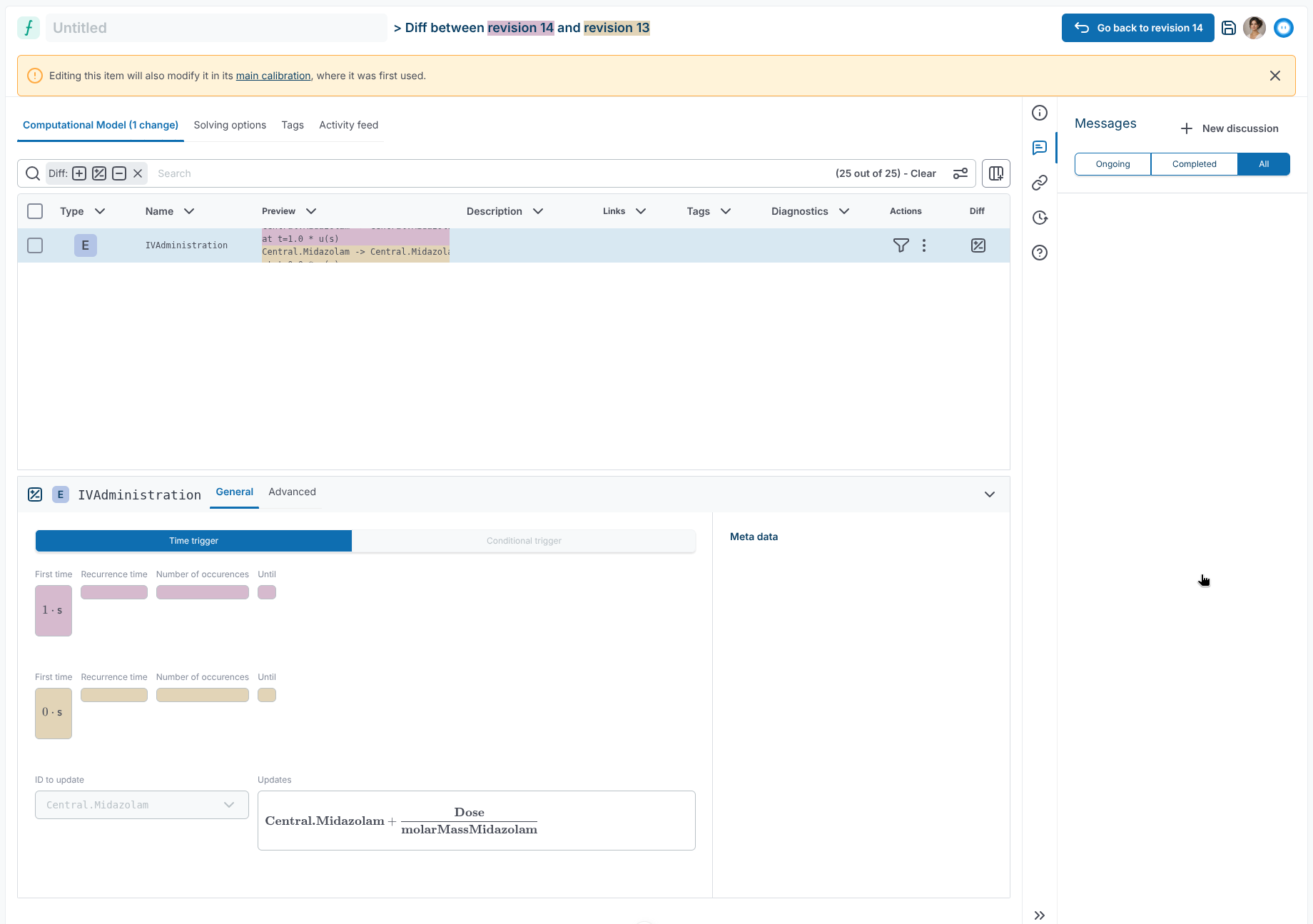
- You can now navigate between Computational Model graph components while in full-screen mode.
- Toggle controls now have clearer borders and better contrast for disabled options, making each choice easier to distinguish.
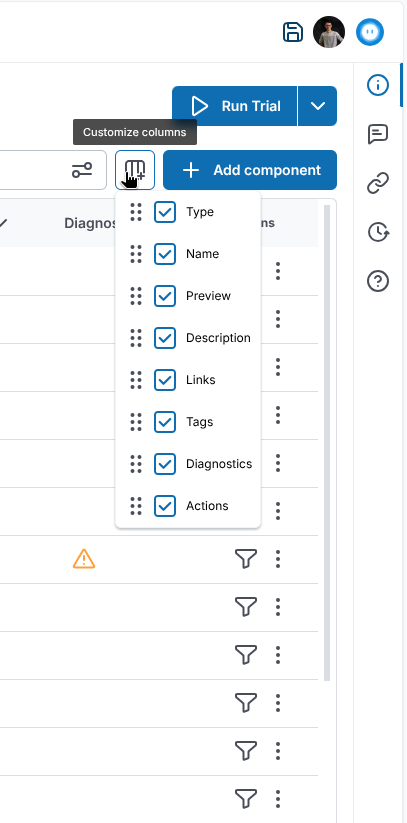
- The Customize columns action now uses an icon for a more compact interface.
Trial, simulation & viz
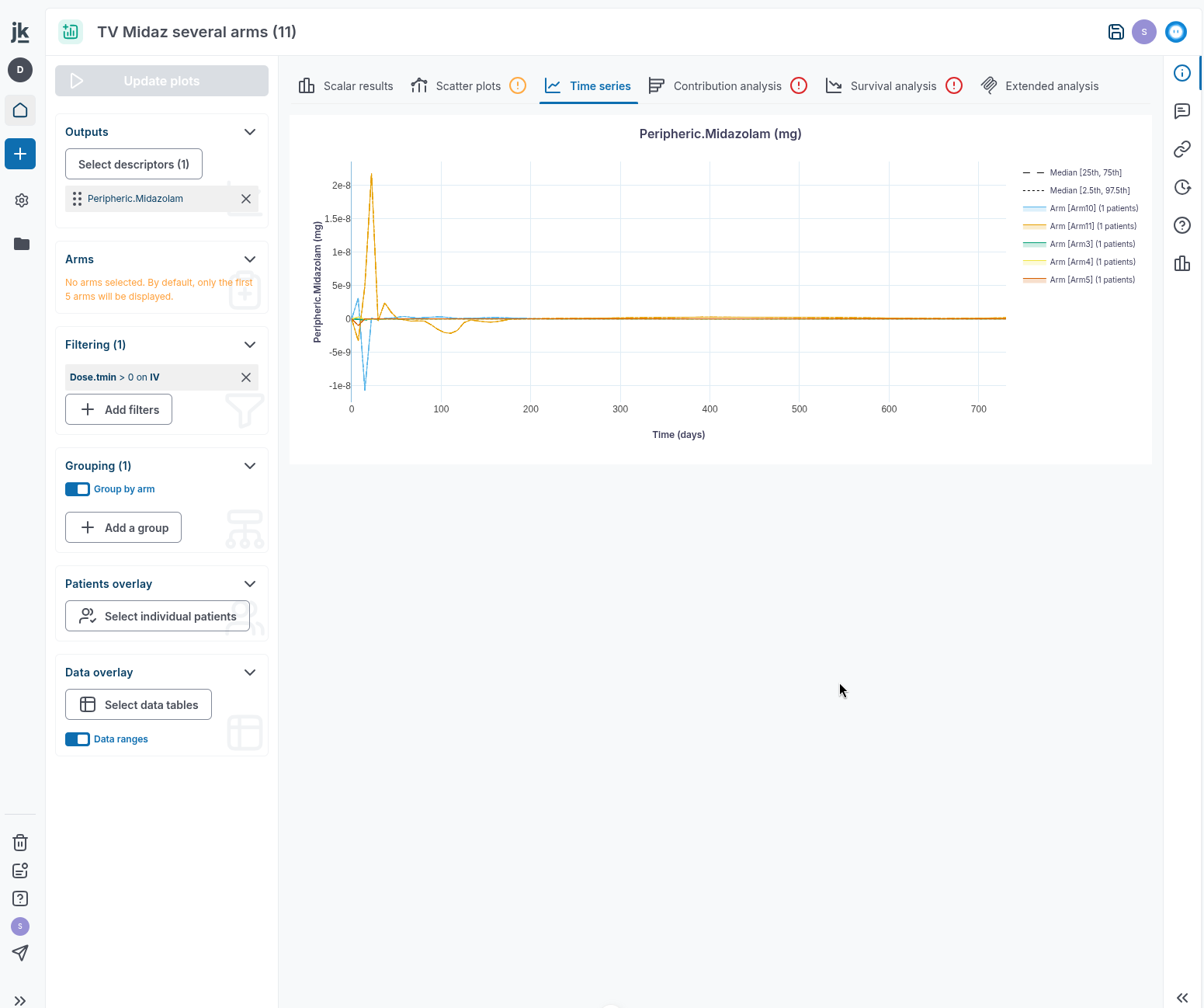
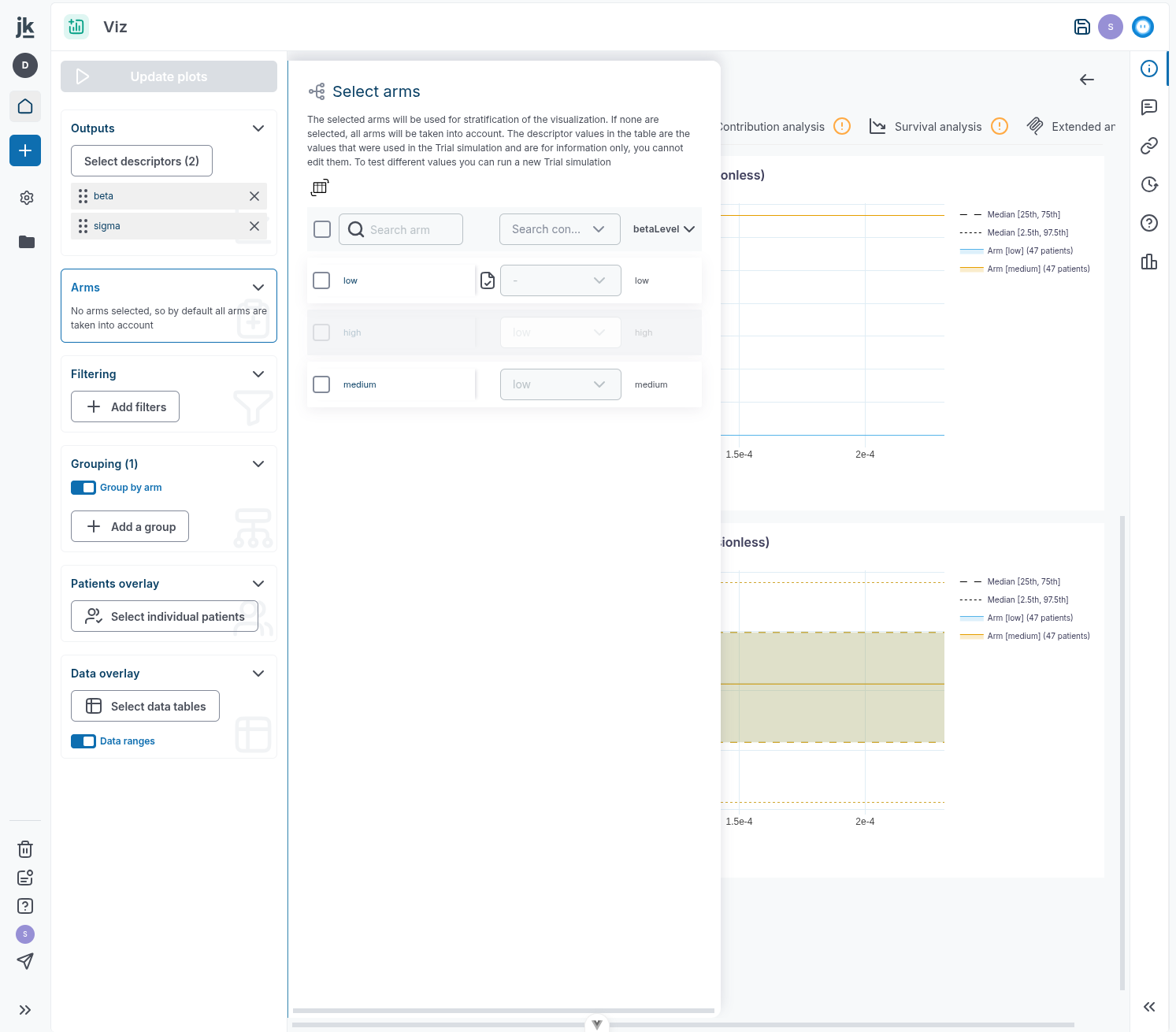
- Trial Visualization now clearly indicates that it's the first five arms that are shown by default in time-series views. You can still change the arm selection at any time.
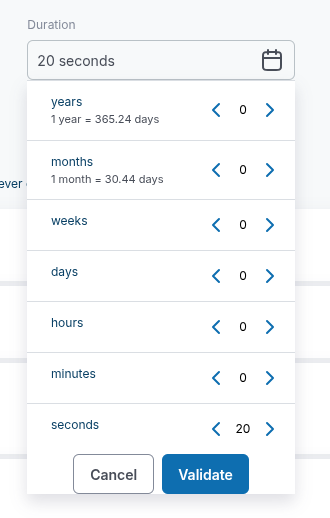
- Time conversion guidance now includes the relationship between:
- one year and the number of days;
- one month and the number of days.
-
Patient counts in aggregated time-series plots are now accurate for trials with more than 1,000 virtual patients.
-
Time-series plots now use the selected x-axis minimum and maximum after you select Update plots, making it easier to focus on a specific time window.
-
Users with the Viewer role can now view Trial Visualization without receiving access errors.
-
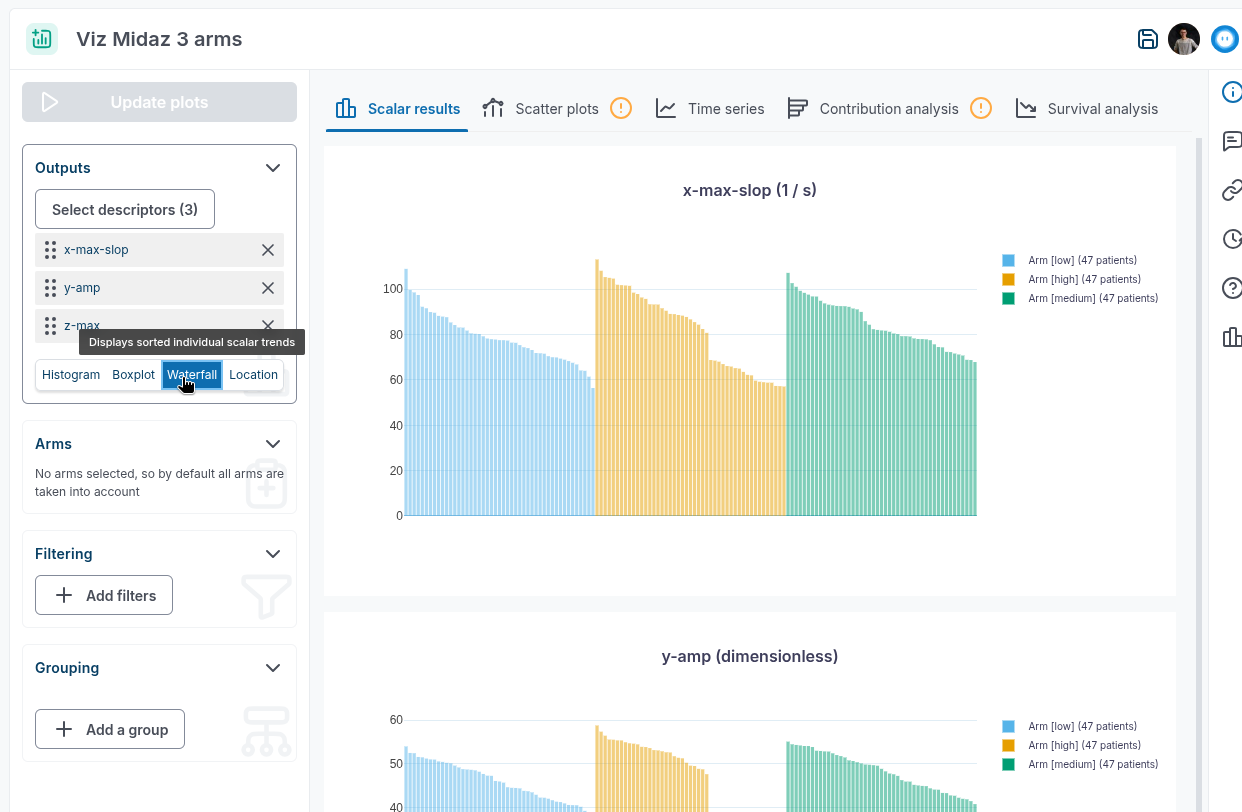
Waterfall plots now remain available after you change the visualization context.
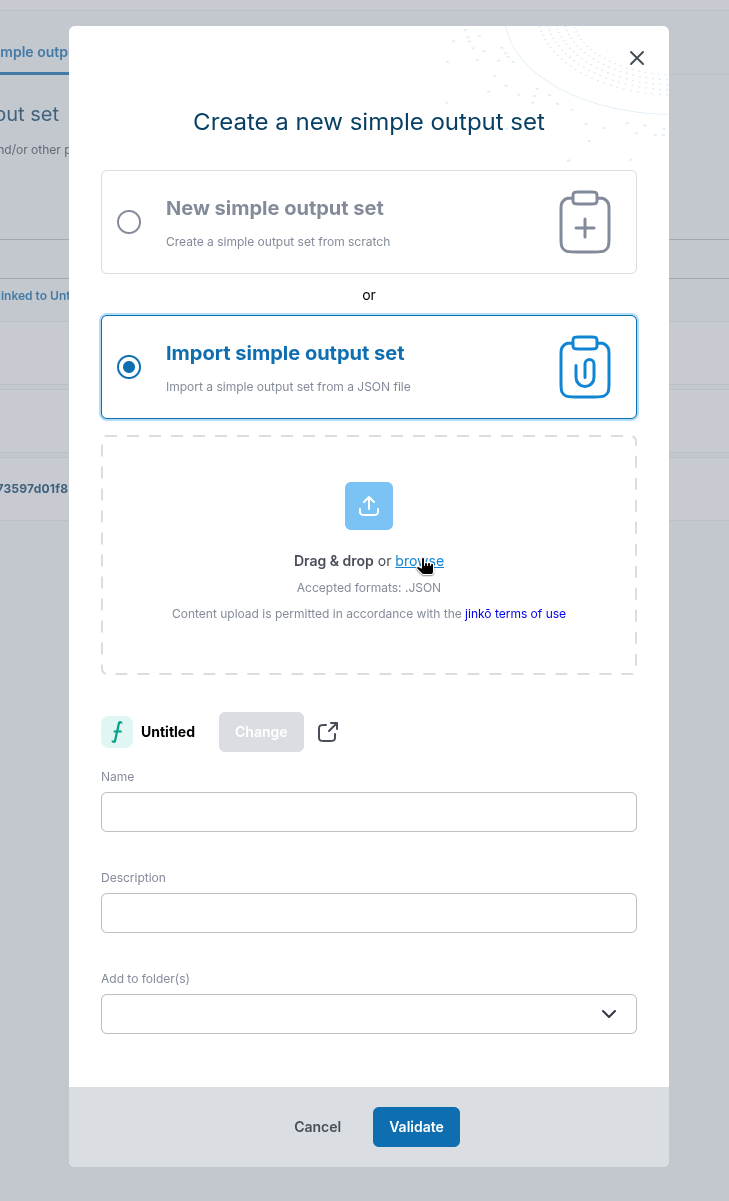
- Simple output sets can now be uploaded from your computer as
.jsonfiles.
- Trial Visualization now displays plots without errors when no arms are selected, including when a protocol arm is inactive.
Data & Calibration
- Scoring bounds now support scientific notation. Values with an absolute value of at least
1e7are displayed using scientific notation.
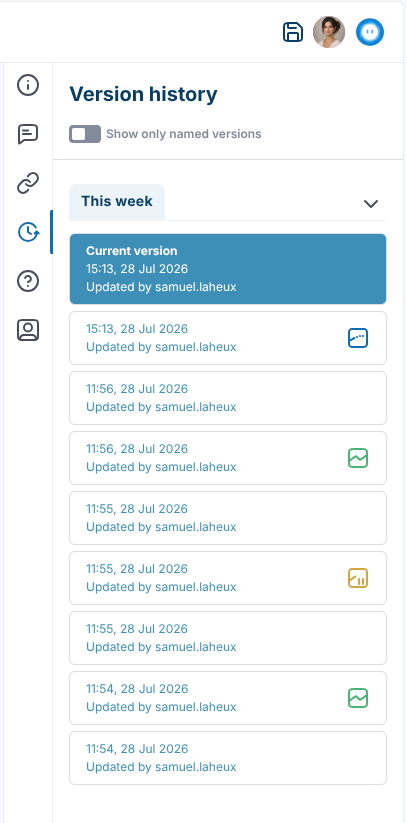
- Trial and Calibration version cards now show whether an operation is Running, Stopped, or Completed.
- Plots now resize correctly when the browser window changes size.
-
You can now insert rows between existing rows in data tables.
-
Data tables are now editable. You can edit cell contents, append rows, and delete rows.
-
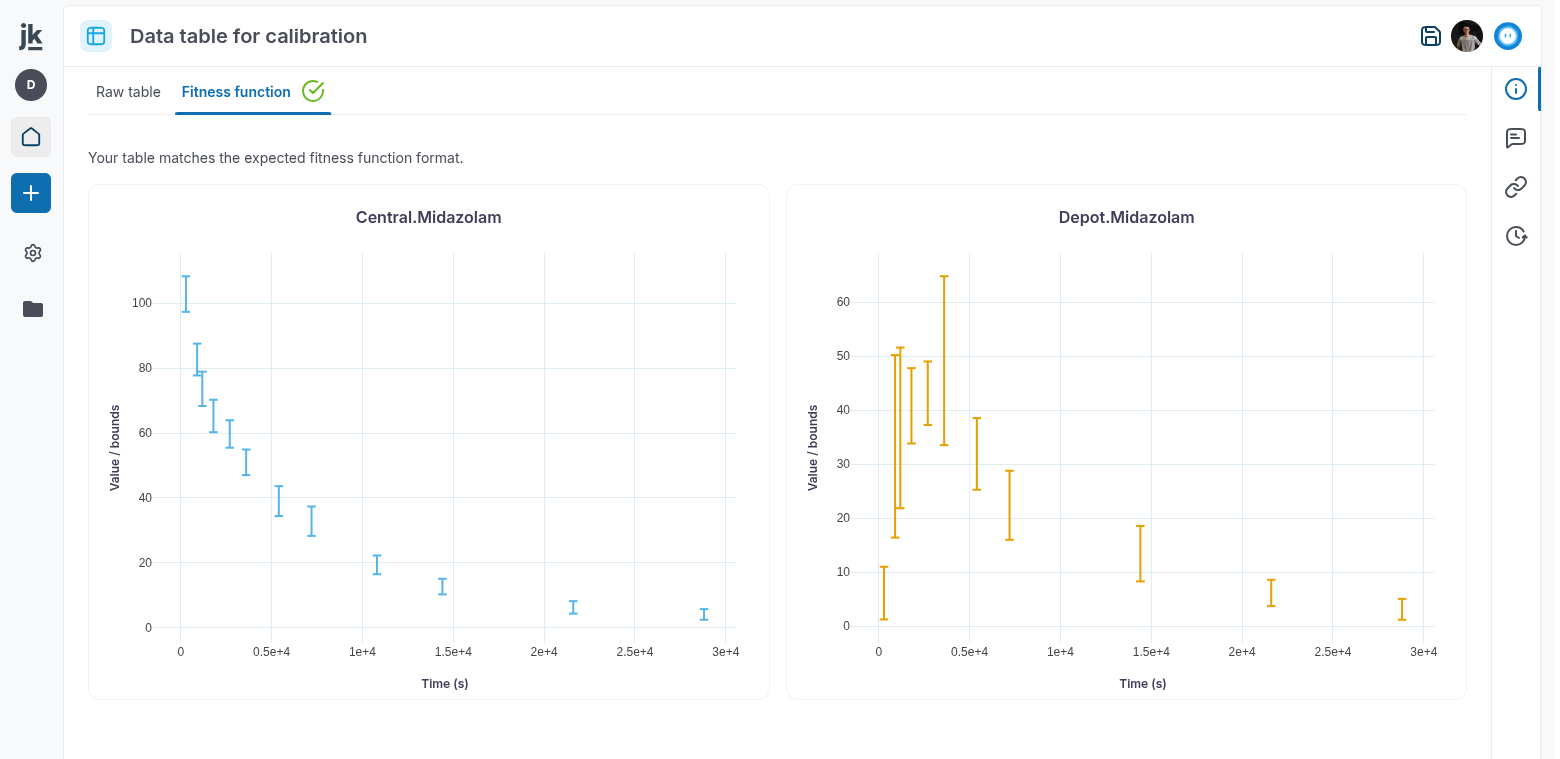
The Data Table Fitness Function tab can now plot data-table values and their bounds, when provided.
Virtual Population
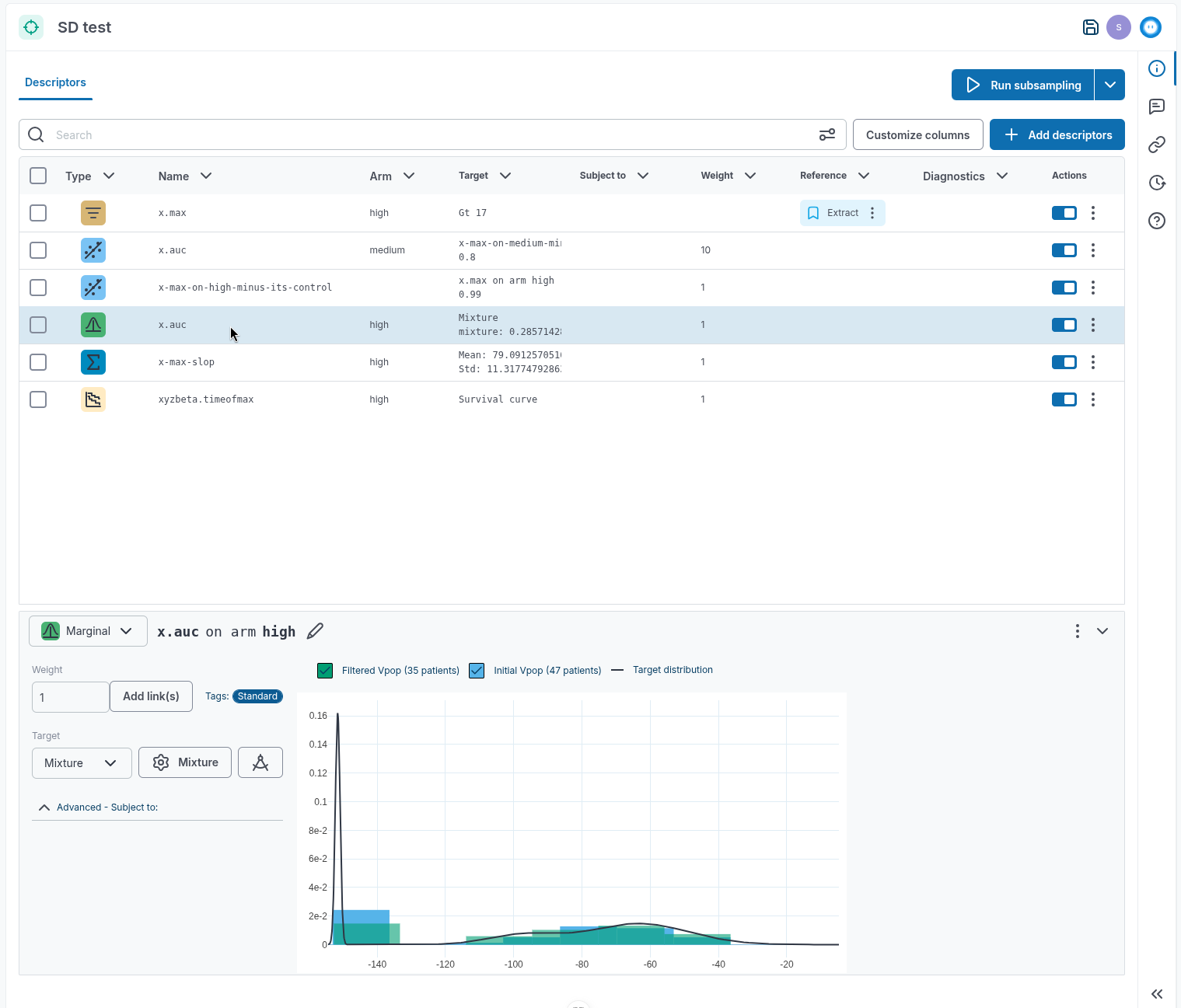
- Subsampling Design has been redesigned to make targets easier to define and review in a tabular view.
-
VPop stabilization on large trials now uses substantially less memory, reducing the risk of stabilization jobs running out of memory.
-
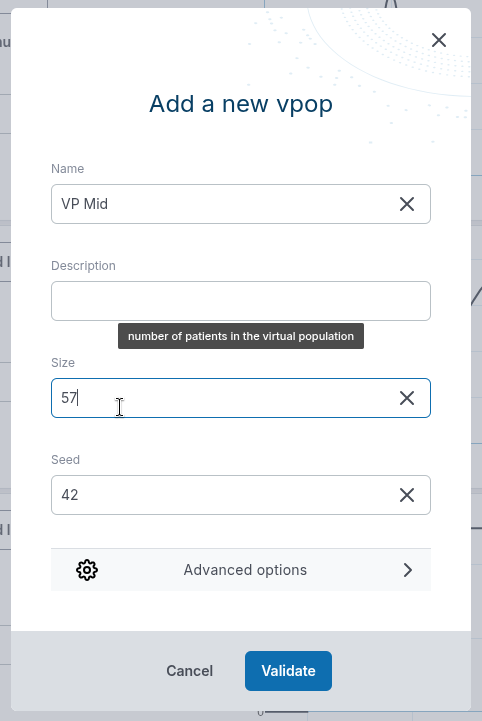
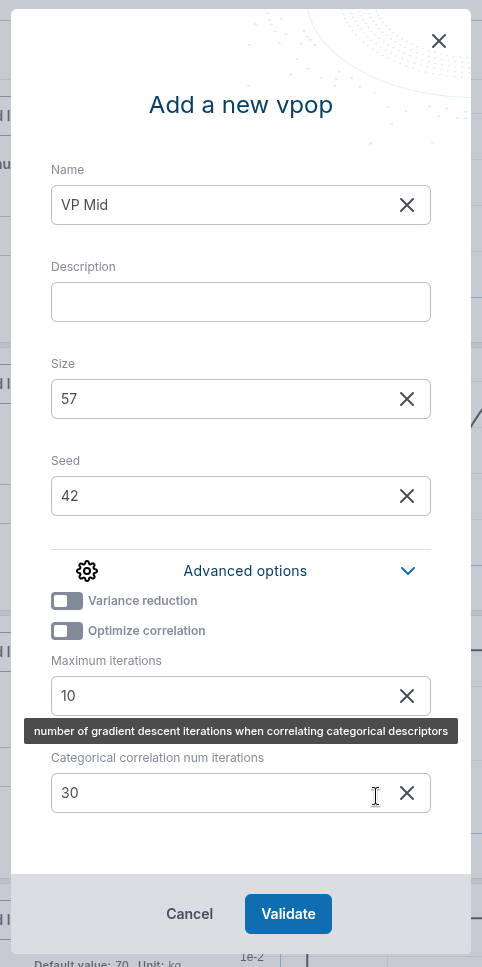
Creating a VPop from a VPop Design now shows the most important options first, with advanced settings grouped under a collapsible Advanced options section.
- When uploading a VPop or VPop Design file, the name field is now filled automatically with the filename.
- You can now combine descriptors and correlations from two VPop Designs.
-
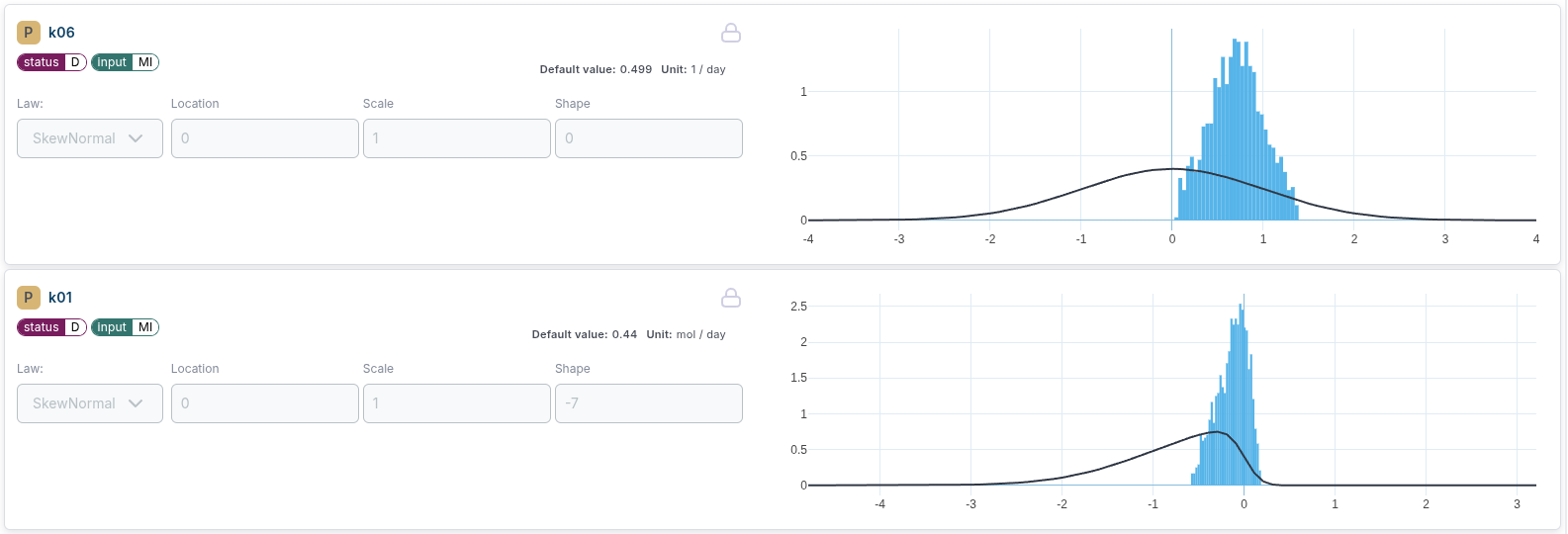
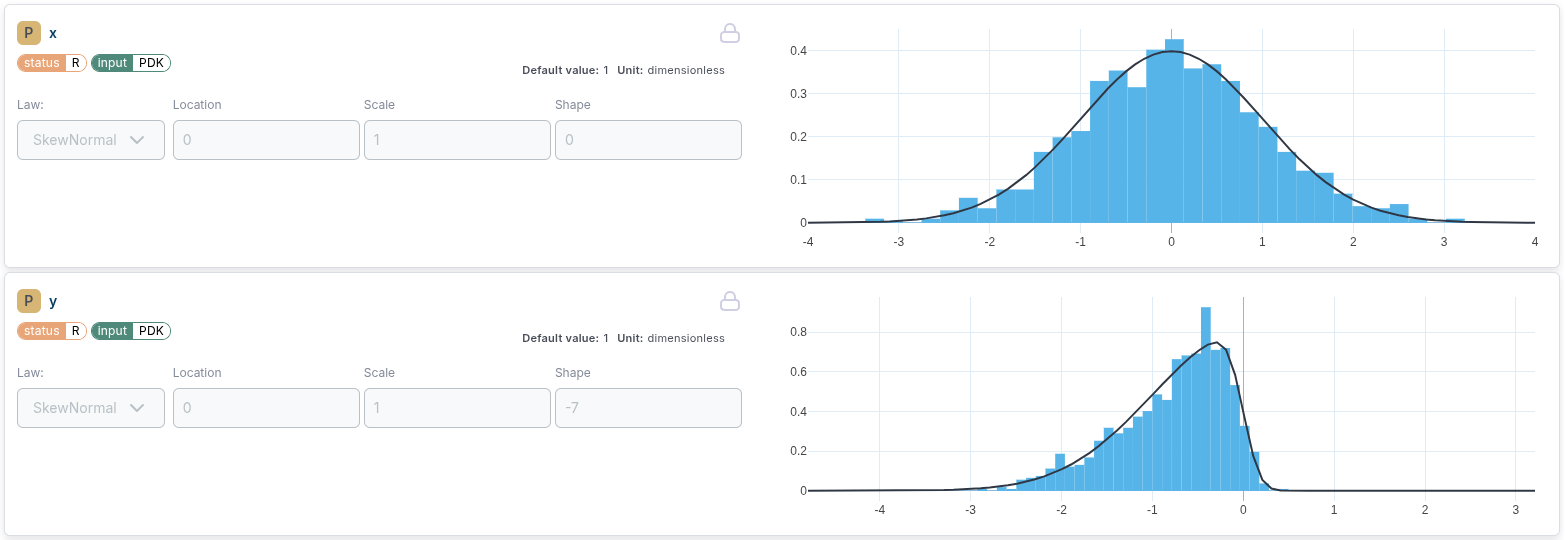
- SkewNormal sample generation has been corrected to improve sampling accuracy.
- Subsampling Design is now working steadily when adding a time-of-x scalar output as a target.
Organization & project management
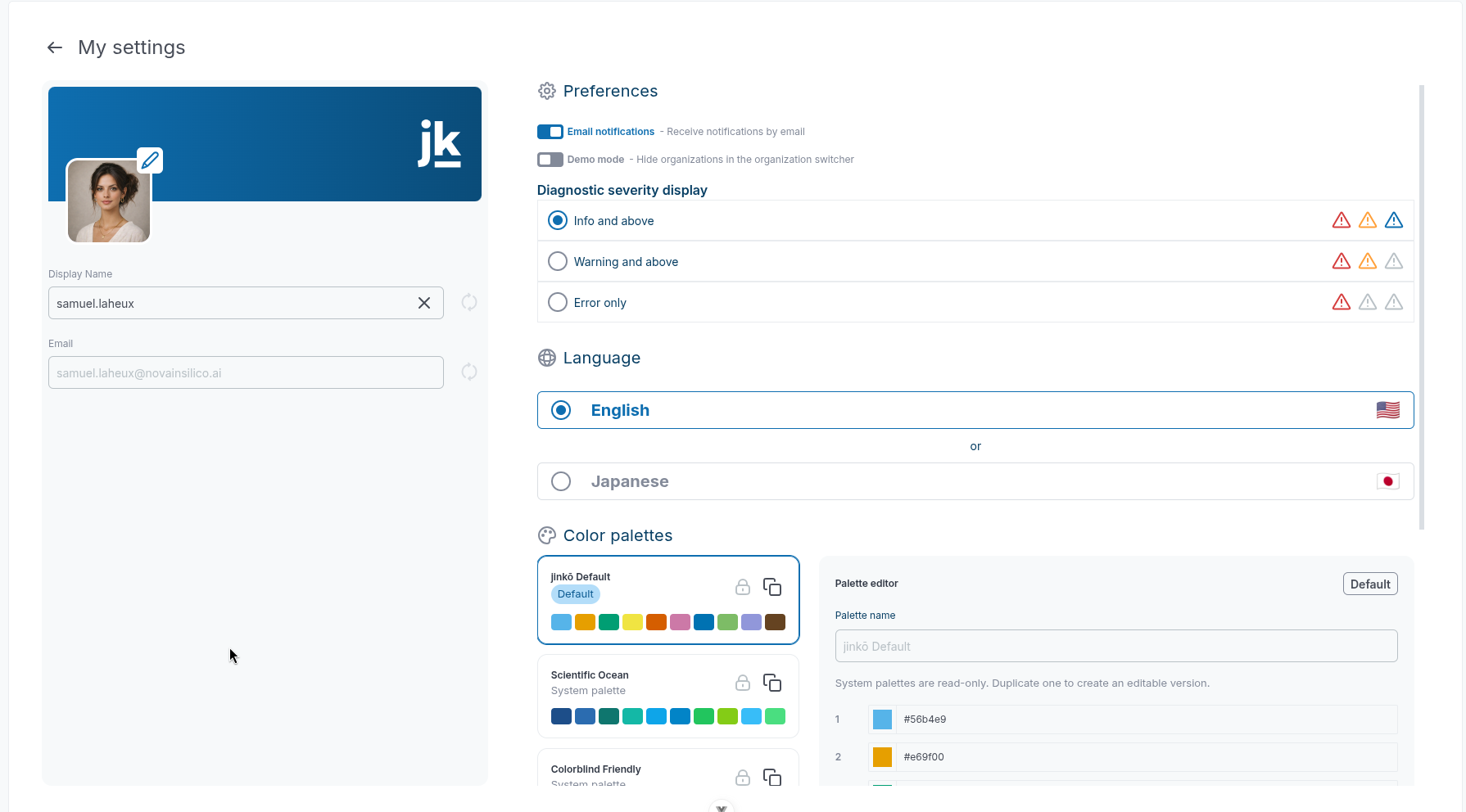
- The User Settings page has been redesigned.
- Navigation from a connected organization to an item in Personal Space now works correctly.

Documentation & Knowledge
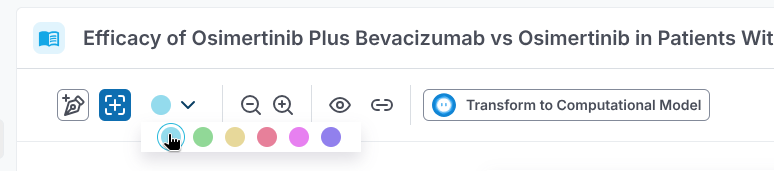
- Reference and document toolbars now use updated icons for their actions.
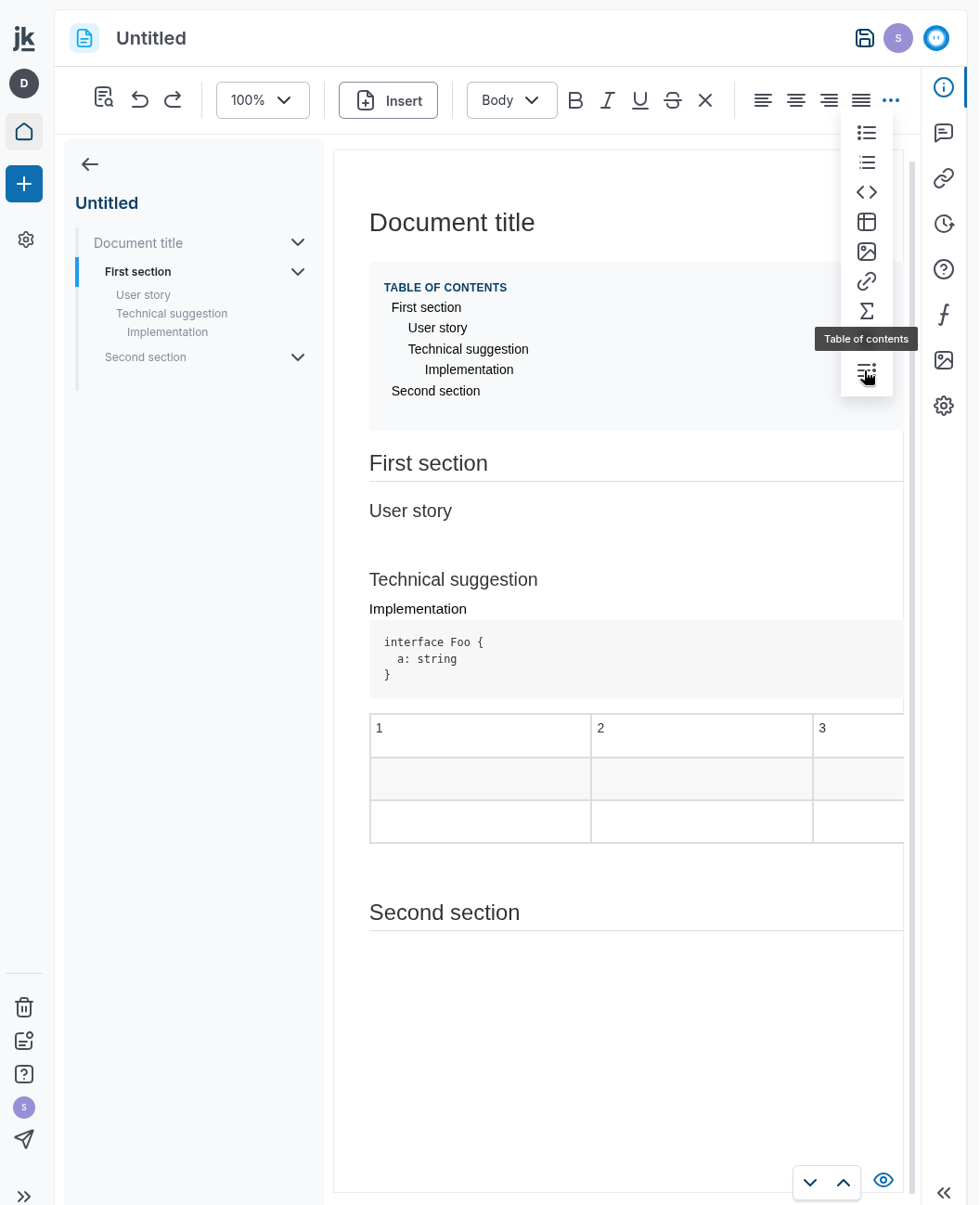
- Document toolbar actions that do not fit on smaller screens are now available from a More menu.
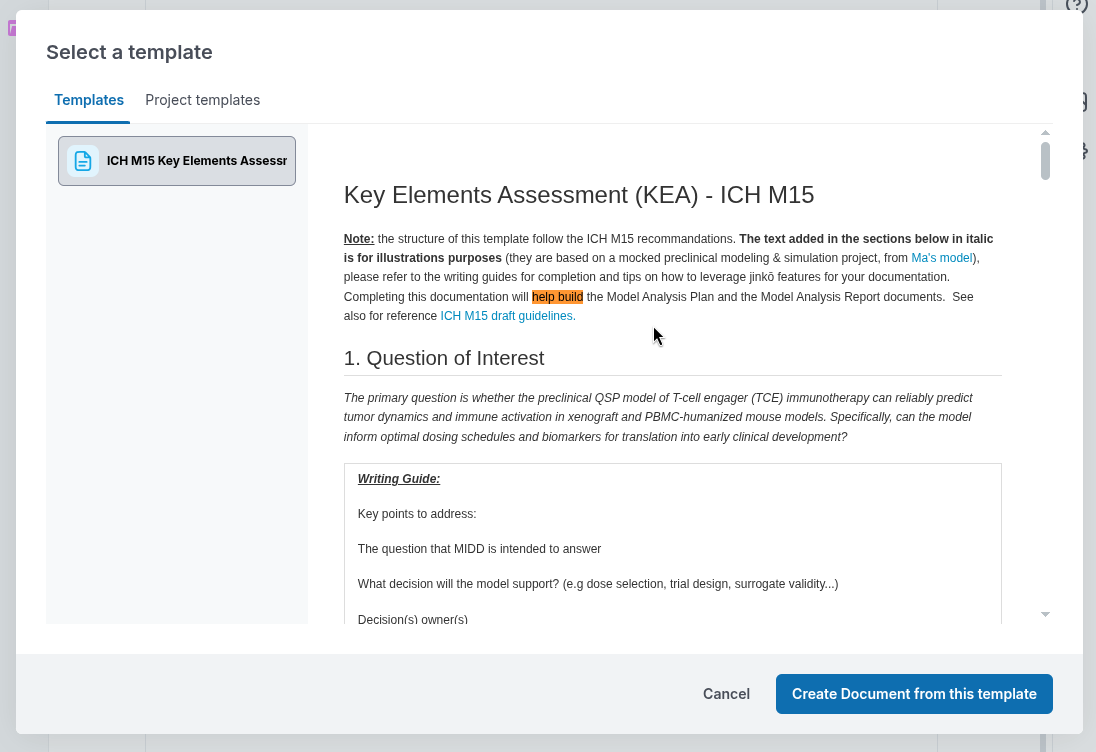
- Typos in the IchM15 document template have been corrected.
Other
-
Personal invitations are no longer available from the user profile page.
-
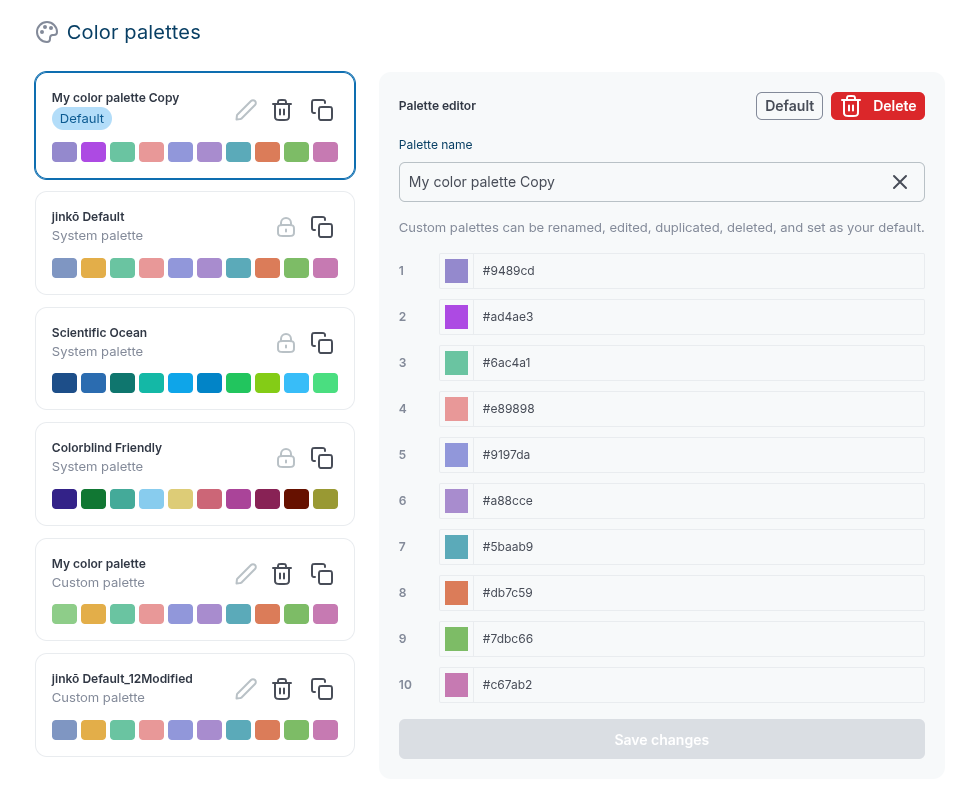
Plot color palettes can now be shared across users, and you can define a palette at the user level. Three palettes are available.